Set up Telegram bot
Create a Telegram bot via BotFather and get your API token. The guide watches your screen and speaks each step.
t.metelegram.orgweb.telegram.org
dPanel.ai Guides
Start with the product tour, then use the setup guides for models, Boxes, integrations, and the first workflow you want to run.
Start with the real product
Each guide connects a real product view to the work it helps you manage.
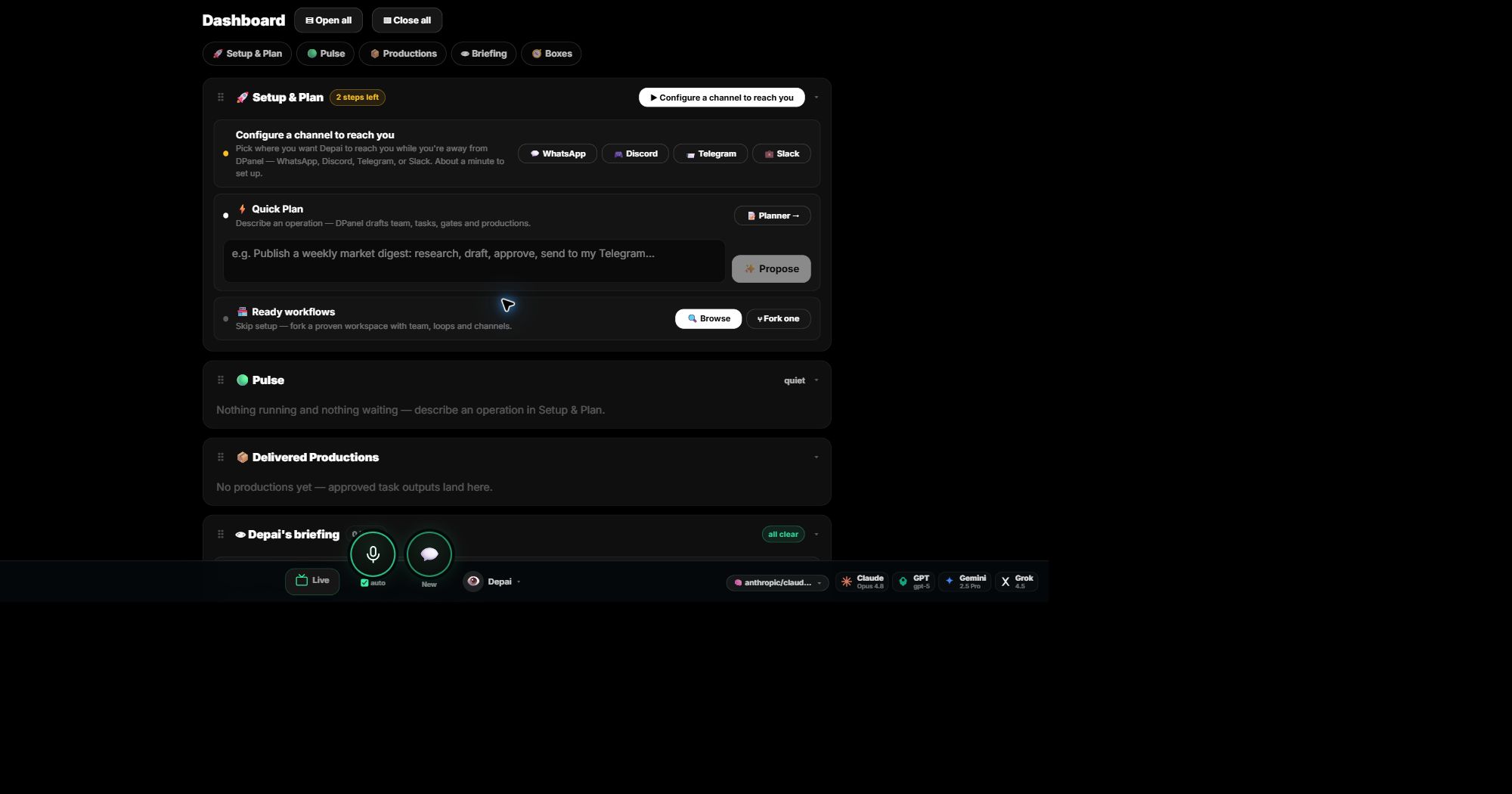
Start a plan, browse ready workflows, follow active work, and find delivered productions.
Open guide →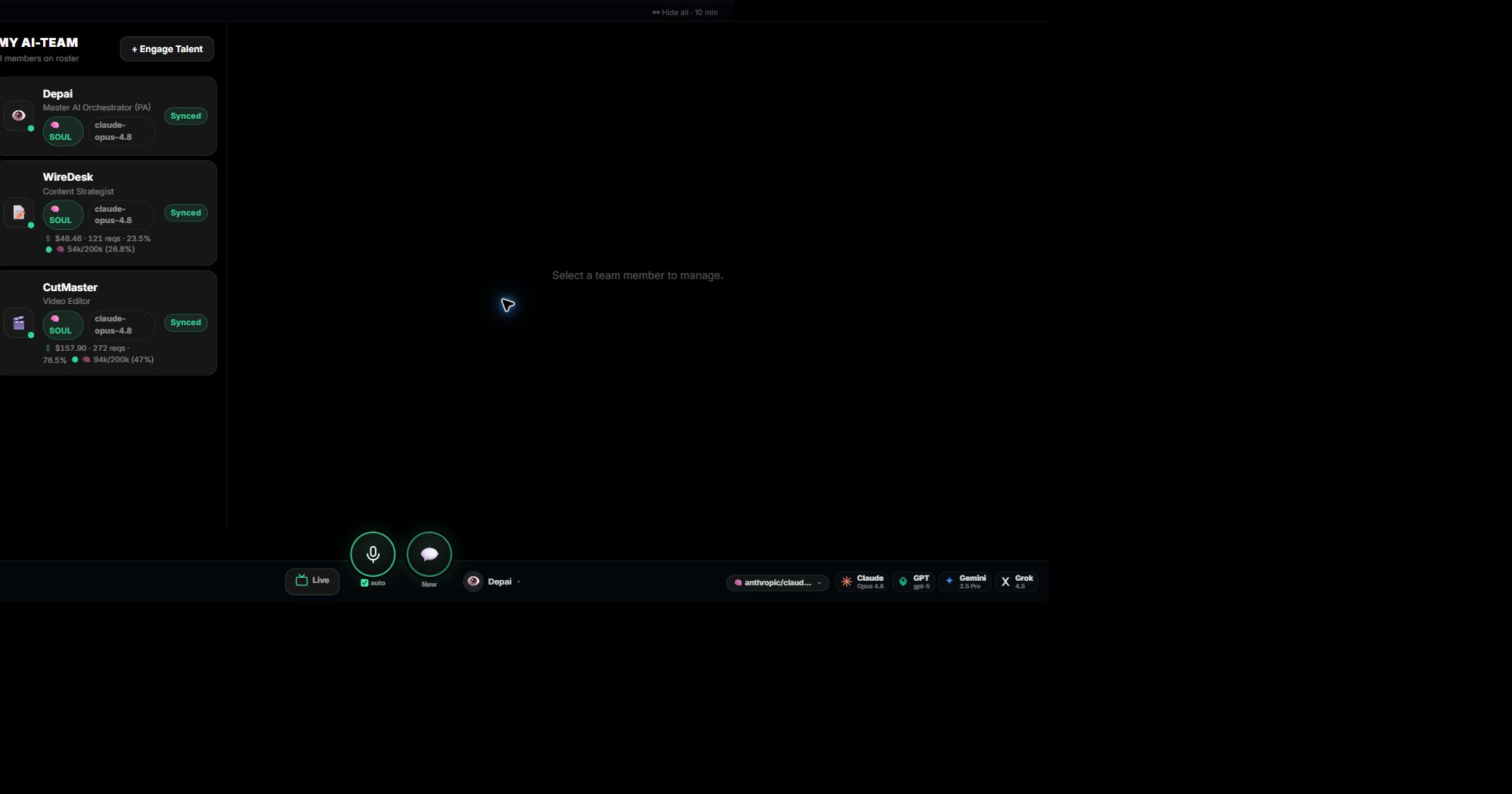
Choose specialist roles and manage their instructions, models, sessions, context, and usage.
Open guide →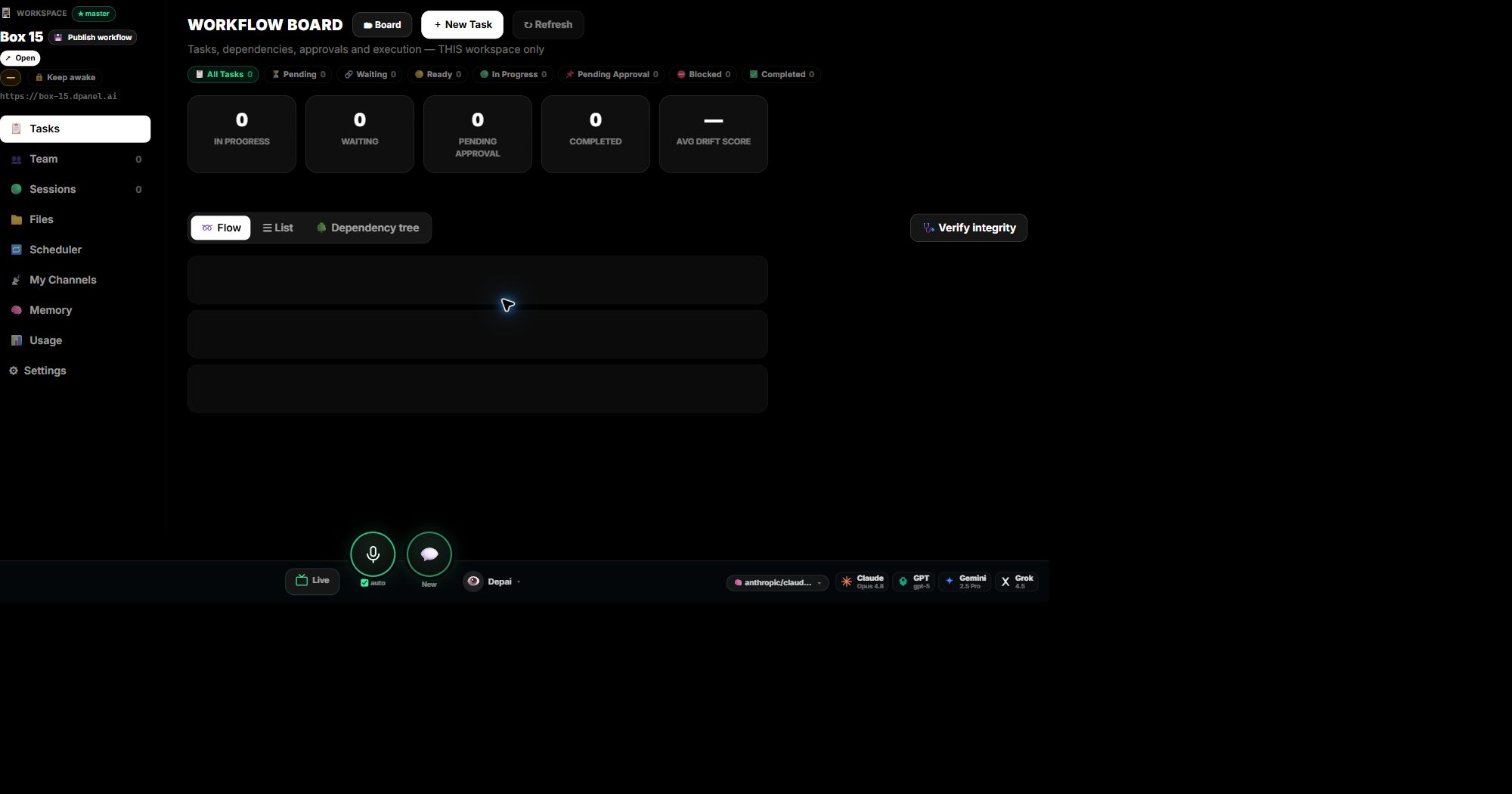
Use Board, List, Flow, or Dependency Tree while keeping files, sessions, and outputs connected.
Open guide →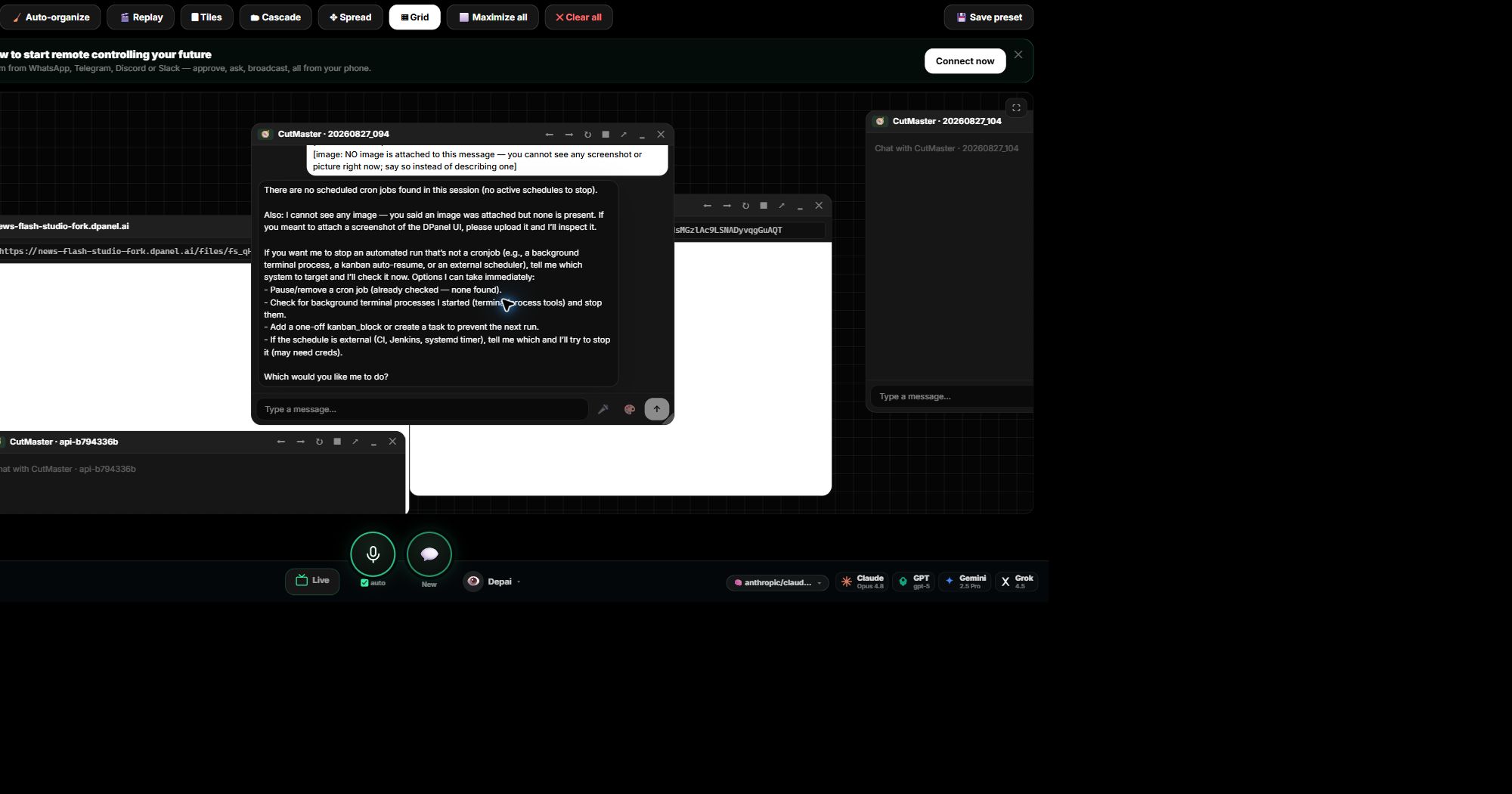
Bring several agent conversations and work surfaces together on one board.
Open guide →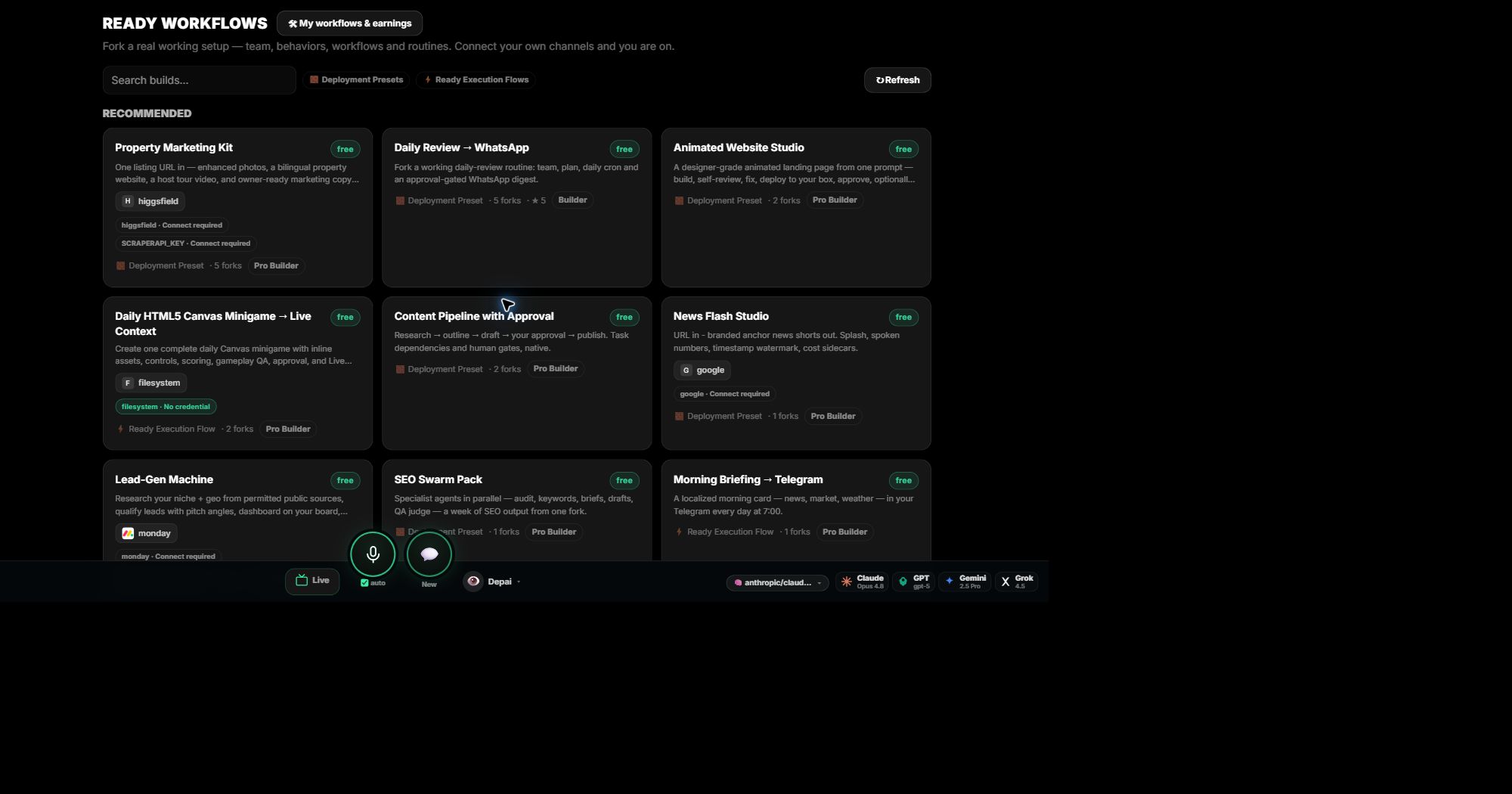
See the included team, routines, schedules, requirements, and versions before creating your copy.
Open guide →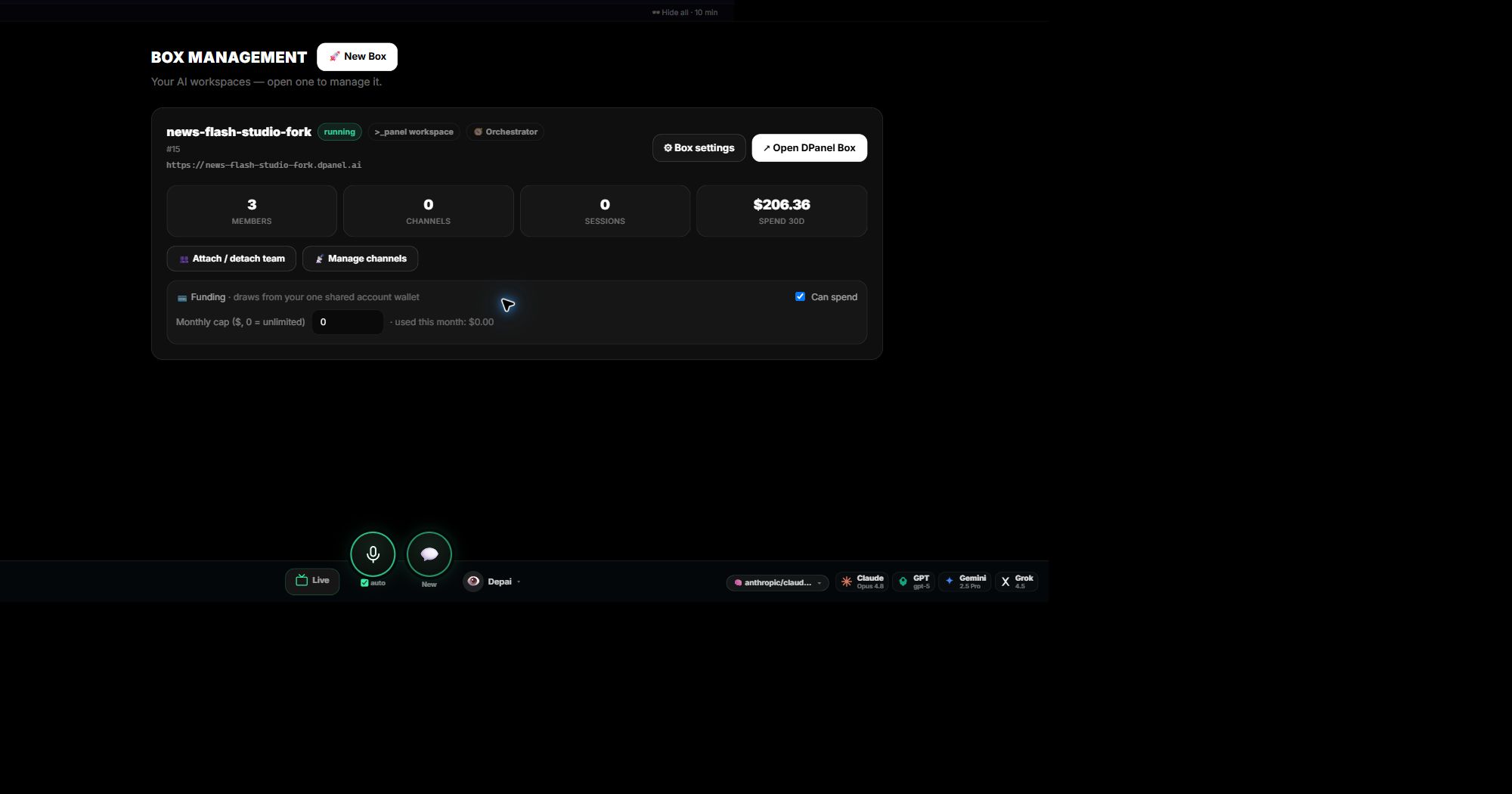
Run locally, connect an existing remote Box, and manage its team, schedules, channels, and funding.
Open guide →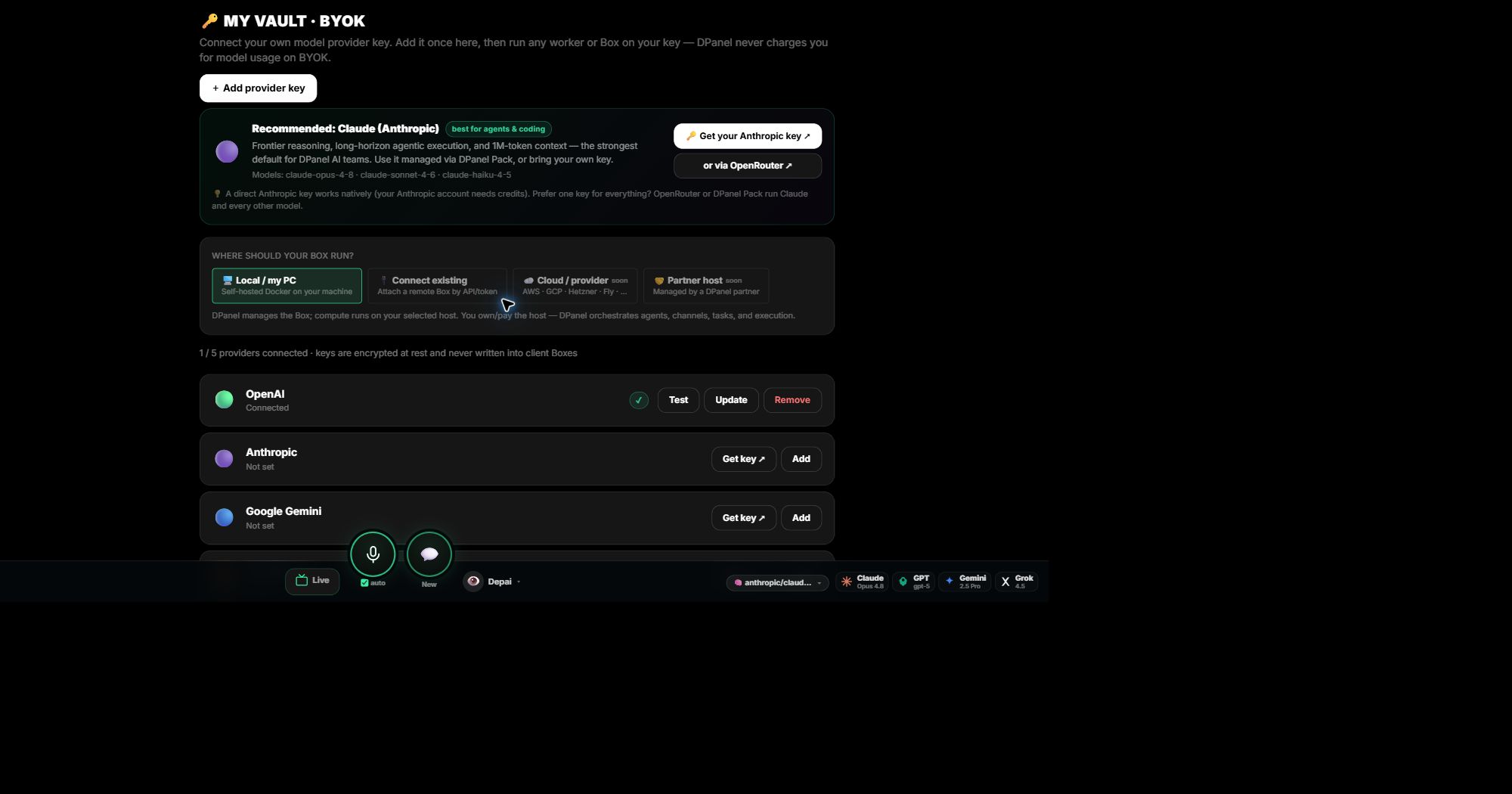
Use managed dPanel.ai credits or connect your own provider key through the Vault.
Open guide →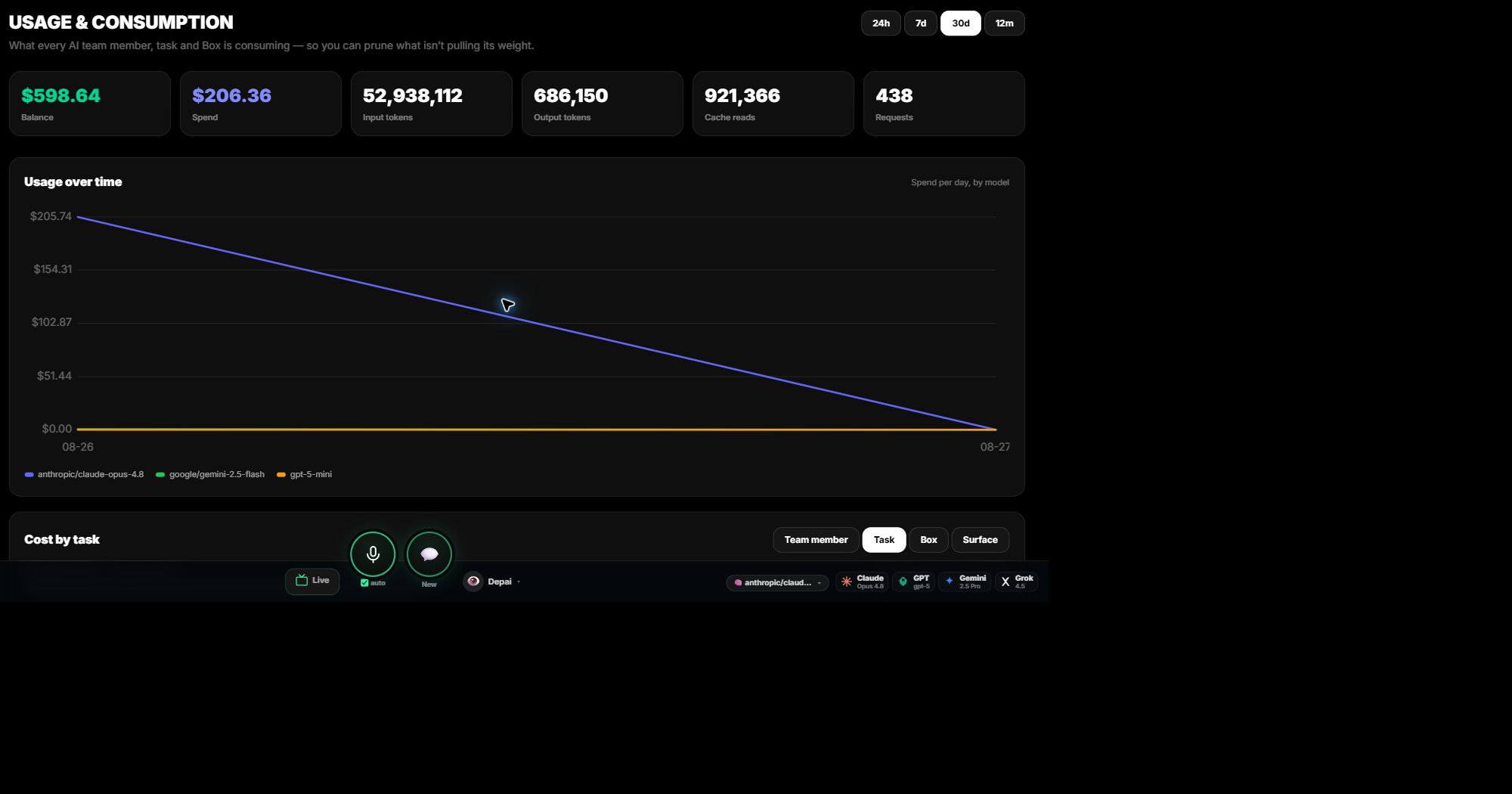
Trace models, tokens, requests, spend, tasks, team members, Boxes, and surfaces.
Open guide →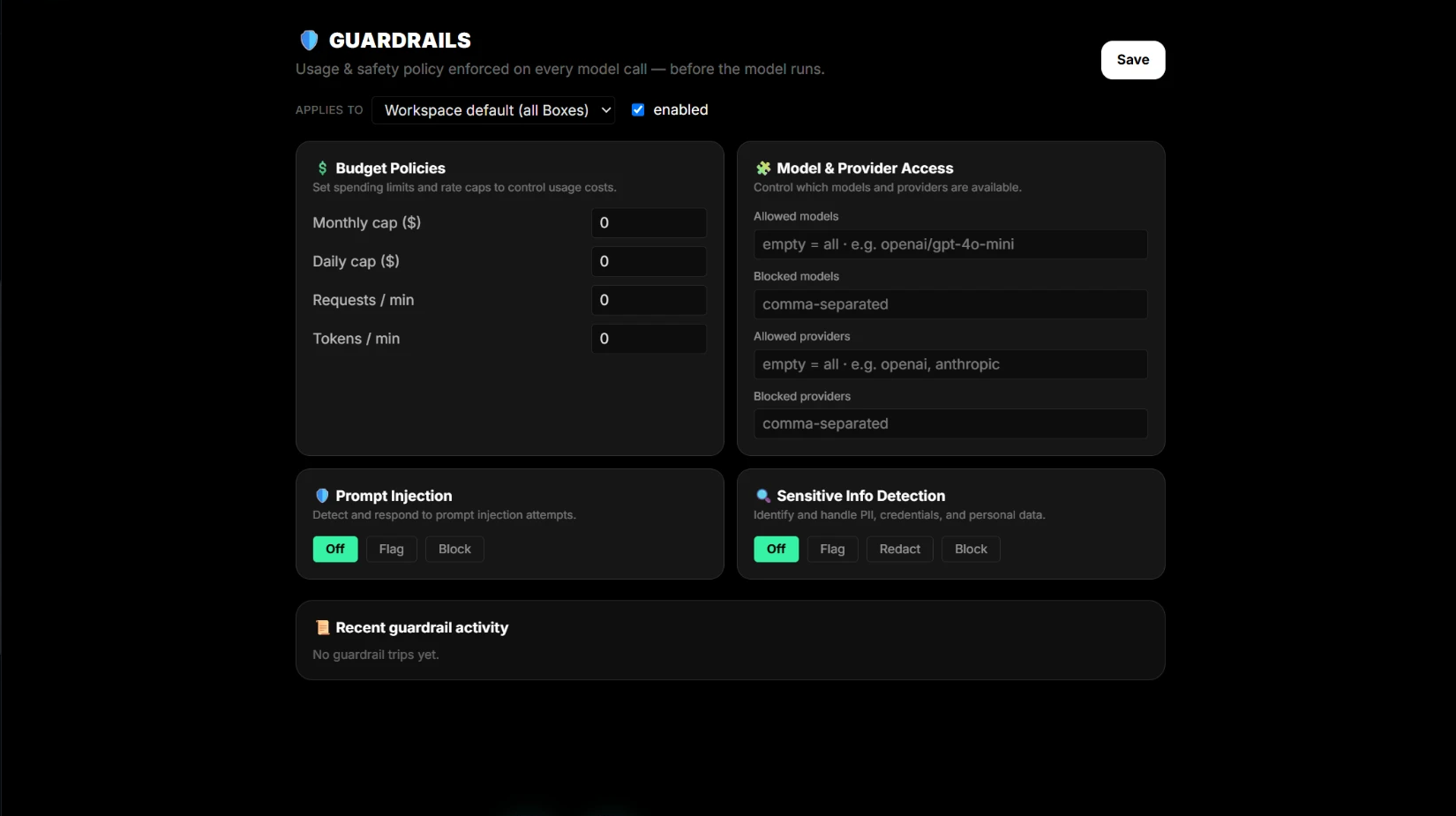
Apply budgets, rate limits, provider access, prompt-injection checks, and sensitive-information rules.
Open guide →Live Screen Guides
Share your screen and get real-time voice instructions. The guide watches what you do and speaks the next step.
Create a Telegram bot via BotFather and get your API token. The guide watches your screen and speaks each step.
Authorize the monday.com OAuth integration. Live voice guidance through every permission screen.
Link WhatsApp via QR code. The guide walks you through each step on your phone and browser.
Share a Notion database with dPanel.ai. Live guidance through sharing permissions and database setup.
Requires screen sharing permission. Works in Chrome, Edge, and Firefox. No login required.
BYOK setup
Walk from provider-key choice to a Claude-backed AI agent running on the user's own key. BYOK usage is visible and never charged by dPanel.ai.
BYOK instance
Pick a connected provider key, choose an instance, confirm consent, and apply it. The key goes into the user's own instance only.
Runtime targets
dPanel.ai is the control plane, not the host. The selector should make ownership, billing, and runtime location explicit.