Channels

Talk to your AI team where you already are.

WhatsApp, Telegram, Slack, Discord, and email connect straight to your team. Ask, approve, and direct the work from your phone, by text or by voice.

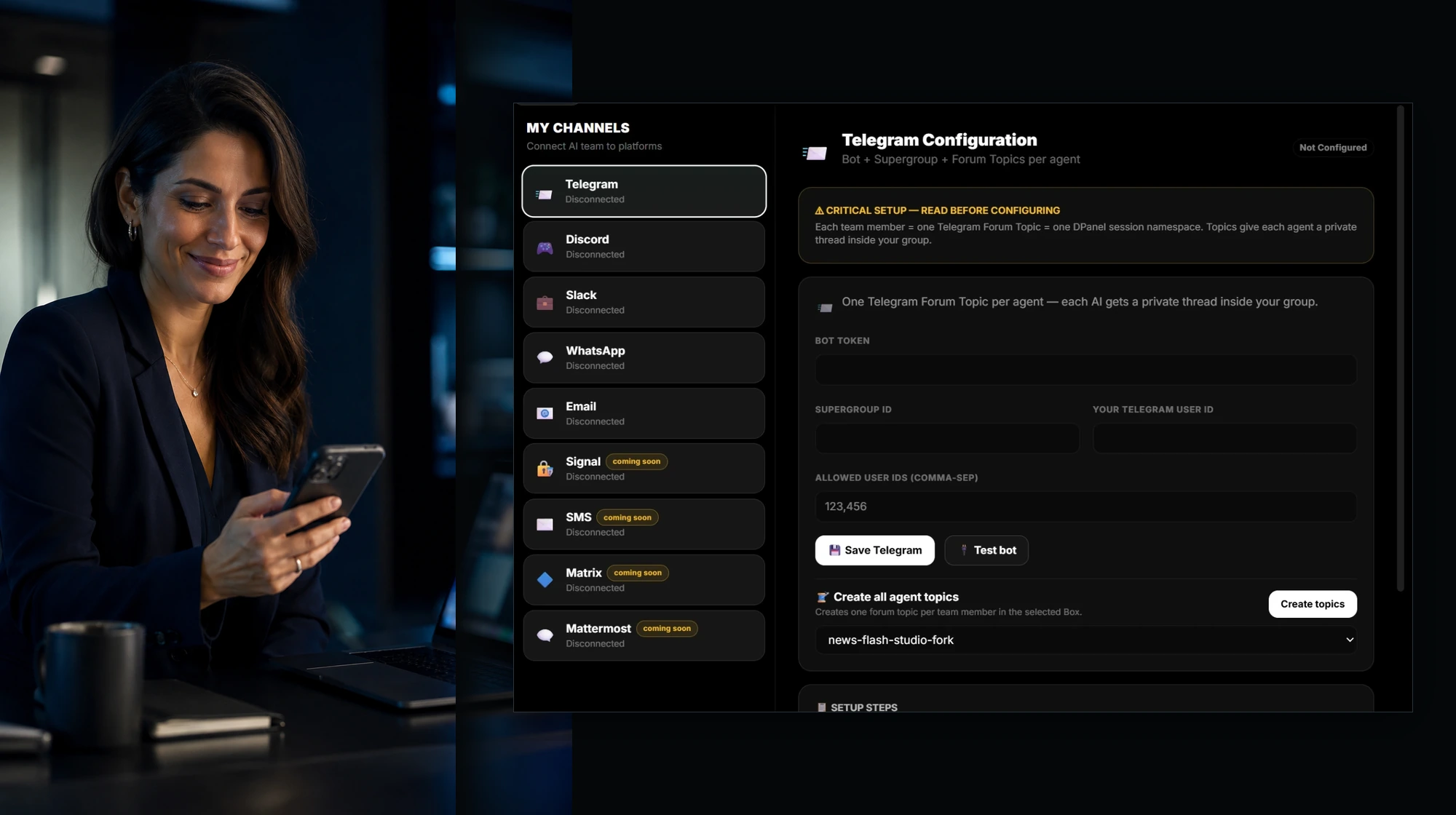
Approving a message from the phone next to the My Channels screen

A private thread for every team member

On Telegram, each member of your team gets its own forum topic inside your group. You talk to the researcher in one thread and the editor in another, and the orchestrator keeps the picture. Create all topics for a Box in one step.

Hands-free, both ways

Send a voice note and get the answer back as audio. Type when you prefer. The conversation keeps its context across messages, so you continue where you left off.

Approvals from your phone

Every external write becomes a proposal with its target, the change, and the risk. Approve, edit, or reject it from WhatsApp or any connected chat, and the team carries on.

Sessions follow you

Take over any session from the workspace, or hand it to WhatsApp or Telegram and keep the same conversation going on your phone.

Your team, your rules

Access is yours to grant. The people you allow talk to the team, admins get the full command set, members get theirs, and direct messages and groups can follow different rules.

Broadcast and ask

Ask for status, logs, a report, or the next step, and broadcast a change to the whole team from one message.

Under the hood

Built on the Hermes Agent messaging gateway.

DPanel runs on a hardened fork of Hermes Agent. Its messaging gateway connects Telegram, Discord, Slack, WhatsApp, and email today, keeps every session across messages, delivers voice replies, and brings Signal, SMS, Matrix, and Mattermost next.

Read the Hermes messaging guide

Connect your first channel in about a minute.

Pick the app, paste the token, and your team is reachable from your pocket.