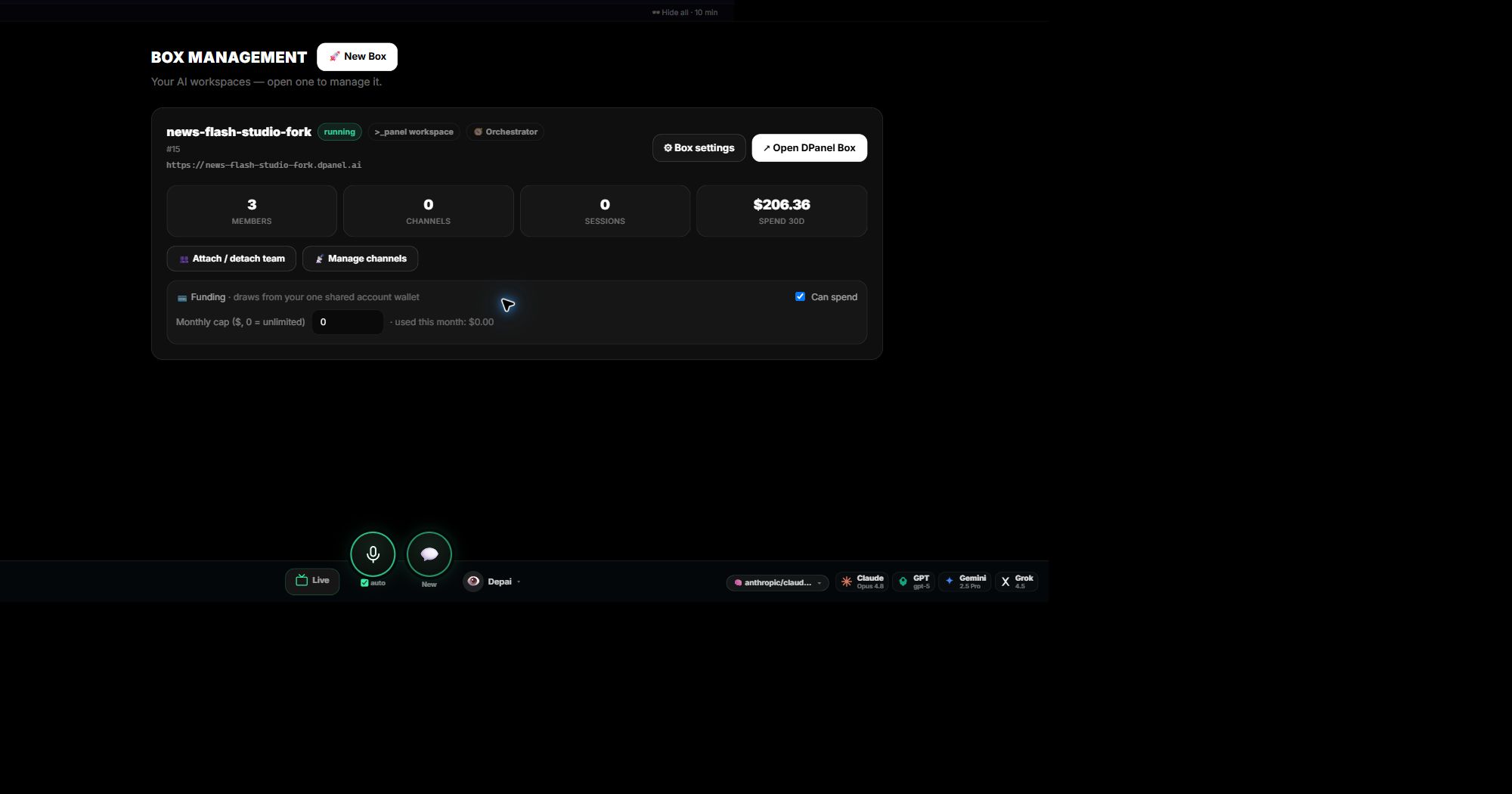
Boxes at a glance
The Boxes page shows each Box with its status, attached members, channels, sessions, recent spend, and funding controls. Open one for the full Workspace.
Add a Box, keep the team
Set up a new Box and attach your team to it. Members keep their identity, instructions, memory, and skills, so the same specialists go on working from the new home. Detach and attach from the Team page whenever you reorganize.
Control what a Box can spend
Each Box has a spending switch and a monthly cap drawn from your shared wallet. Set the cap per client or per workflow, and read the spend on the Box card.
Continue in dPanel.ai
Open the related product area or workflow when you are ready to apply this guide.
Explore the platform