Start on a hosted Box
Open a hosted workspace and begin right away, or run the Box on your own computer.
AI team operations
Give real work to an AI team you direct. Plan it in plain words, run it on your own Box, and see every task, decision, and cost as it happens.
Start free — hosted dPanel.ai agent and $5 credit included, no credit card required
For the people who run the work
Marketing, research, support, content, code. Your AI specialists do the work on a live board. You set the budget, choose which actions wait for your approval, and see what every task cost.
See the platform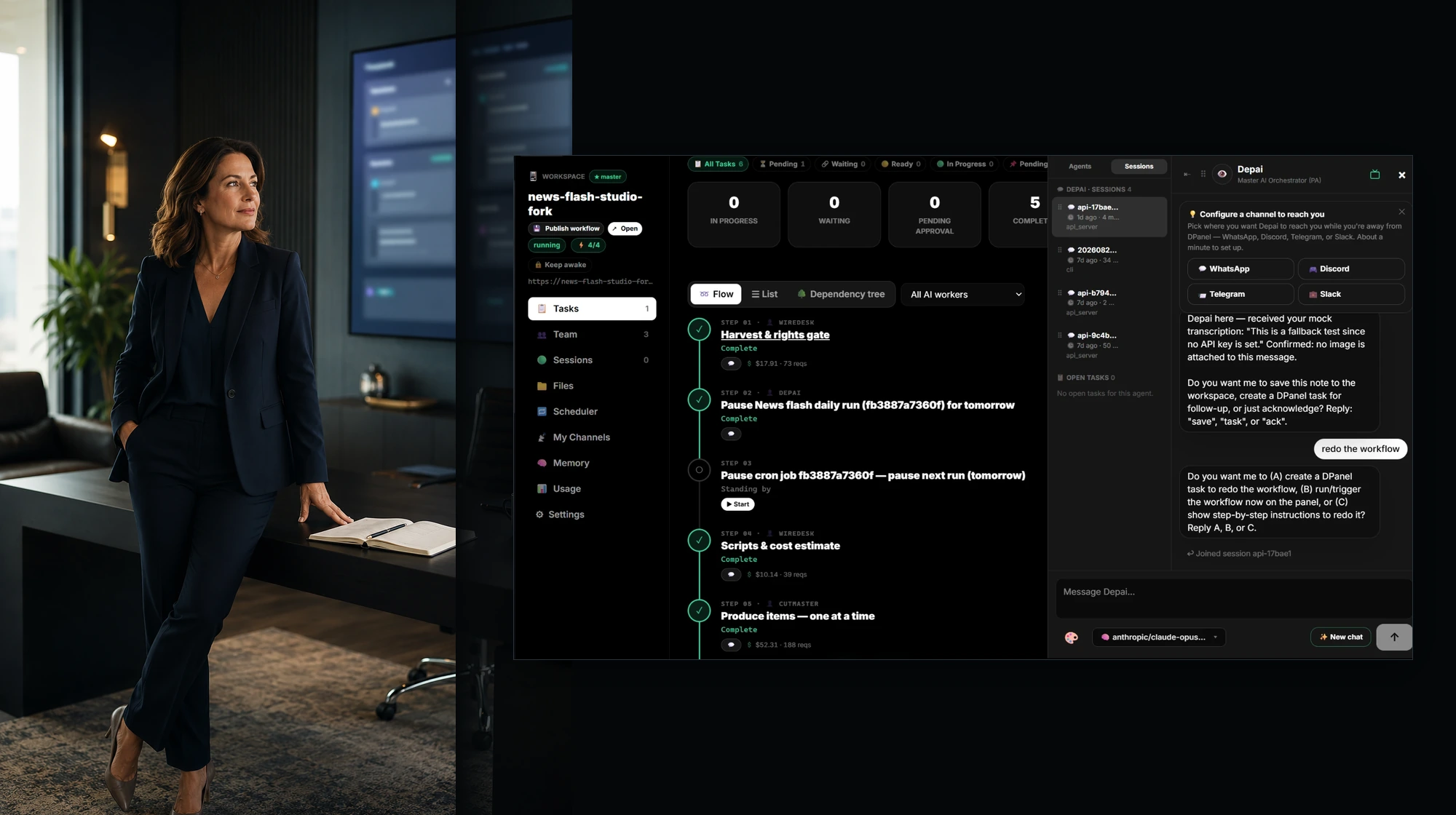
Platform
Plan the work, assemble the team, run it on a Box, connect models, tools, and channels, and follow every task, session, and cost from one dashboard.
Explore the platform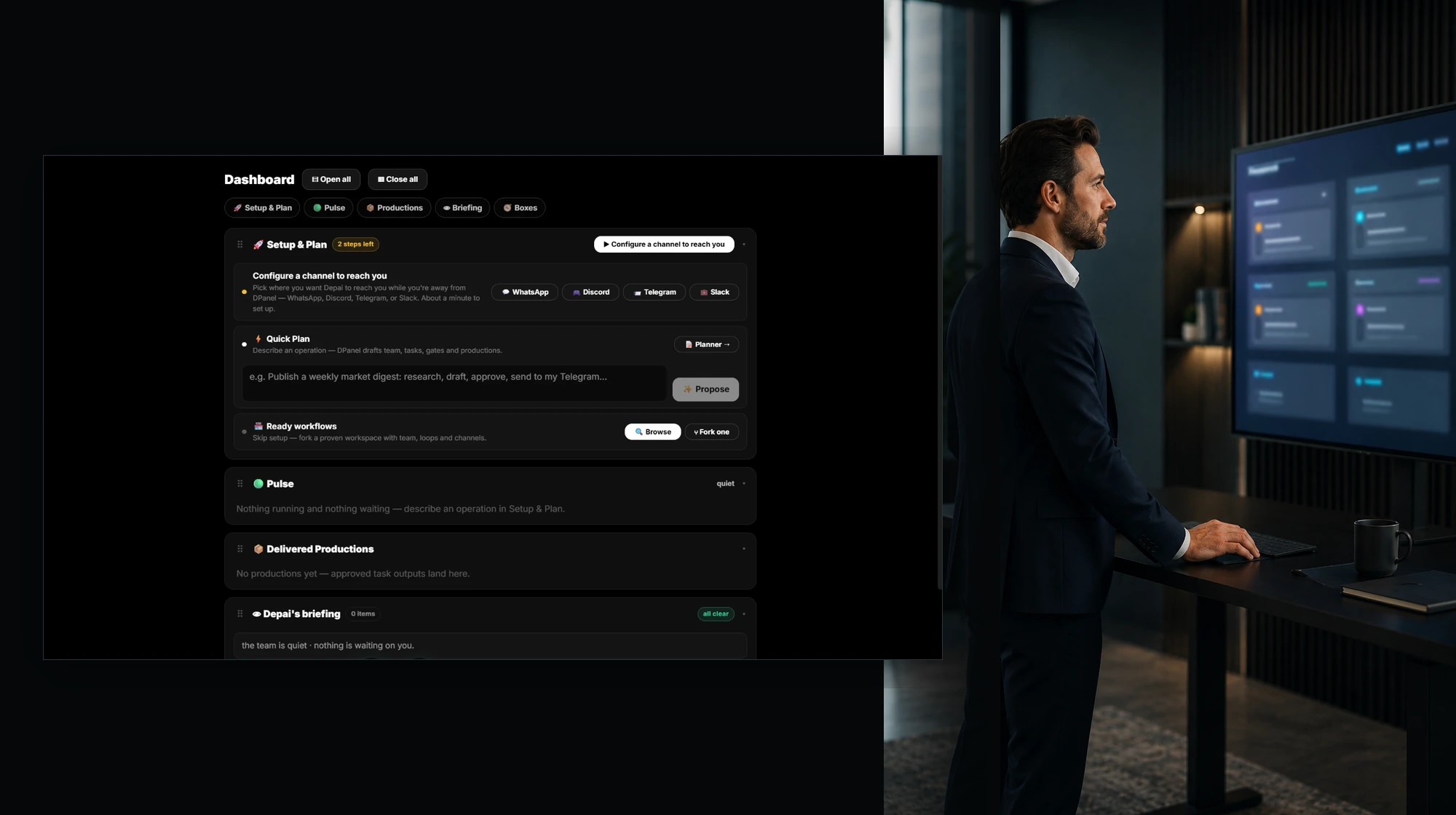
Workflows
Fork a real working setup with its team, behaviors, routines, and integrations, connect your own channels, and you are on. Publish yours for others to fork.
Browse workflows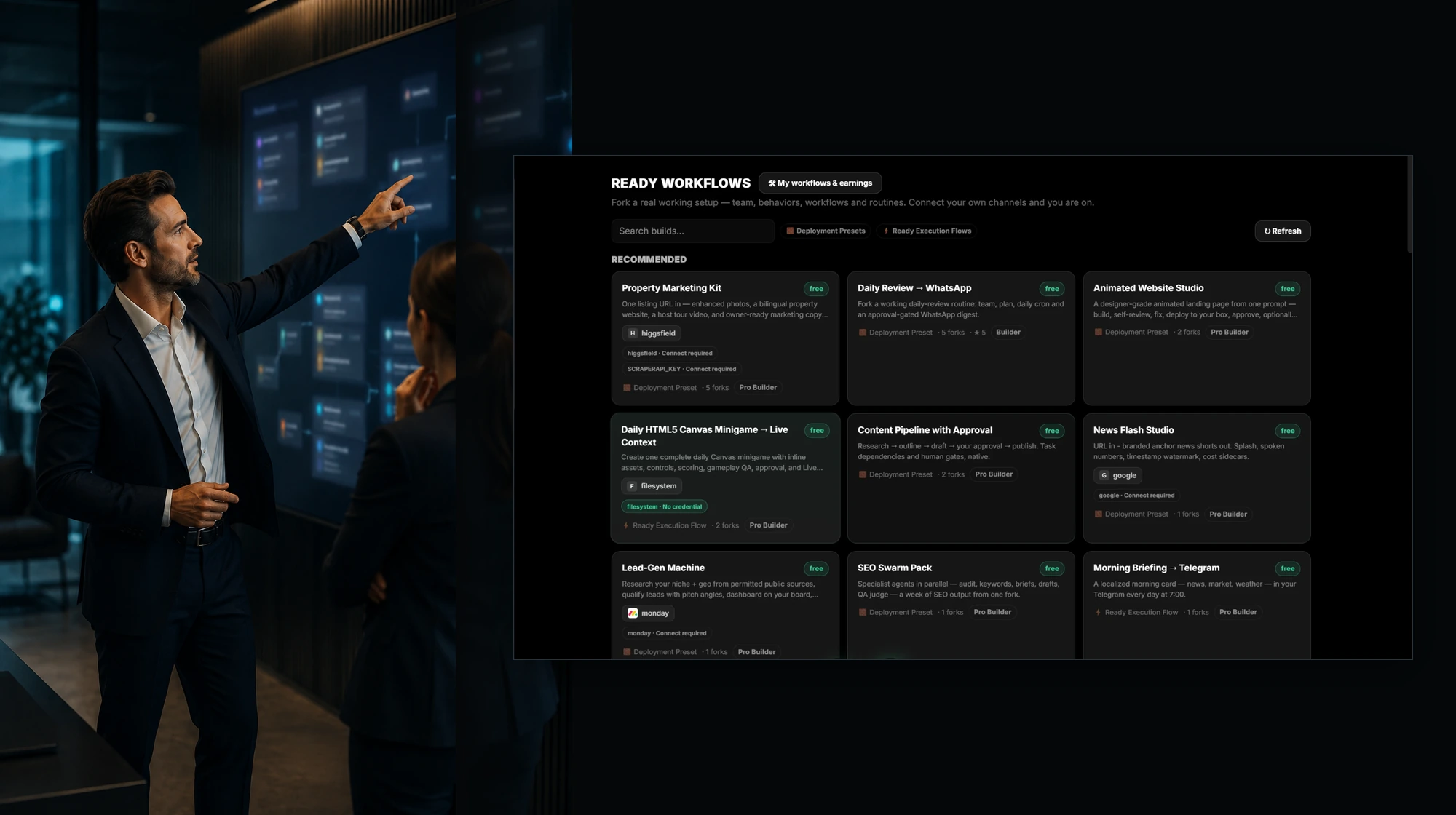
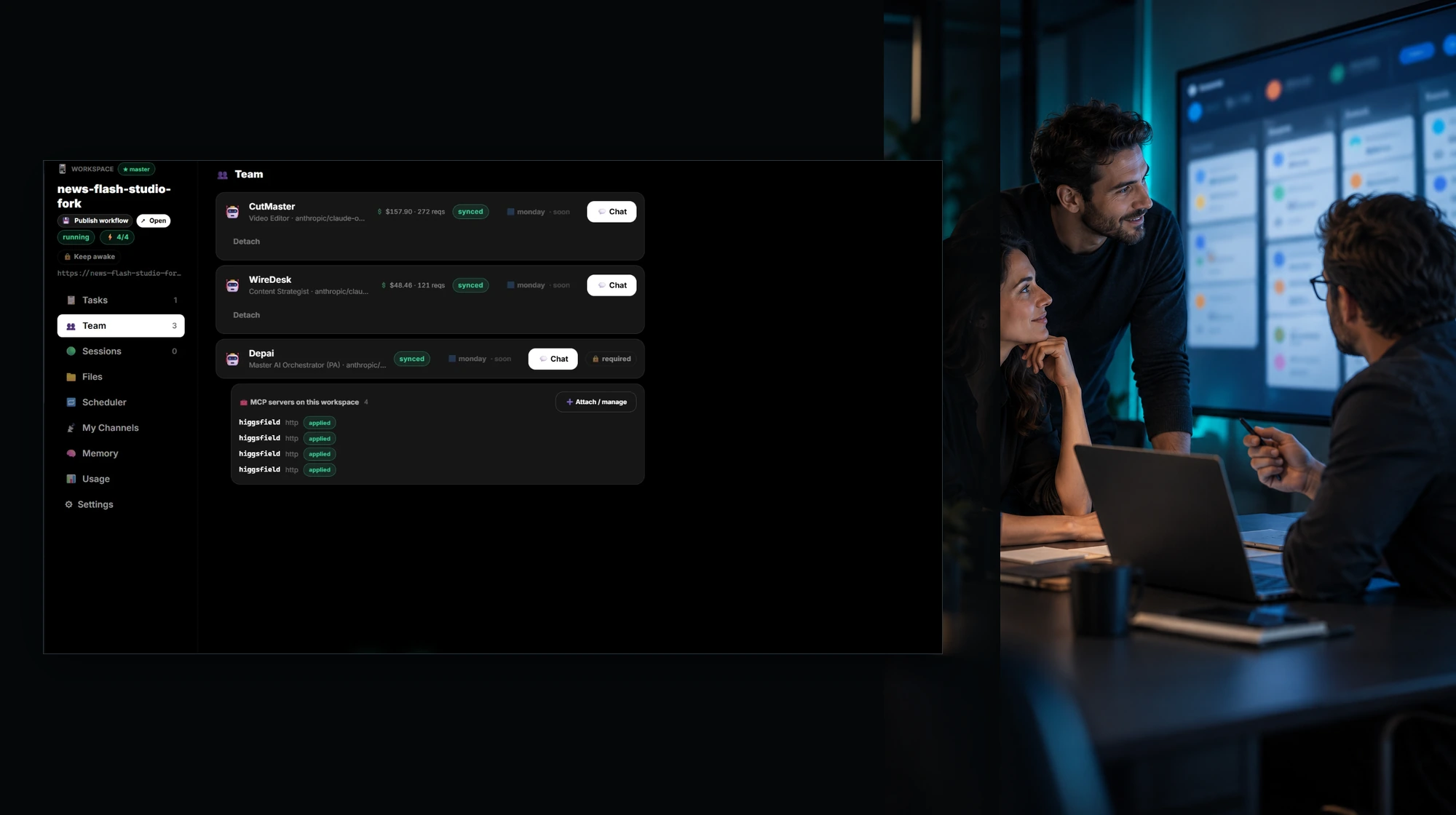
AI teams
Each member has a role, a model, its own memory and spend, and a direct chat. An orchestrator coordinates the team, and you join wherever judgment is needed.
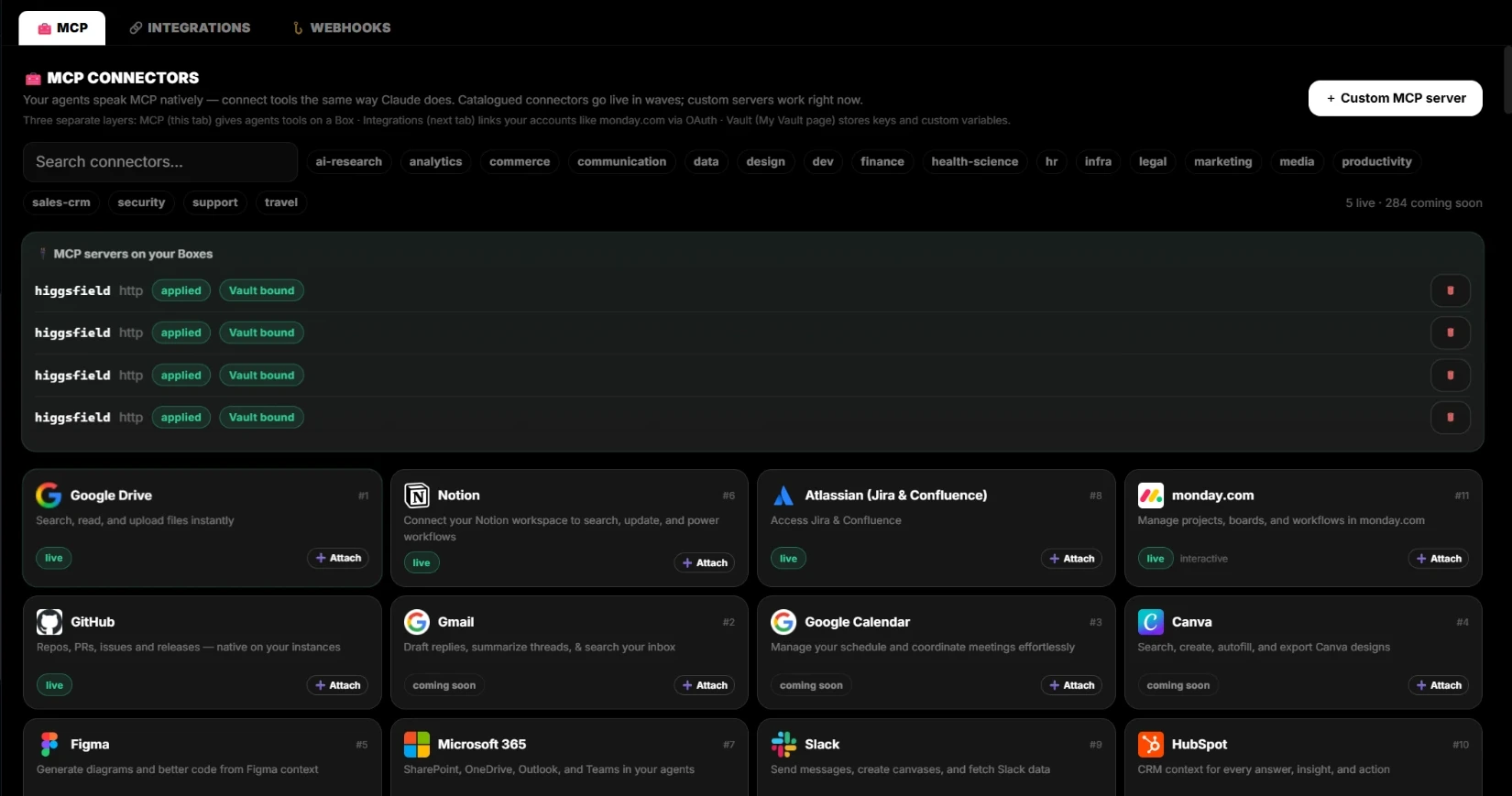
Integrations & MCP
Your agents speak MCP natively. Connect monday.com, Jira, Notion, GitHub, and Google Drive through OAuth. Every external write is proposed first and runs after your approval.
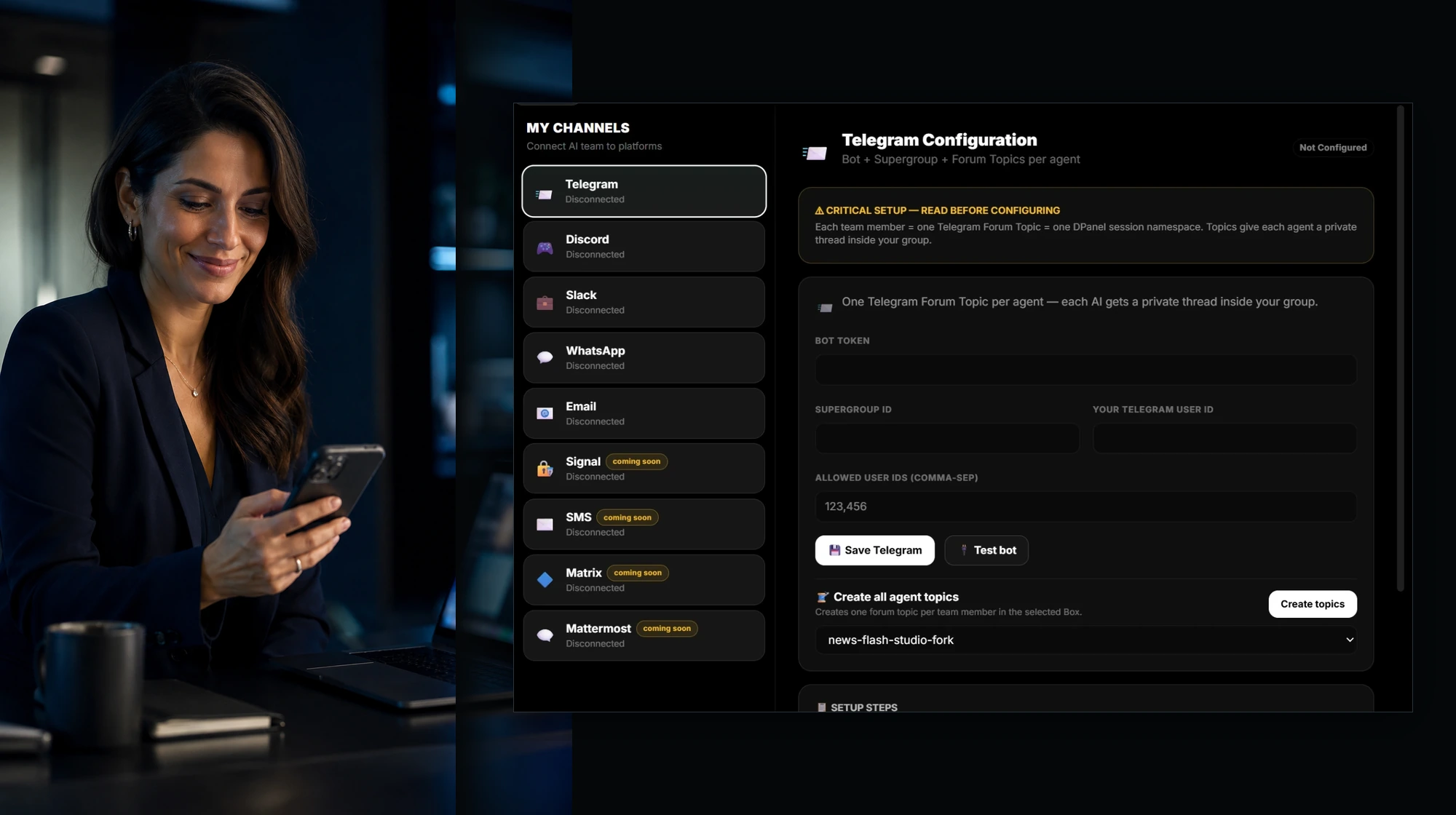
Channels
WhatsApp, Telegram, Slack, Discord, and email connect straight to your AI team. Each member gets its own thread, you speak or type and get answers back as voice or text, and you approve actions from the chat.
Demos
Watch a team work on the Live Context Board: several agents on several Boxes, files and videos playing beside them, and live widgets for tasks, productions, and spend.
Watch the demos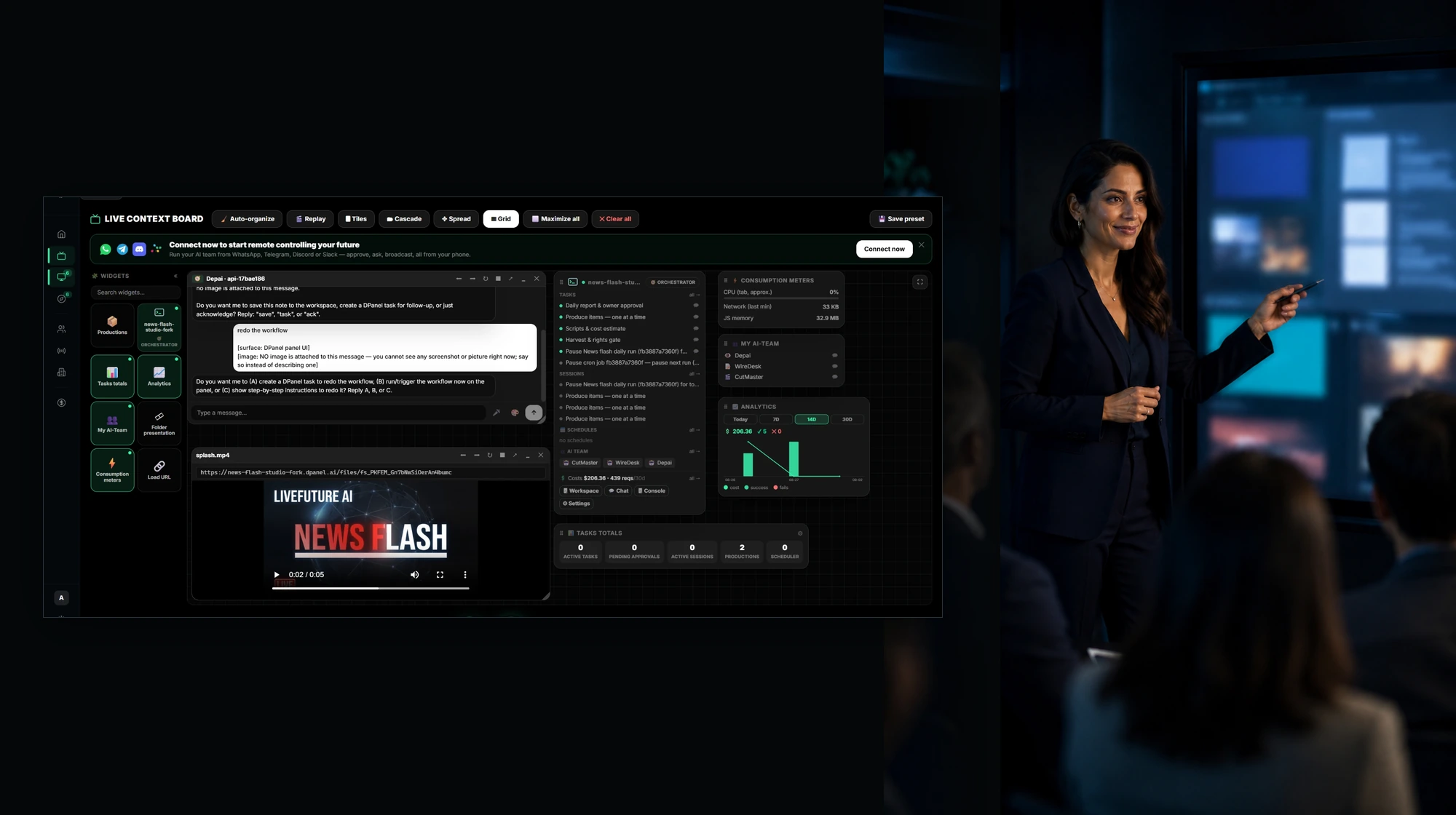
Knowledge base
Boxes, workspaces, sessions, Live Context, models, costs, and controls, explained with the real screens.
Open the knowledge baseSupport
Questions about setup, keys, Boxes, or billing get an answer from a person.
Get supportOne place to run the work
Open a hosted workspace and begin right away, or run the Box on your own computer.
Connect OpenRouter or direct provider keys through the protected Vault.
Add MCP tools and integrations such as monday.com, Jira, Notion, Slack, and Telegram.
See assignments, progress, cost, and the next action on the workspace board.
FAQ
dPanel.ai is a platform for organizing AI teams, workflows, model access, integrations, and day-to-day task activity in one place.
You can start with dPanel.ai Cloud and review dPanel.ai Pack or other supported infrastructure options when your work needs a different environment.
Yes. You can connect OpenRouter or supported provider keys through the protected Vault. Managed model access is also available through dPanel.ai Pack.
Yes. Browse the workflow gallery, inspect what a workflow includes, and sign up to fork it into your workspace.