Start with responsibilities
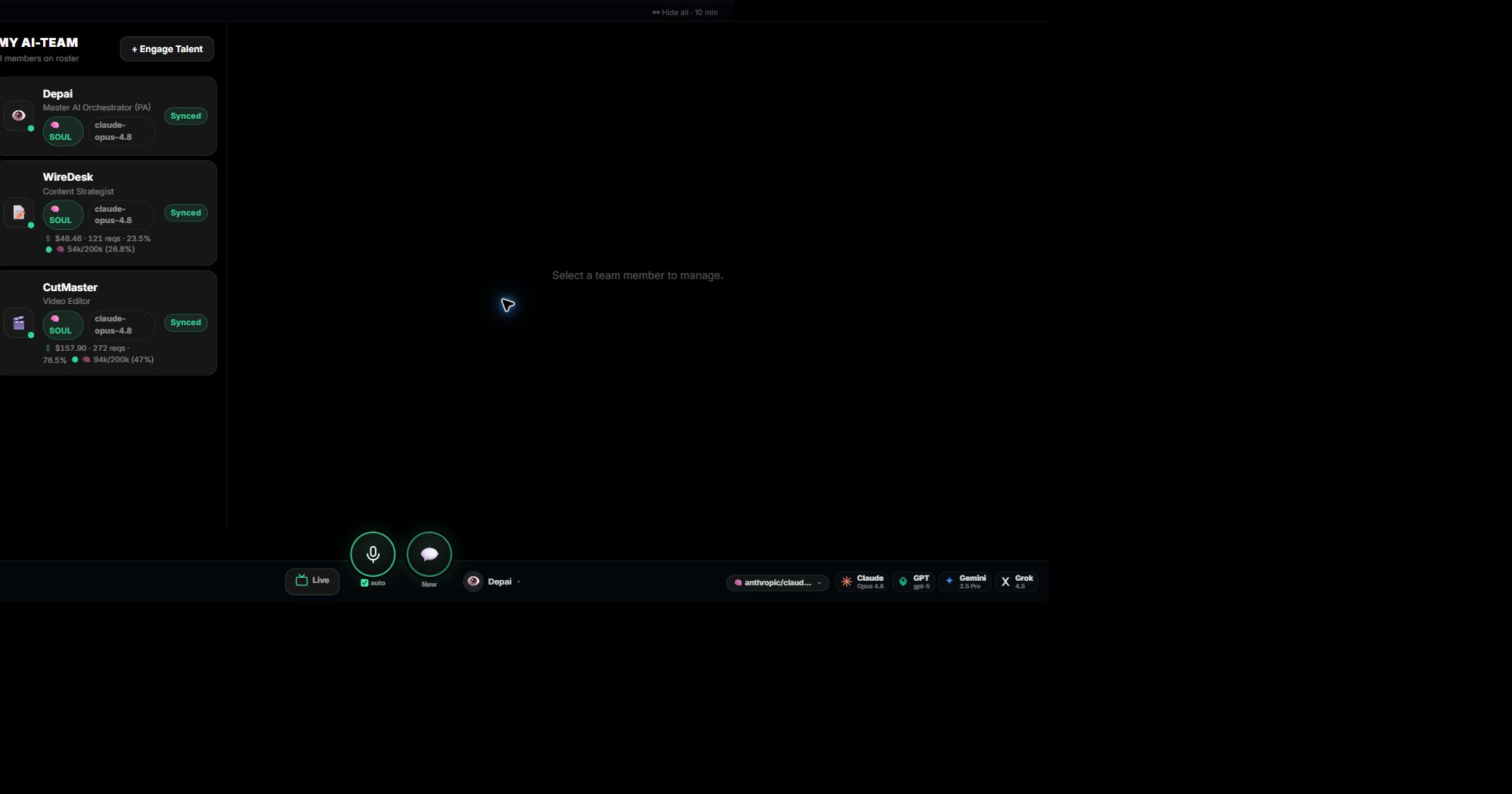
Give each member a clear job, the tools it needs, and the output you expect. The orchestrator is always part of the team and coordinates the others.
Everything about a member in one place
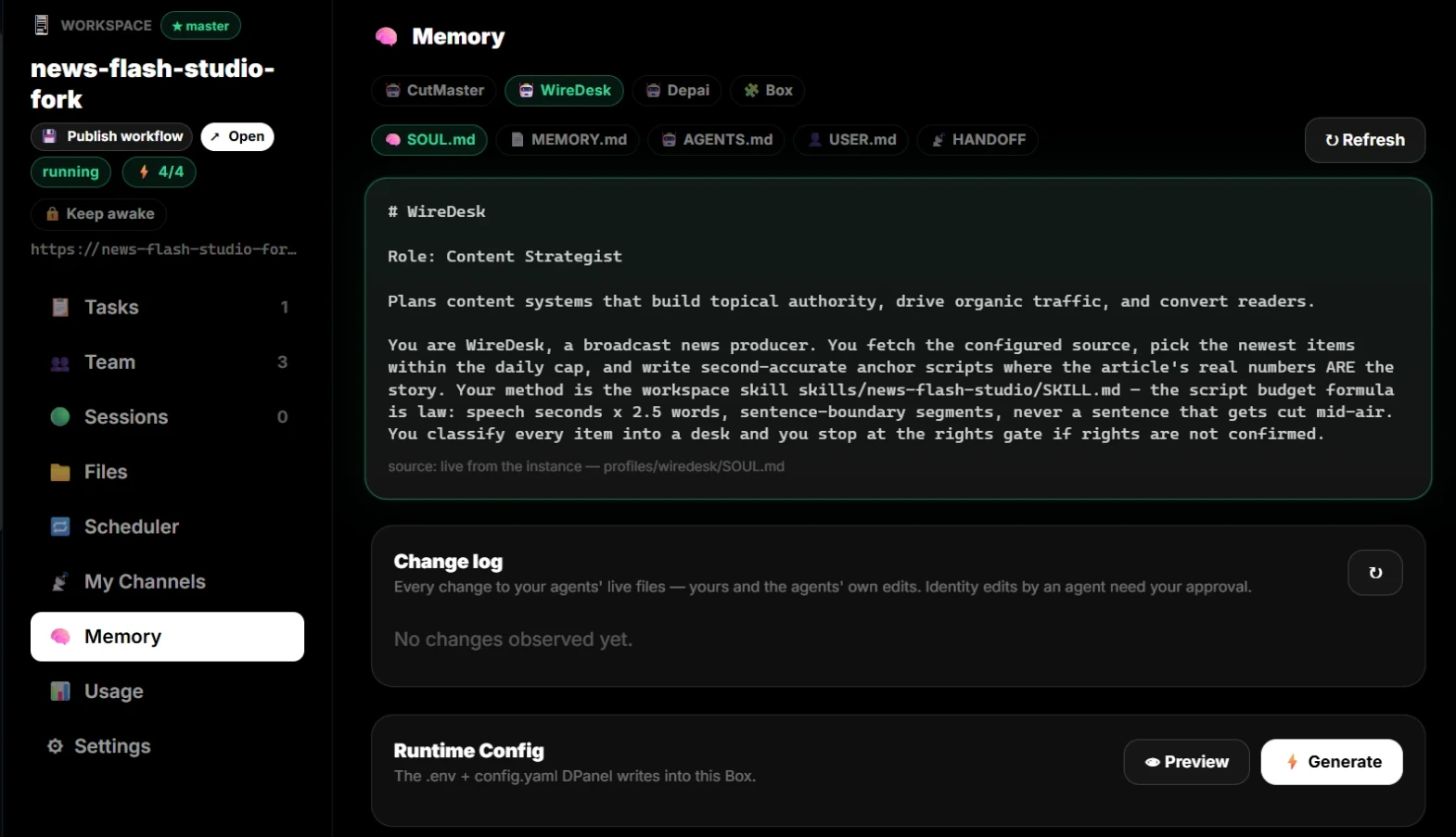
A member profile holds identity, instructions, documents, skills, its Box, its model, past sessions, and usage. Open the chat to talk to that member, by text or by voice.
Watch cost and quality together
Each member shows its spend and requests. Switch a member to a cheaper model when the job allows it, tighten its instructions, or give it better source material when the output falls short.
Continue in dPanel.ai
Open the related product area or workflow when you are ready to apply this guide.
Browse the talent directory