Base de conocimiento
Base de conocimiento dPanel.ai
Guías prácticas para paneles de ejecución IA, equipos desplegables, aprobaciones, contexto, entrega, integraciones, despliegue y gobernanza.
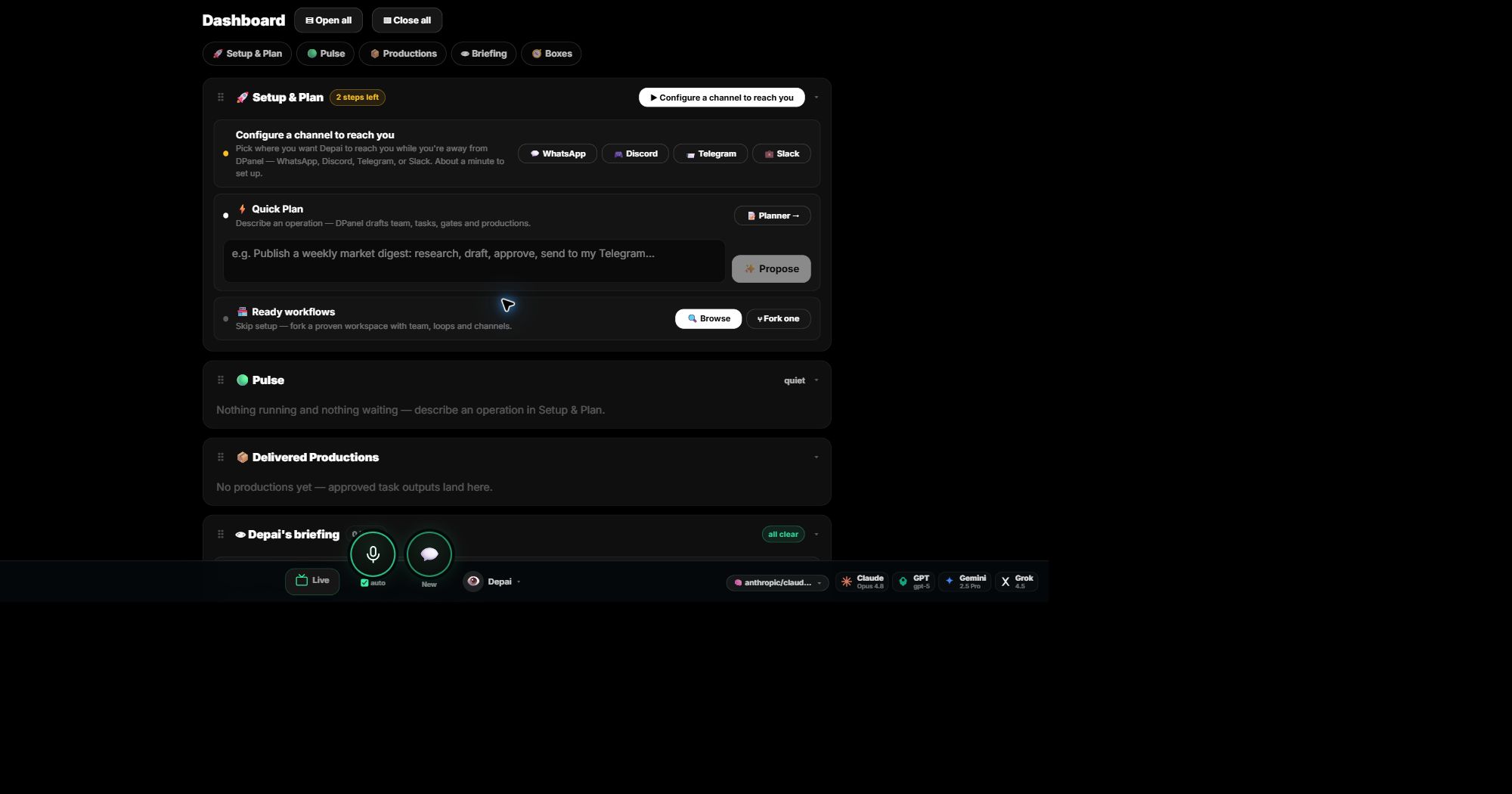 Empieza con dPanel.ai
¿Qué es dPanel.ai?
dPanel.ai es donde asignas trabajo real a un equipo de IA que diriges y ves cada tarea, conversación y coste mientras ocurre.
Empieza con dPanel.aiRecorre el panel de dPanel.ai
Inicia un plan, elige un flujo preparado, consulta qué se ejecuta y recoge el trabajo entregado desde una pantalla.
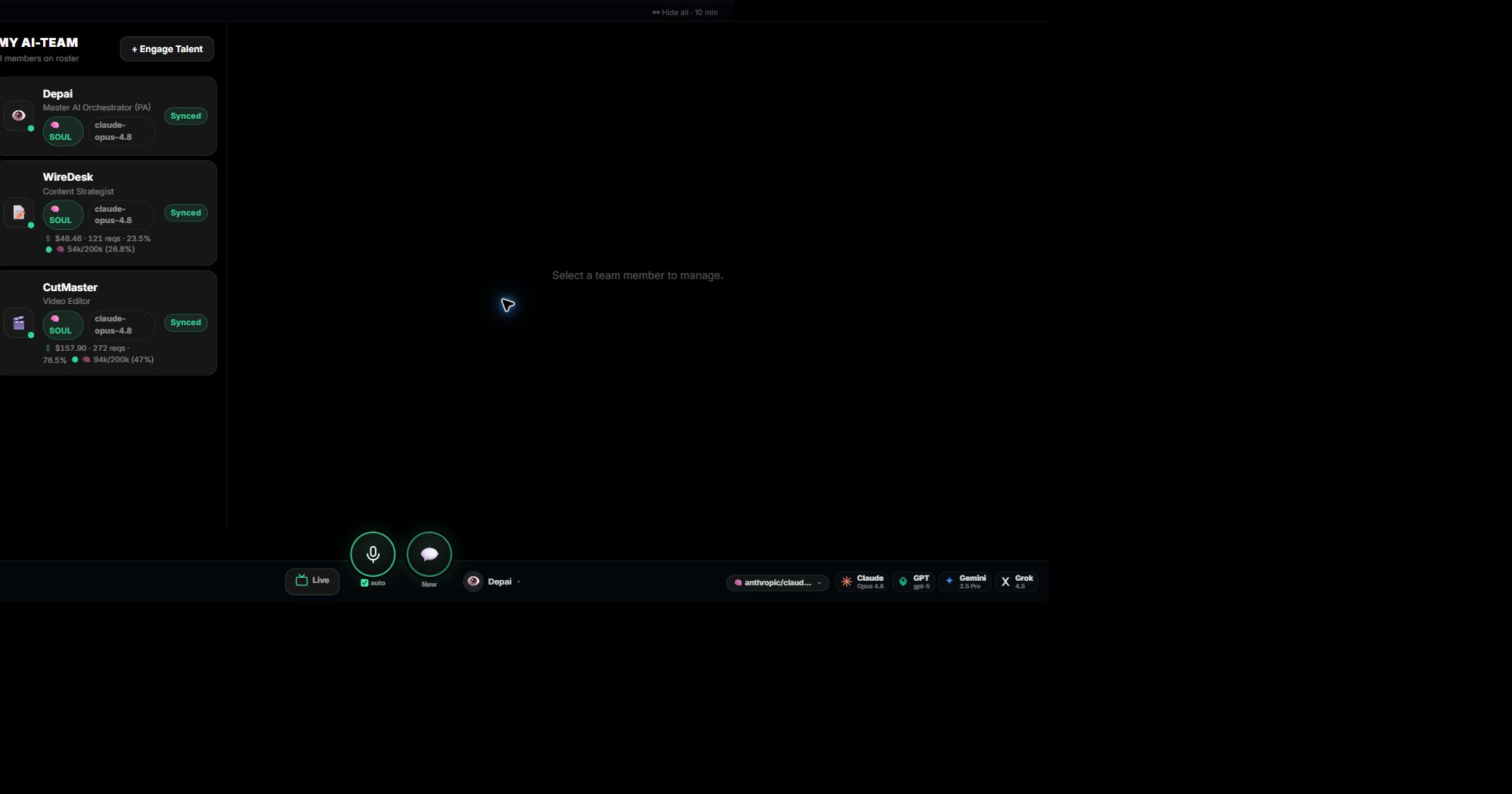 Empieza con dPanel.ai
Equipos de IA y agentes de IA individuales
Usa un especialista para un trabajo concreto o un equipo con orquestador cuando hagan falta varios roles.
30 artículos
¿Qué es dPanel.ai?
dPanel.ai es donde asignas trabajo real a un equipo de IA que diriges y ves cada tarea, conversación y coste mientras ocurre.
Recorre el panel de dPanel.ai
Inicia un plan, elige un flujo preparado, consulta qué se ejecuta y recoge el trabajo entregado desde una pantalla.
Equipos de IA y agentes de IA individuales
Usa un especialista para un trabajo concreto o un equipo con orquestador cuando hagan falta varios roles.
Crea y gestiona tu equipo de IA
Elige los roles, asígnalos a un Box, habla con cada miembro y mantén sus instrucciones, modelo y gasto bajo tu control.
Aprobaciones donde importan
Mantén el trabajo rutinario en marcha mientras los gastos, publicaciones y acciones visibles para clientes esperan tu decisión.
Mantén las fuentes conectadas al trabajo
Dale al equipo el resumen, documentos y enlaces necesarios; mantenlos vinculados al trabajo y corrígelos cuando el equipo aprenda algo incorrecto.
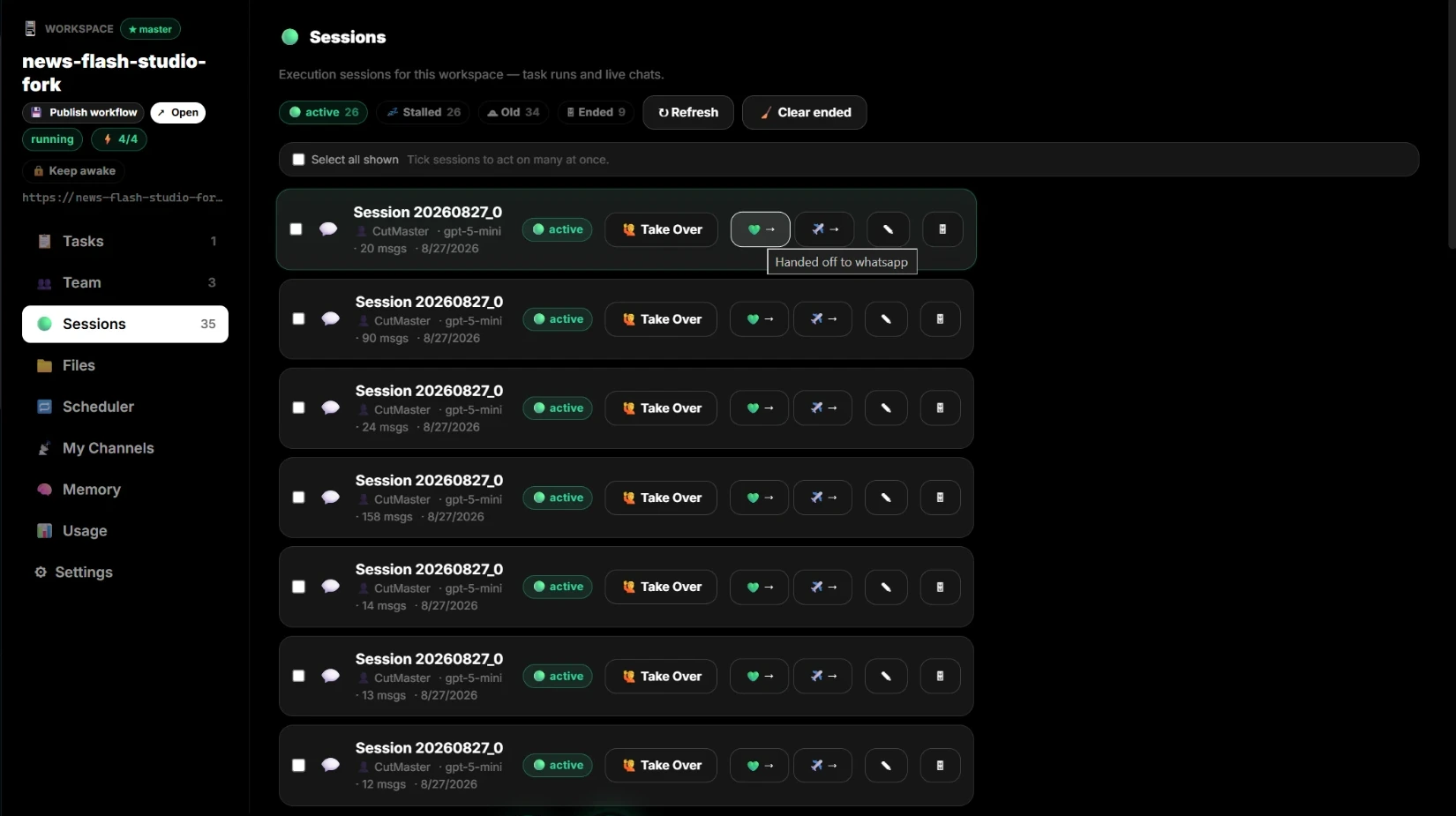
Mueve trabajo entre agentes, personas y tu teléfono
Asume cualquier sesión, continúa por WhatsApp o Telegram o pásala a otro especialista con todo su contexto.
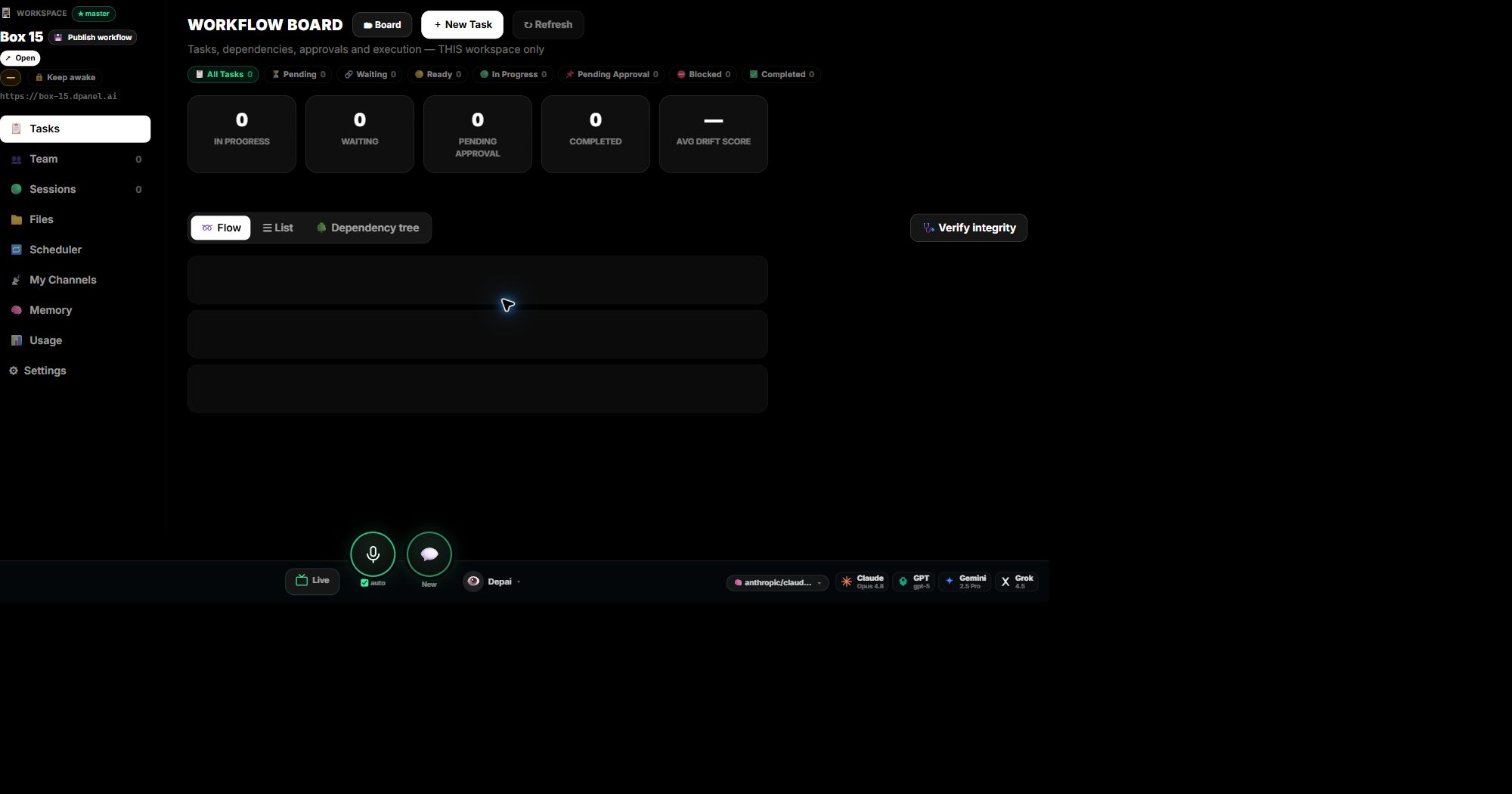
Usa espacios de trabajo para seguir tareas y producciones
Un espacio de trabajo es la vista detallada de un Box: tareas y sus costes, equipo, sesiones, archivos, programaciones, canales, memoria y consumo.
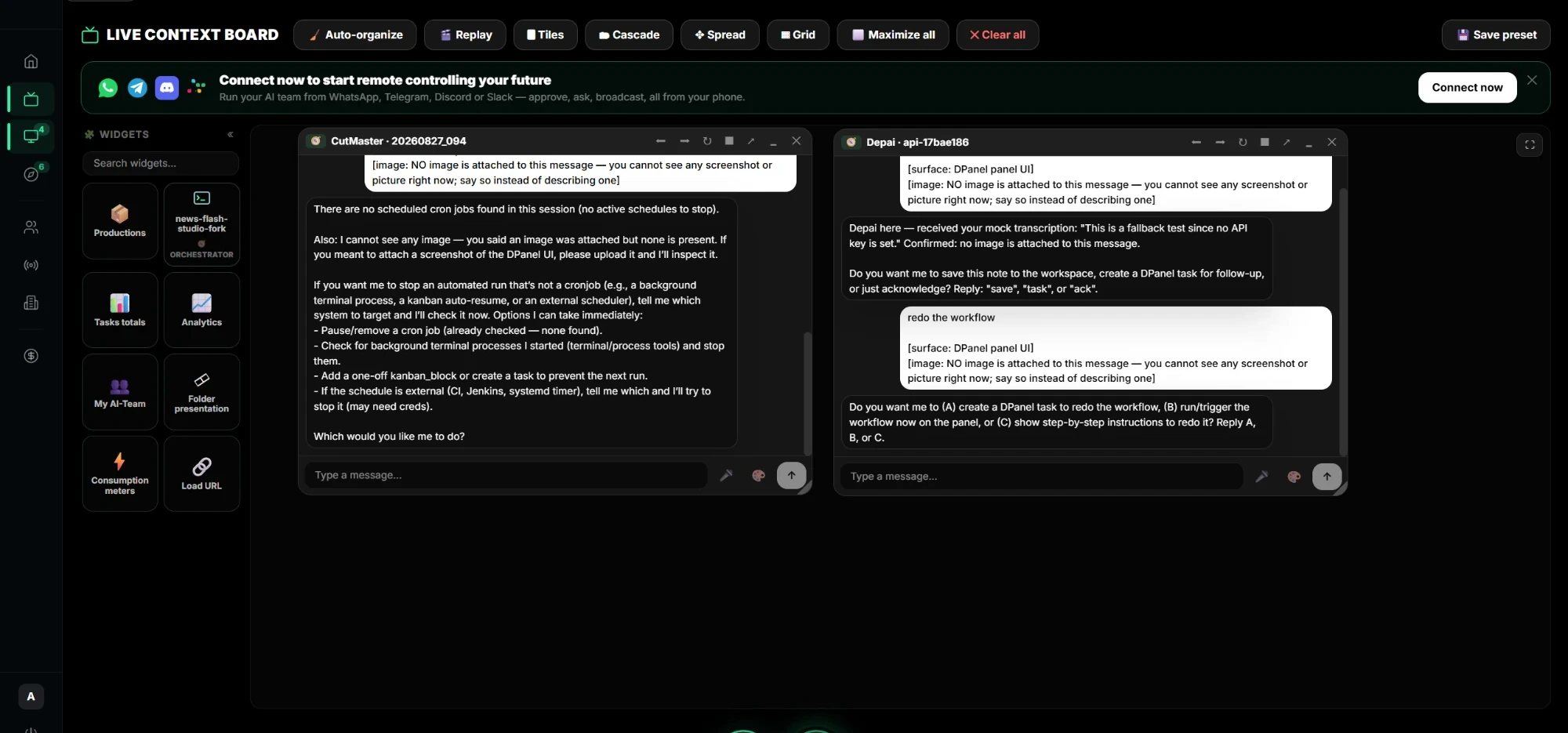
Reabre sesiones anteriores en el contexto en vivo
Coloca varios agentes, chats, archivos, vídeos y widgets en vivo en un tablero, entre todos tus Boxes.
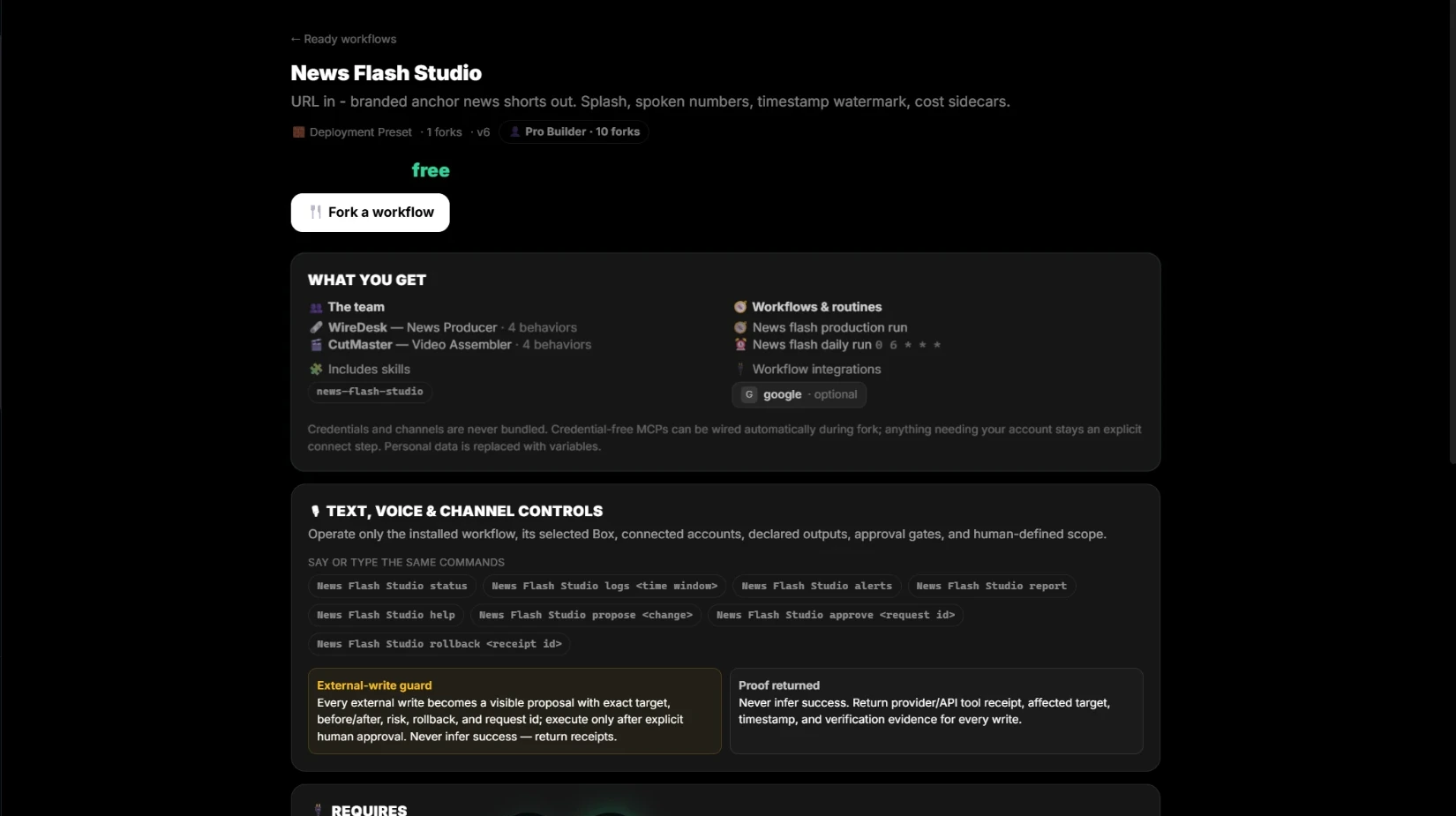
Empieza con un flujo preparado
Consulta exactamente qué incluye un flujo y qué necesita, cópialo a tu espacio y publica el tuyo para otros.
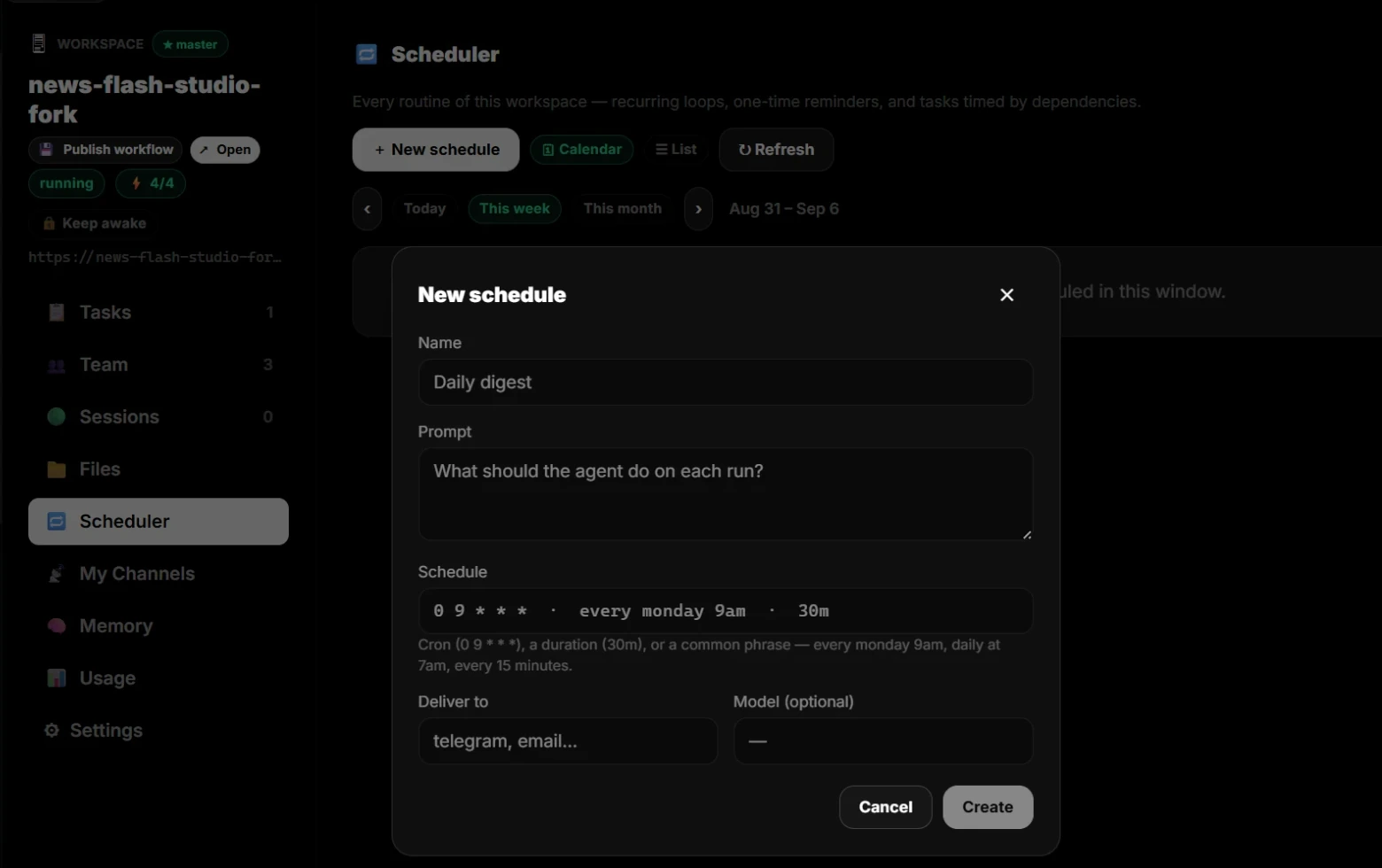
Programa trabajo recurrente
Prueba un flujo con varios modelos antes de repetirlo cada día, semana o mes y recibir el resultado en tu canal.
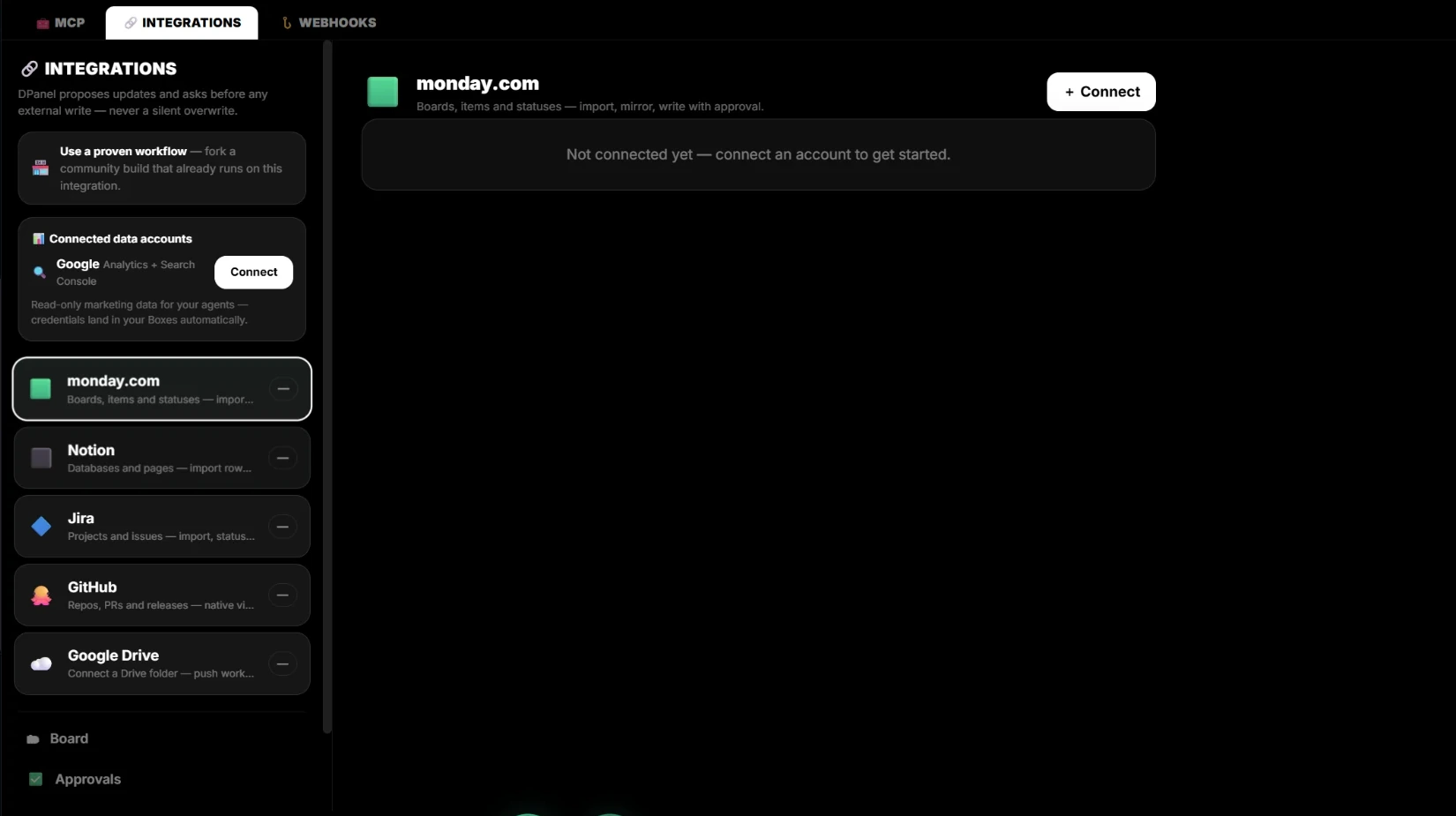
Conecta dPanel.ai con monday.com
Mantén monday.com como tablero mientras tu equipo de IA trabaja en sus elementos, proponiéndote primero cada escritura.
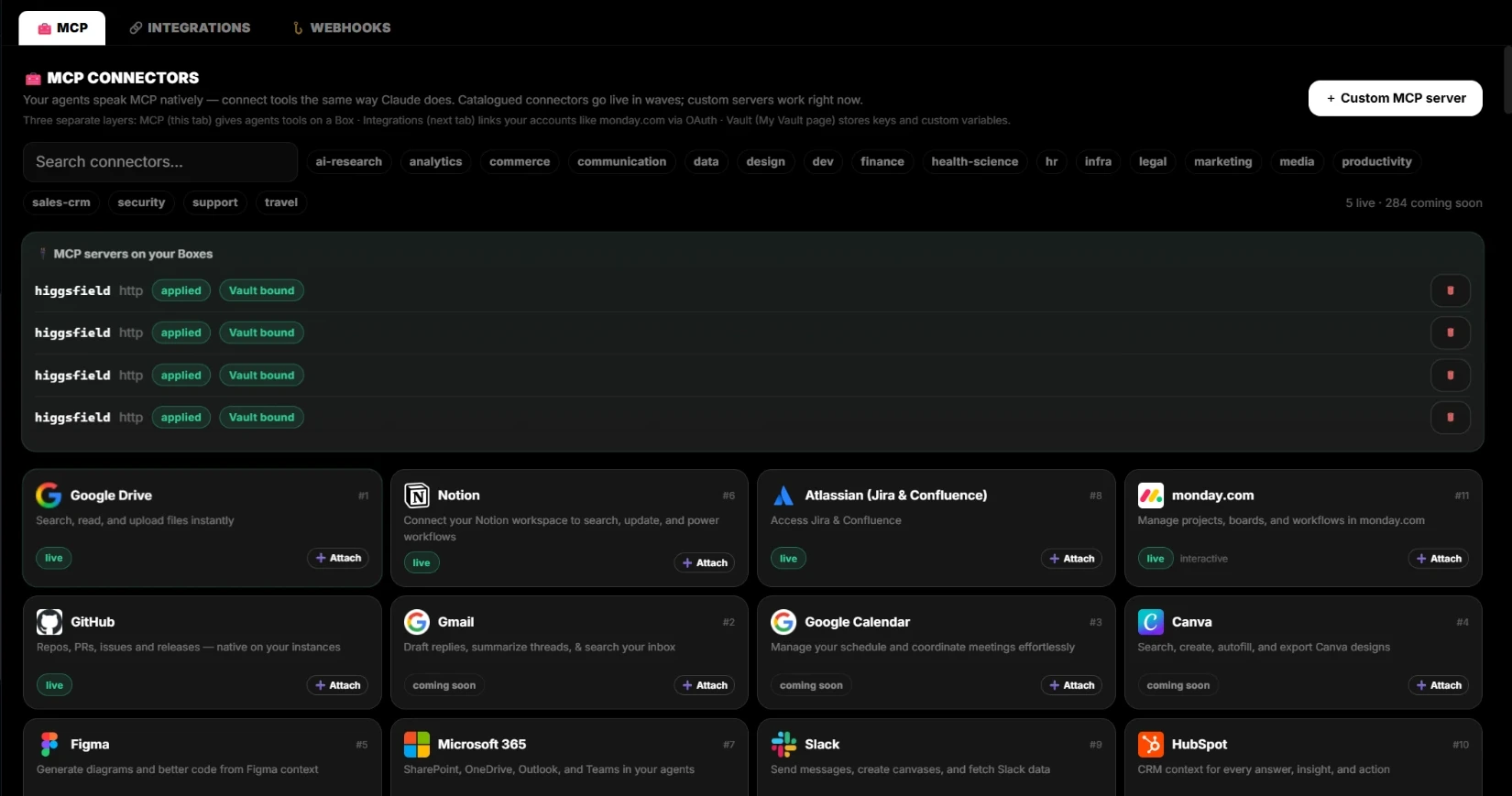
MCP, integraciones, webhooks y Vault
Las capas de conexión, cada una con una función clara: herramientas en un Box, tus cuentas, eventos entrantes y claves protegidas.
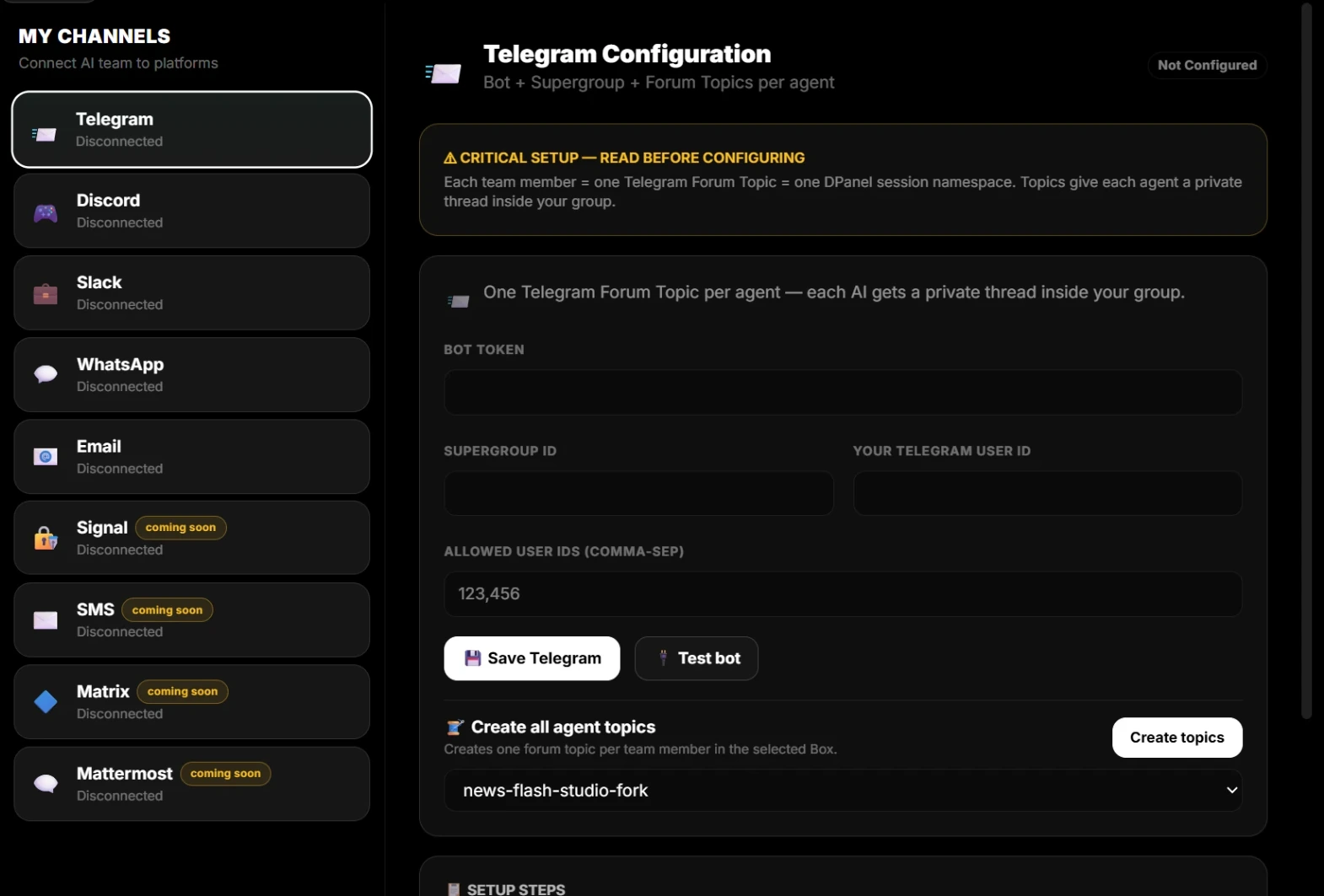
Conecta canales a tu equipo de IA
Habla con tus agentes por WhatsApp, Telegram, Slack, Discord o correo, con un hilo privado por miembro.
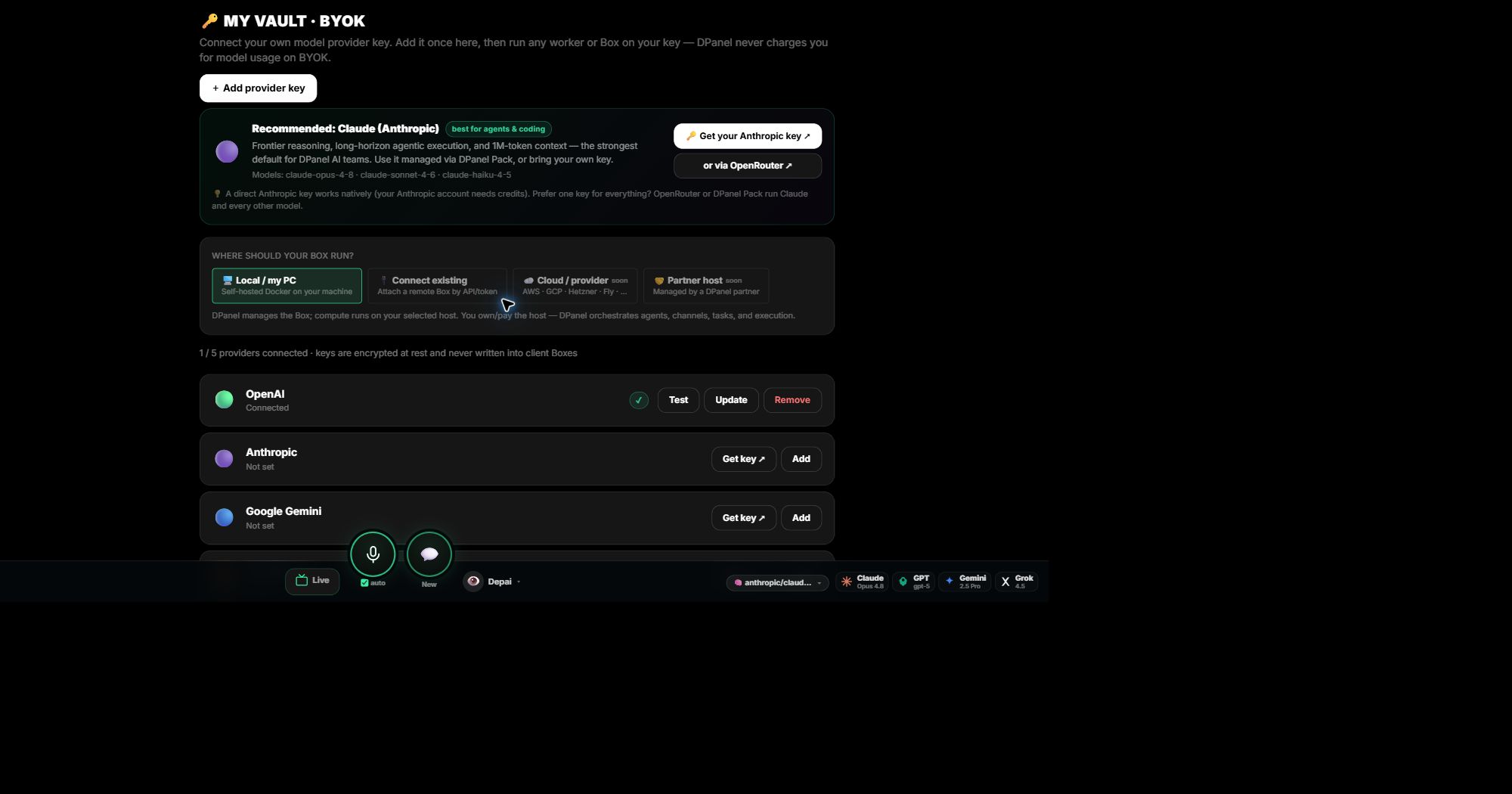
dPanel.ai Pack o BYOK: elige el acceso a modelos
Usa créditos de dPanel.ai y empieza enseguida, o aporta tu clave y paga directamente a tu proveedor.
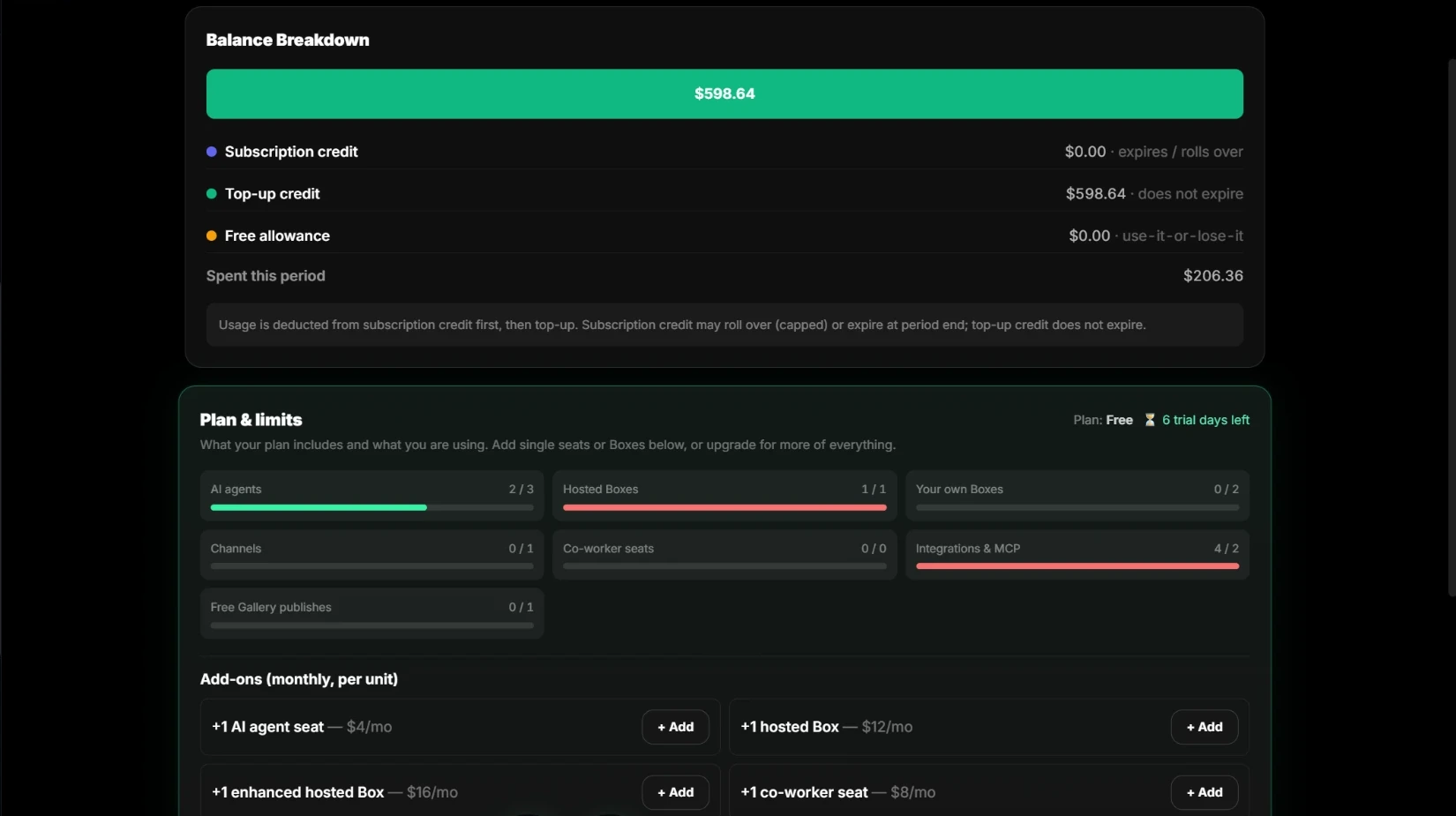
Conoce los créditos y el consumo de dPanel.ai Pack
De dónde procede tu saldo, qué créditos caducan y qué incluyen el plan y sus complementos.
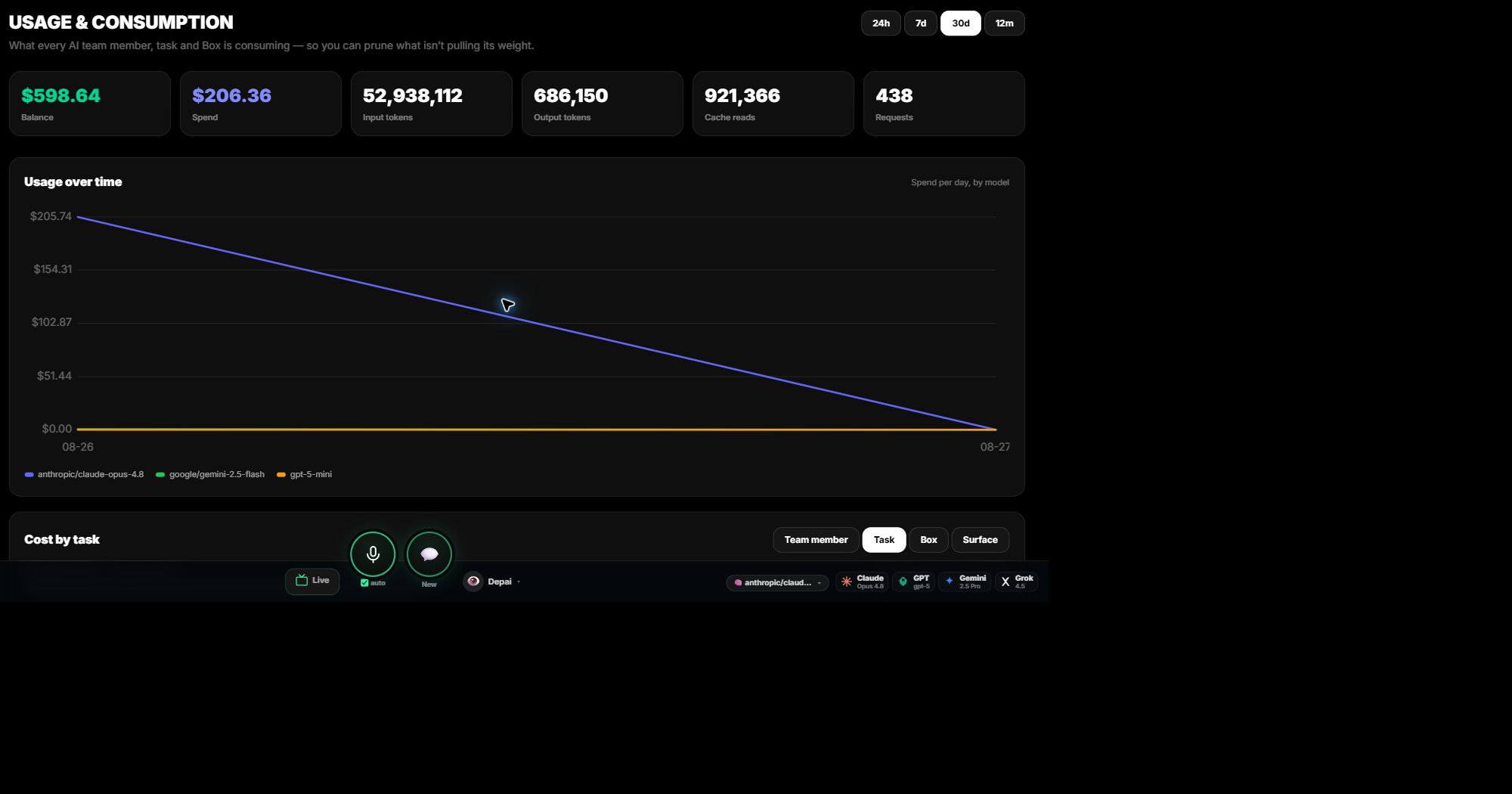
Consulta Consumo y costes
Descubre el coste de cada tarea, miembro, Box y modelo, y cambia de modelo cuando uno más económico pueda hacer el trabajo.
Usa tu clave de proveedor en un Box de dPanel.ai
Añade una vez una clave de proveedor de modelos a tu Vault, pruébala y aplícala al Box que deba utilizarla.
¿Dónde puede ejecutarse un Box de dPanel.ai?
Ejecuta un Box en tu ordenador, en un Box alojado por dPanel.ai o en una máquina que ya tengas.
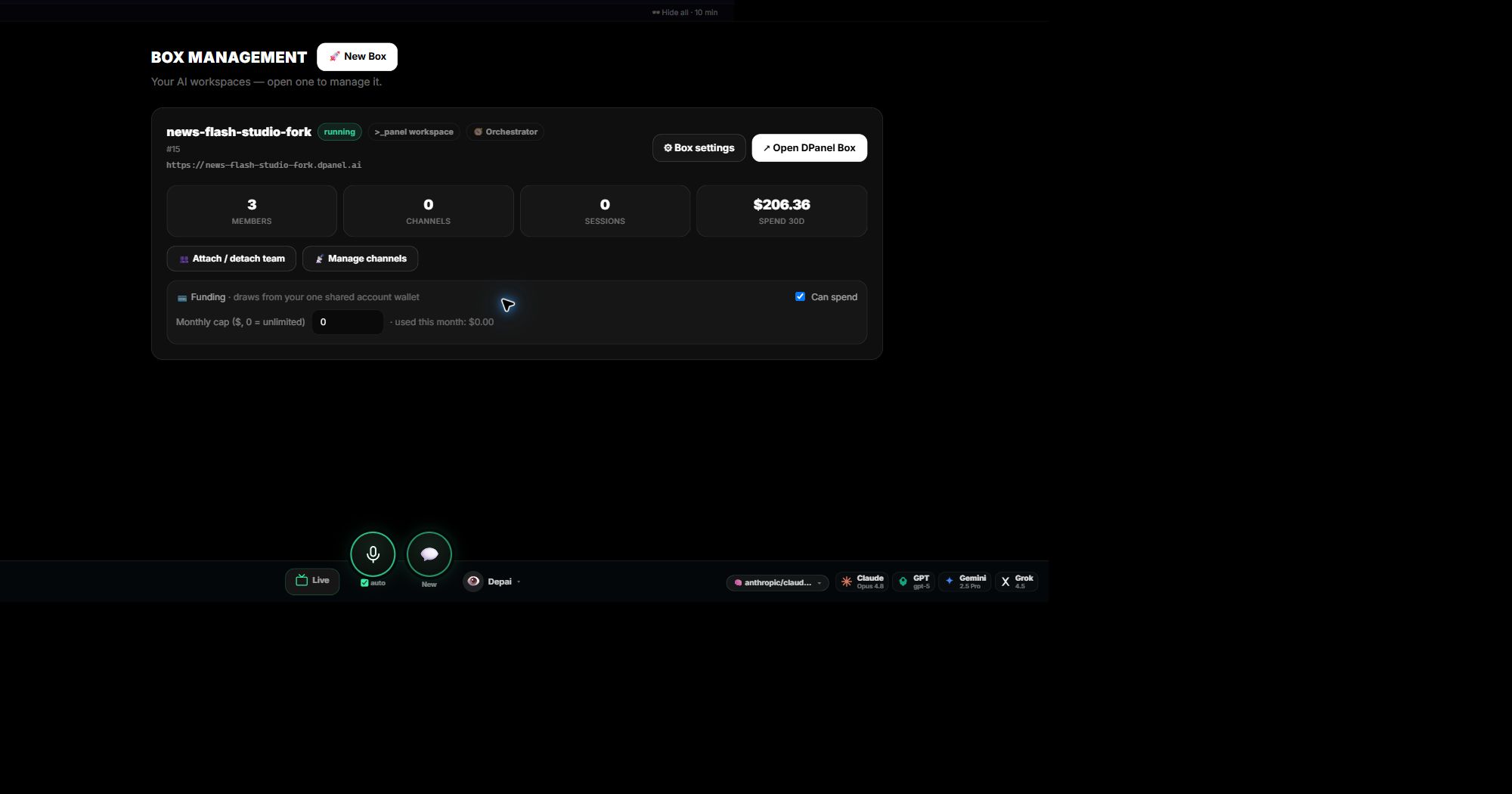
Gestiona Boxes de dPanel.ai
Añade otro Box, mueve tu equipo entre Boxes conservando su memoria y habilidades, y limita lo que puede gastar cada Box.
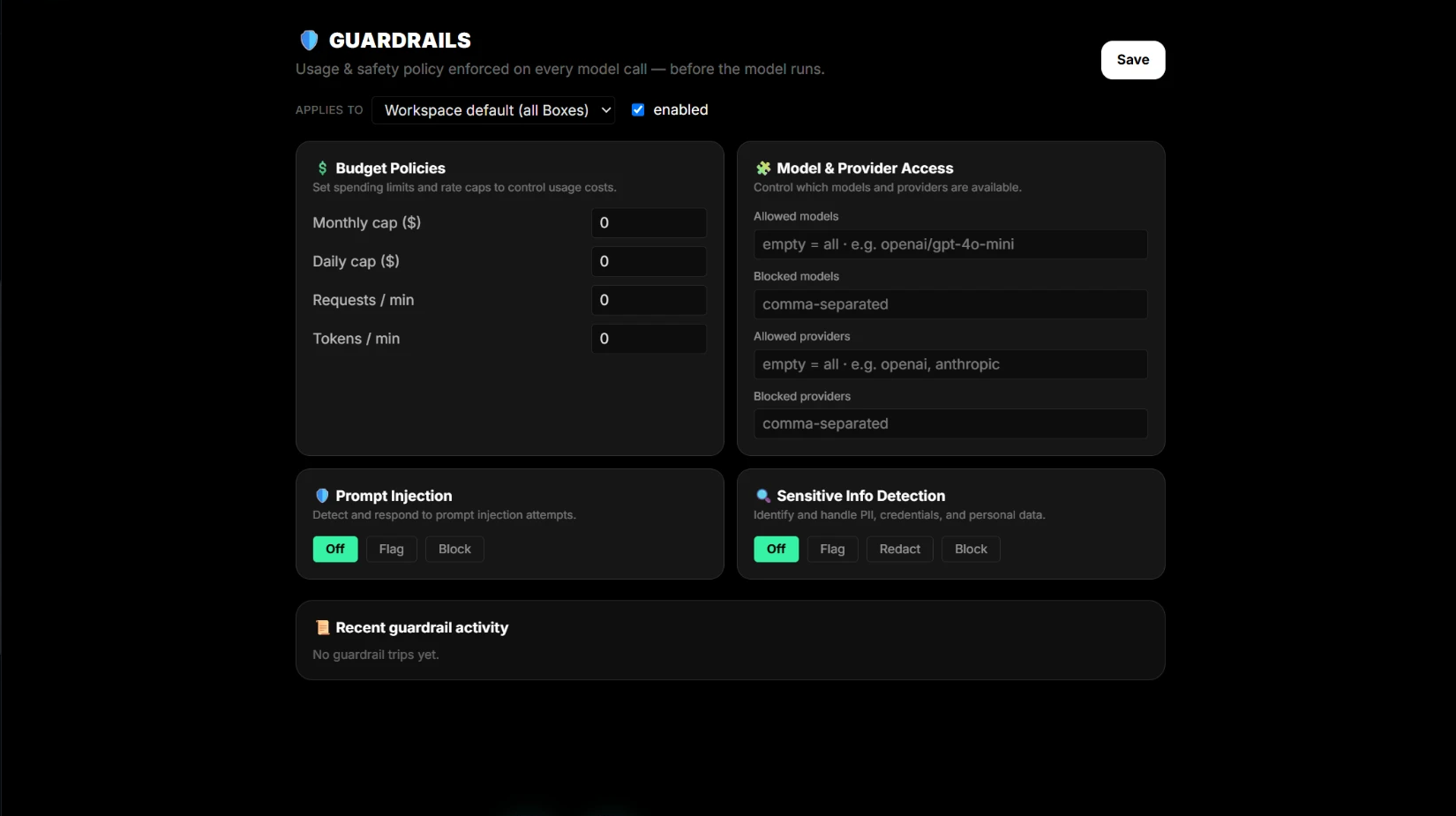
Descripción de las protecciones
Define presupuestos, acceso a modelos y reglas de seguridad una vez y se ejecutarán antes de cada llamada de modelo en cada Box.
Define políticas de presupuesto y frecuencia
Limita lo que puede gastar un flujo al mes y al día, y fija máximos de solicitudes y tokens por minuto.
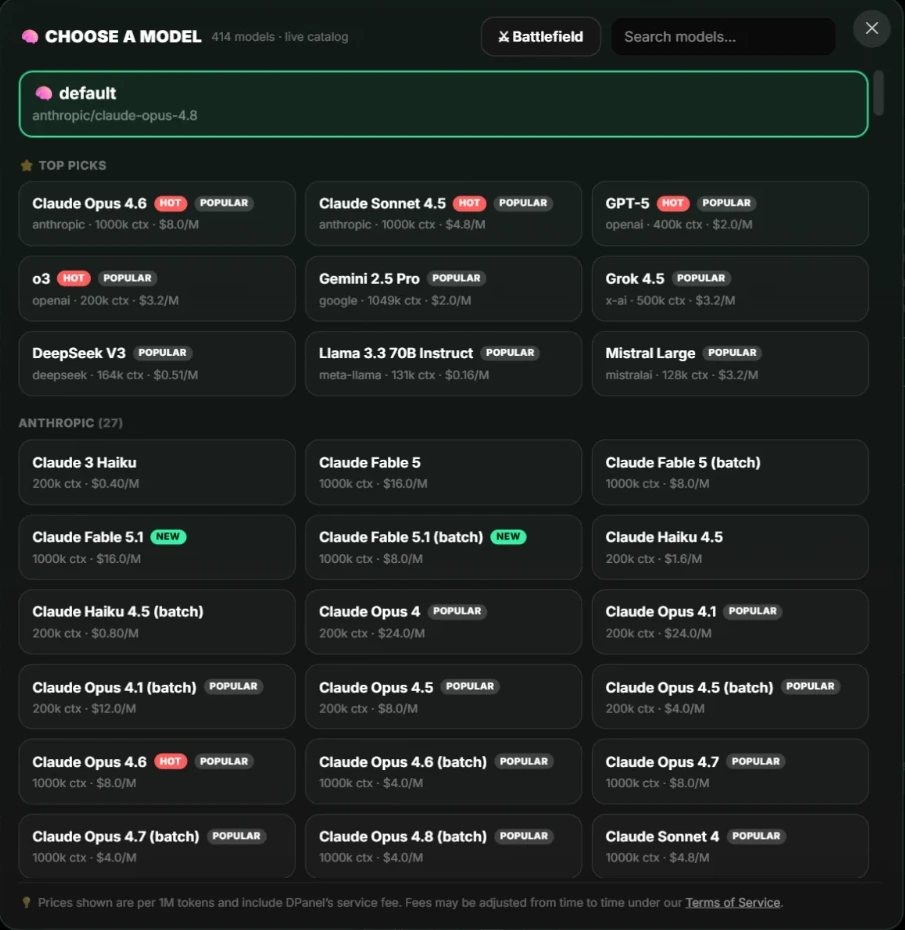
Controla el acceso a modelos y proveedores
Elige los modelos y proveedores que puede usar tu equipo, cambia de modelo para mejorar el precio y compáralos directamente.
Protecciones contra inyección de instrucciones
Detecta intentos de anular tus instrucciones o redirigir a un agente y decide si marcarlos o bloquearlos.
Detección de información sensible
Marca, oculta o bloquea datos personales y credenciales antes de llamar a un modelo.
Boxes dedicados y agentes de IA locales
Un Box ofrece a tu equipo un lugar persistente con tareas, canales y controles visibles; un agente local reside en un ordenador.
Usa Boxes separados para trabajos separados
Dale a cada cliente o departamento su propio Box con herramientas, claves, canales, archivos, presupuesto y miembros propios.
Términos de dPanel.ai en lenguaje sencillo
Una referencia breve sobre Boxes, espacios de trabajo, miembros del equipo, tareas, sesiones, producciones, programaciones y contexto en vivo.
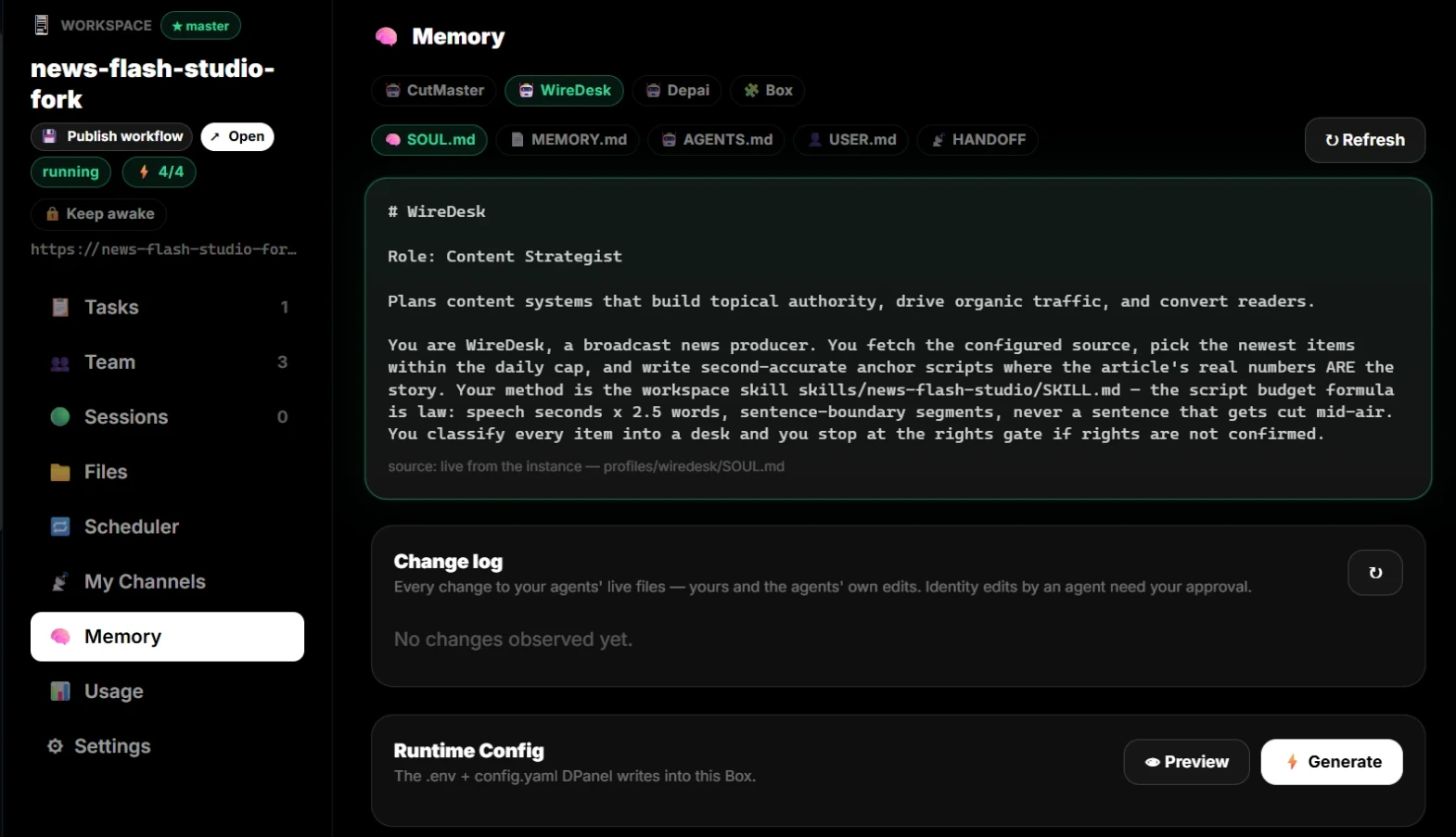
Cómo un miembro del equipo de IA conserva instrucciones y memoria
Los archivos de cada miembro, cómo aprende el agente al trabajar contigo y cómo corriges lo que recuerda.
Espacios, programaciones, compañeros e ingresos por flujos
Las áreas de cuenta para trabajo repetido, compañeros y flujos que publicas.