Prueba antes de repetir
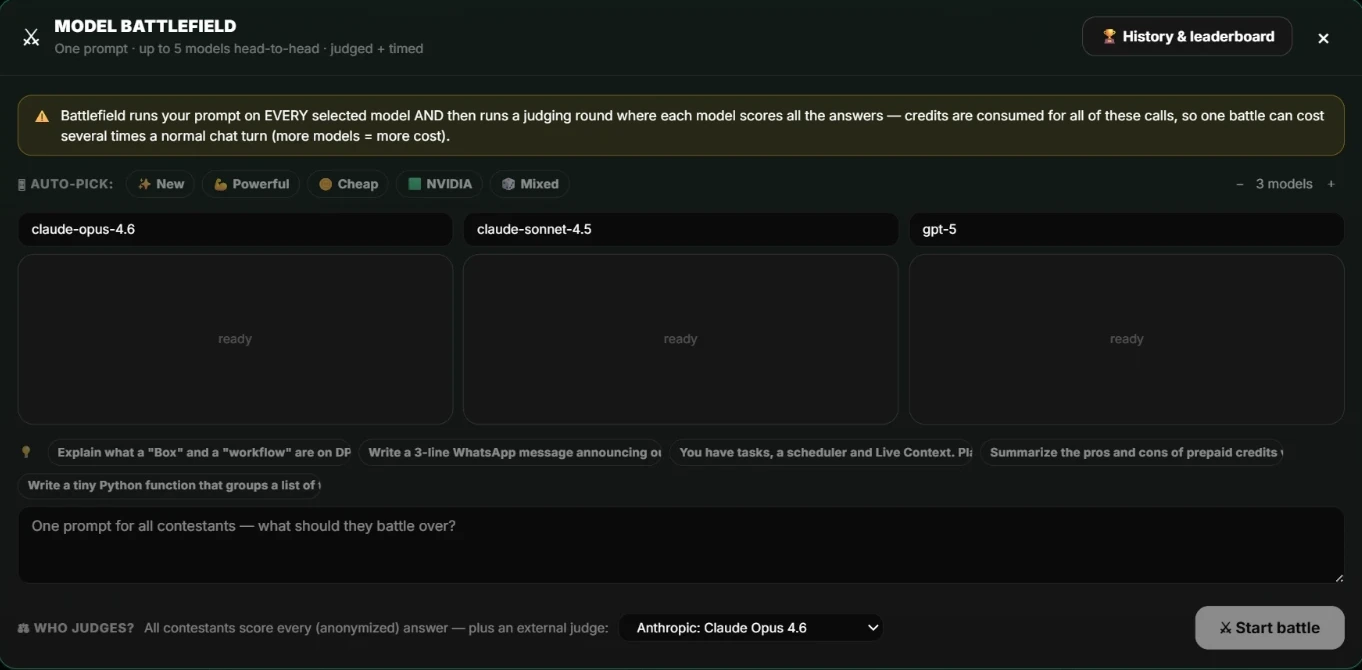
Ejecuta tus instrucciones en Battlefield con varios conjuntos de modelos y compara respuestas evaluadas y cronometradas. Elige el modelo con mejor resultado al mejor precio y configúralo en el flujo.
Las programaciones pertenecen a un Box
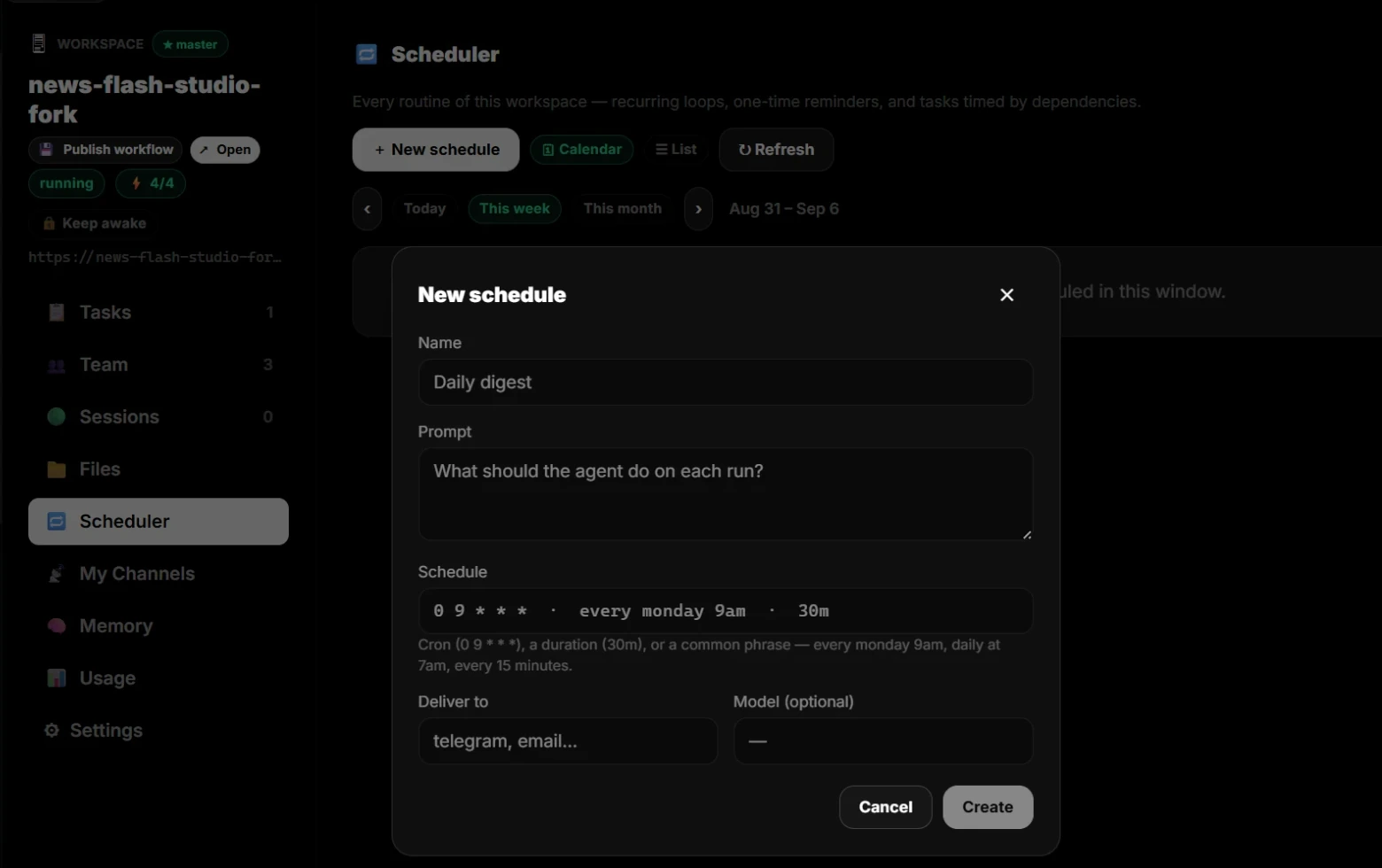
Abre el espacio de trabajo y elige Programador. Aquí están todas sus rutinas: ciclos recurrentes, recordatorios únicos y tareas activadas por dependencias, en calendario o lista.
Escribe el horario con palabras sencillas
Ponle nombre a la programación, indica qué hace el agente en cada ejecución y describe el horario, como cada lunes a las 9 o todos los días a las 7. Elige dónde se entrega el resultado, por ejemplo Telegram o correo, y selecciona un modelo si quieres uno específico.
Observa las primeras ejecuciones
Revisa los primeros resultados, el coste de cada ejecución y el gasto frente al presupuesto del Box. Ajusta las instrucciones, el modelo o el horario y déjalo trabajar.
Continúa en dPanel.ai
Abre el área de producto o flujo relacionado cuando quieras aplicar esta guía.
Explora flujos programados