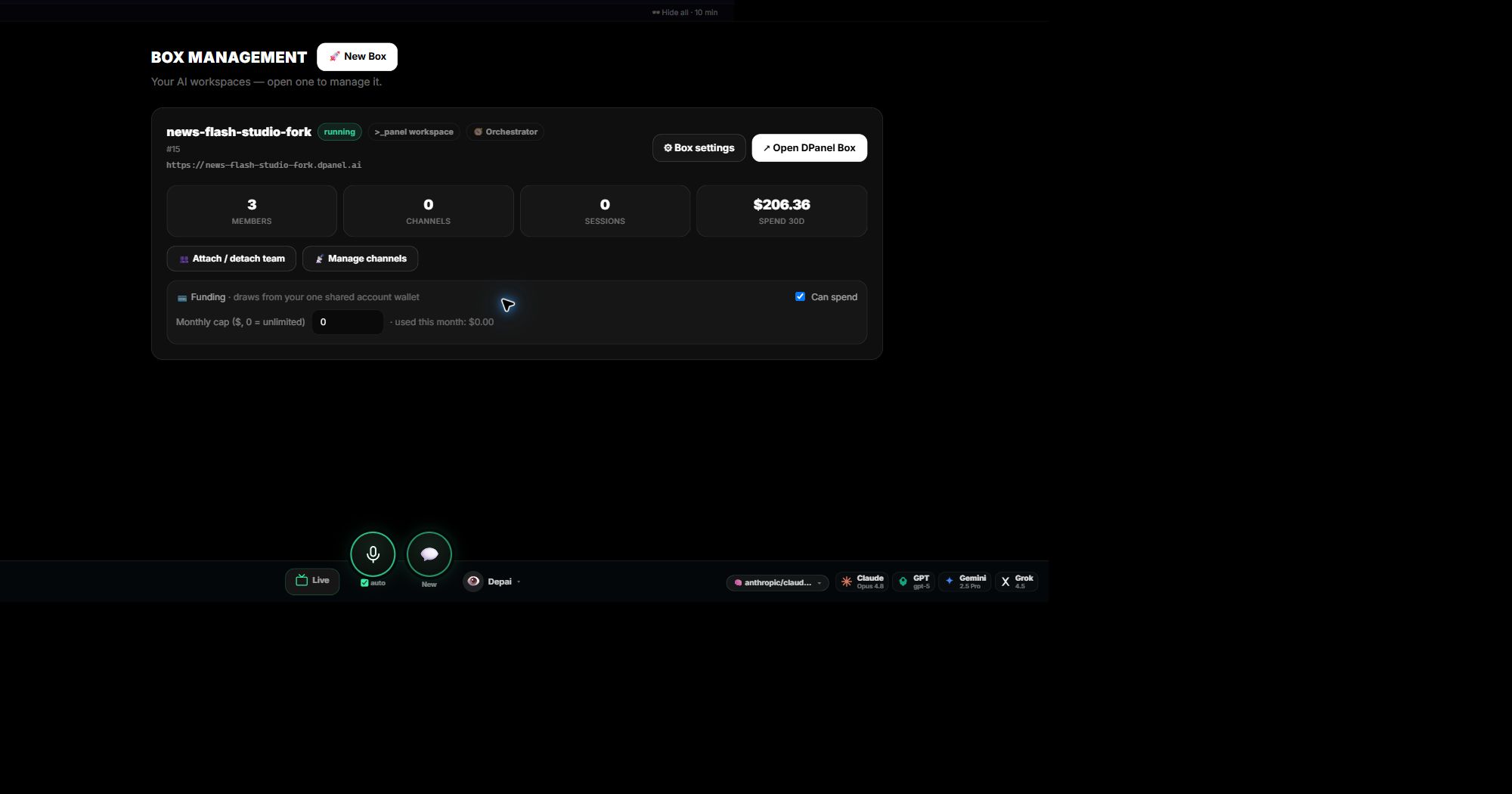
Boxes de un vistazo
La página Boxes muestra cada Box con estado, miembros asociados, canales, sesiones, gasto reciente y controles de fondos. Abre uno para ver su espacio completo.
Añade un Box y conserva el equipo
Configura un Box nuevo y vincula tu equipo. Los miembros conservan identidad, instrucciones, memoria y habilidades, por lo que siguen trabajando desde su nuevo entorno. Desvincula y vincula desde Equipo cuando te reorganices.
Controla lo que puede gastar un Box
Cada Box tiene un interruptor de gasto y un límite mensual de tu saldo compartido. Fija el límite por cliente o flujo y consulta el gasto en la tarjeta del Box.
Continúa en dPanel.ai
Abre el área de producto o flujo relacionado cuando quieras aplicar esta guía.
Explora la plataforma