Visibilidad de tareas
Los operadores ven que hace el equipo AI, que cambio y quien tiene el siguiente paso.
Panel de configuracion y ejecucion AI
dPanel.ai permite configurar equipos AI con material fuente, aprobaciones, visibilidad de tareas, integraciones y traspaso humano en flujos reales.
Empieza gratis: agente dPanel.ai alojado y 5 $ de crédito incluidos, sin tarjeta de crédito
For the people who run the work
Marketing, research, support, content, code. Your AI specialists do the work on a live board. You set the budget, choose which actions wait for your approval, and see what every task cost.
See the platform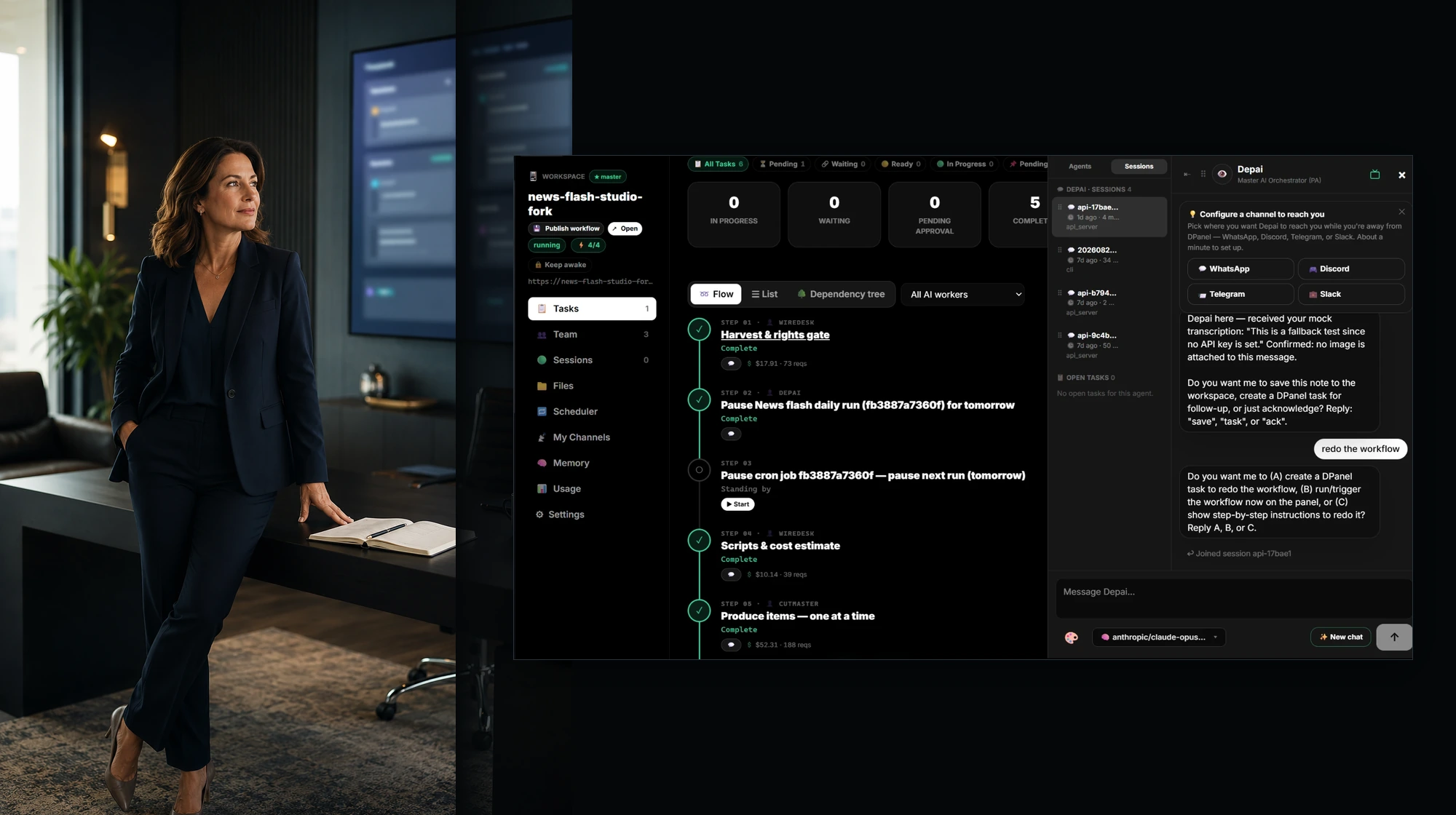
Platform
Plan the work, assemble the team, run it on a Box, connect models, tools, and channels, and follow every task, session, and cost from one dashboard.
Explore the platform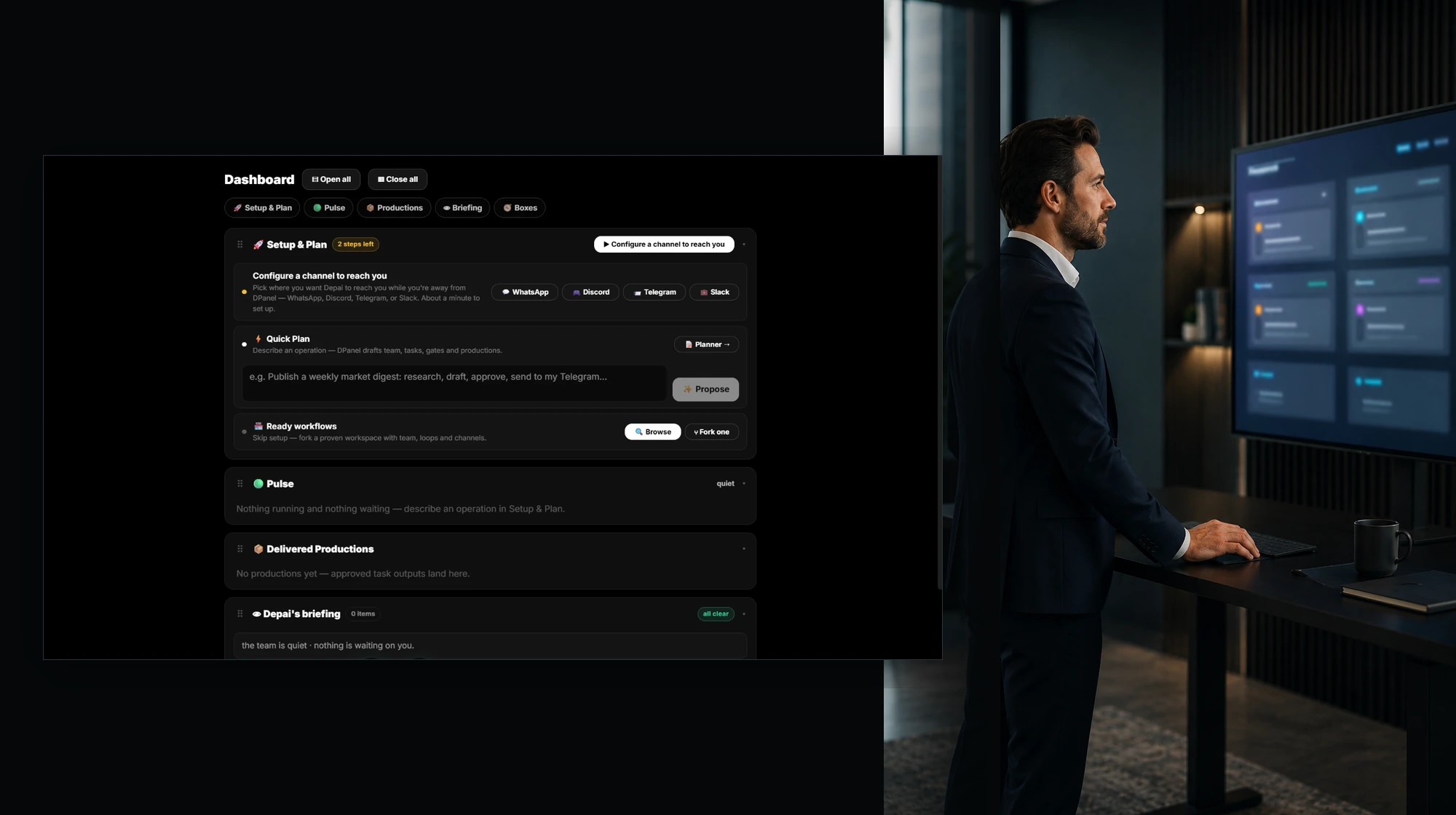
Workflows
Fork a real working setup with its team, behaviors, routines, and integrations, connect your own channels, and you are on. Publish yours for others to fork.
Browse workflows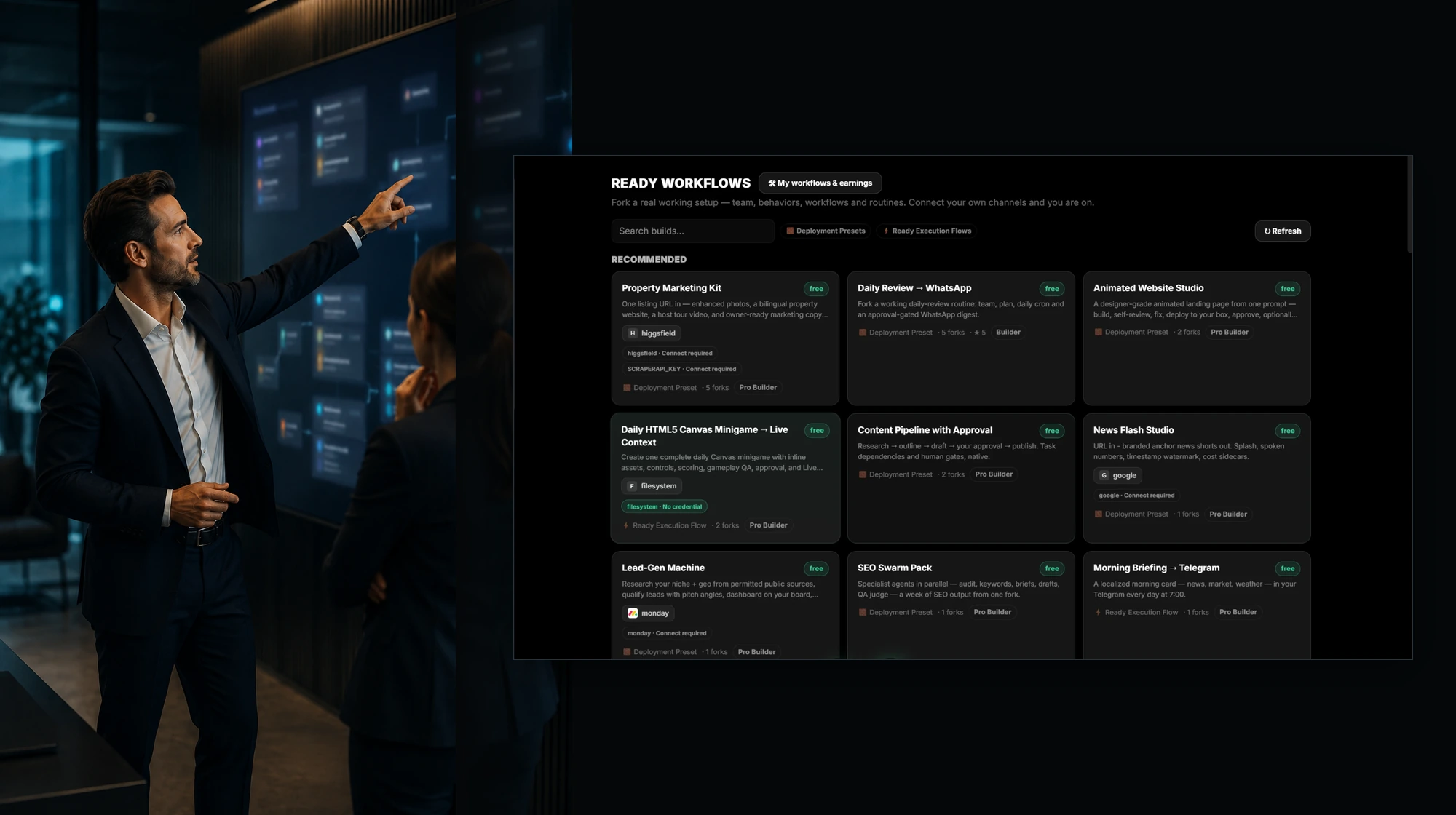
AI teams
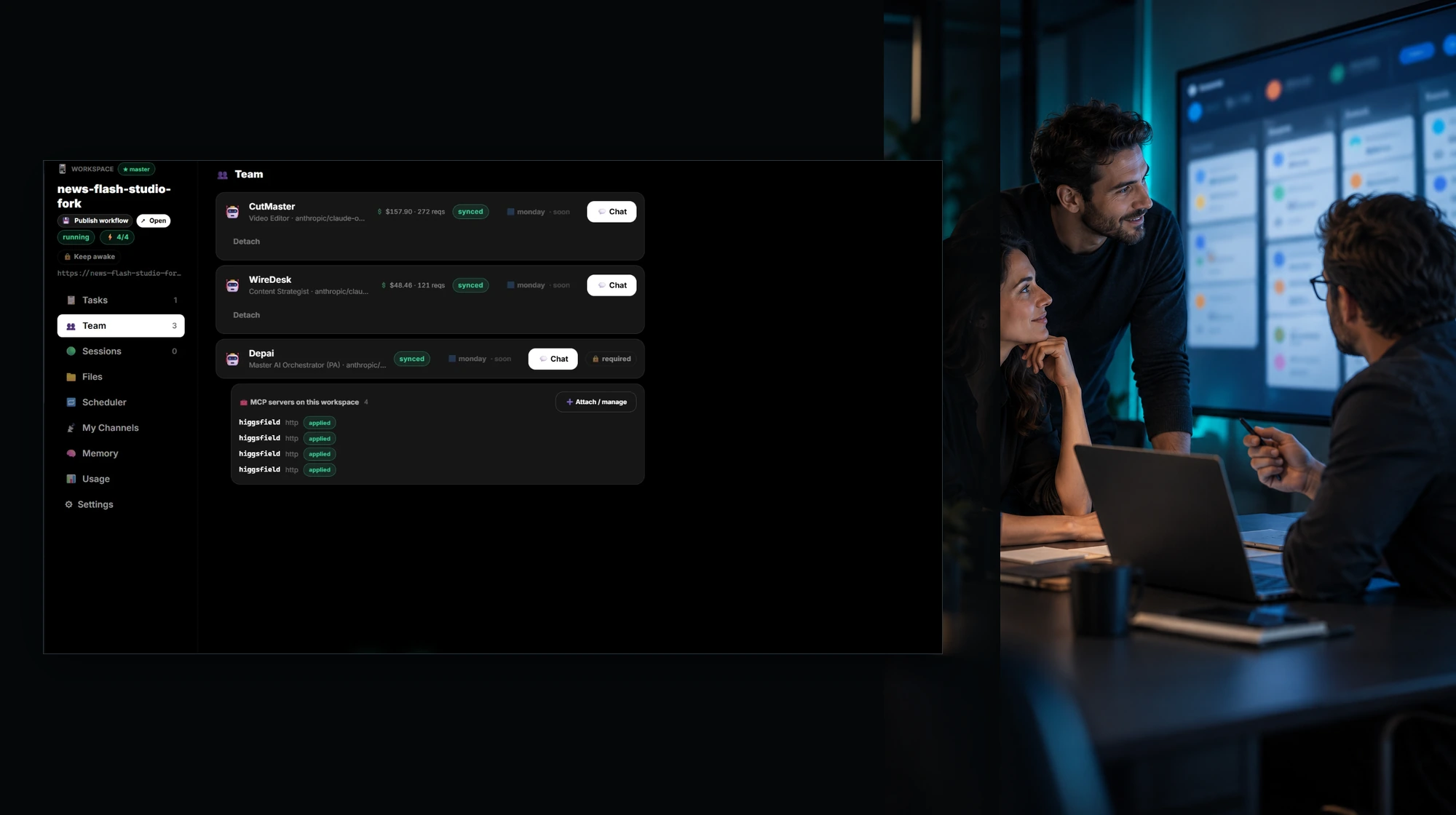
Each member has a role, a model, its own memory and spend, and a direct chat. An orchestrator coordinates the team, and you join wherever judgment is needed.
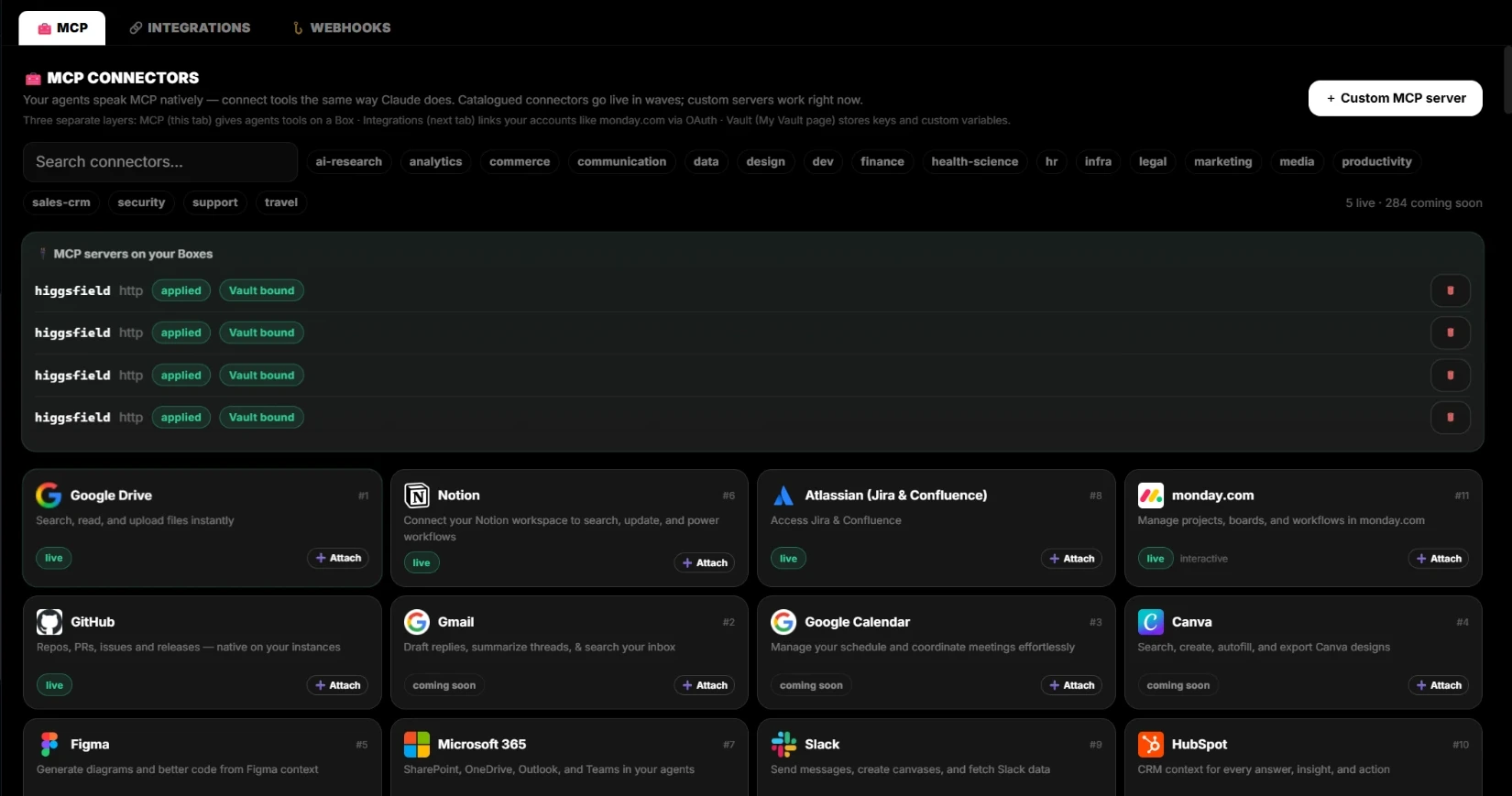
Integrations & MCP
Your agents speak MCP natively. Connect monday.com, Jira, Notion, GitHub, and Google Drive through OAuth. Every external write is proposed first and runs after your approval.
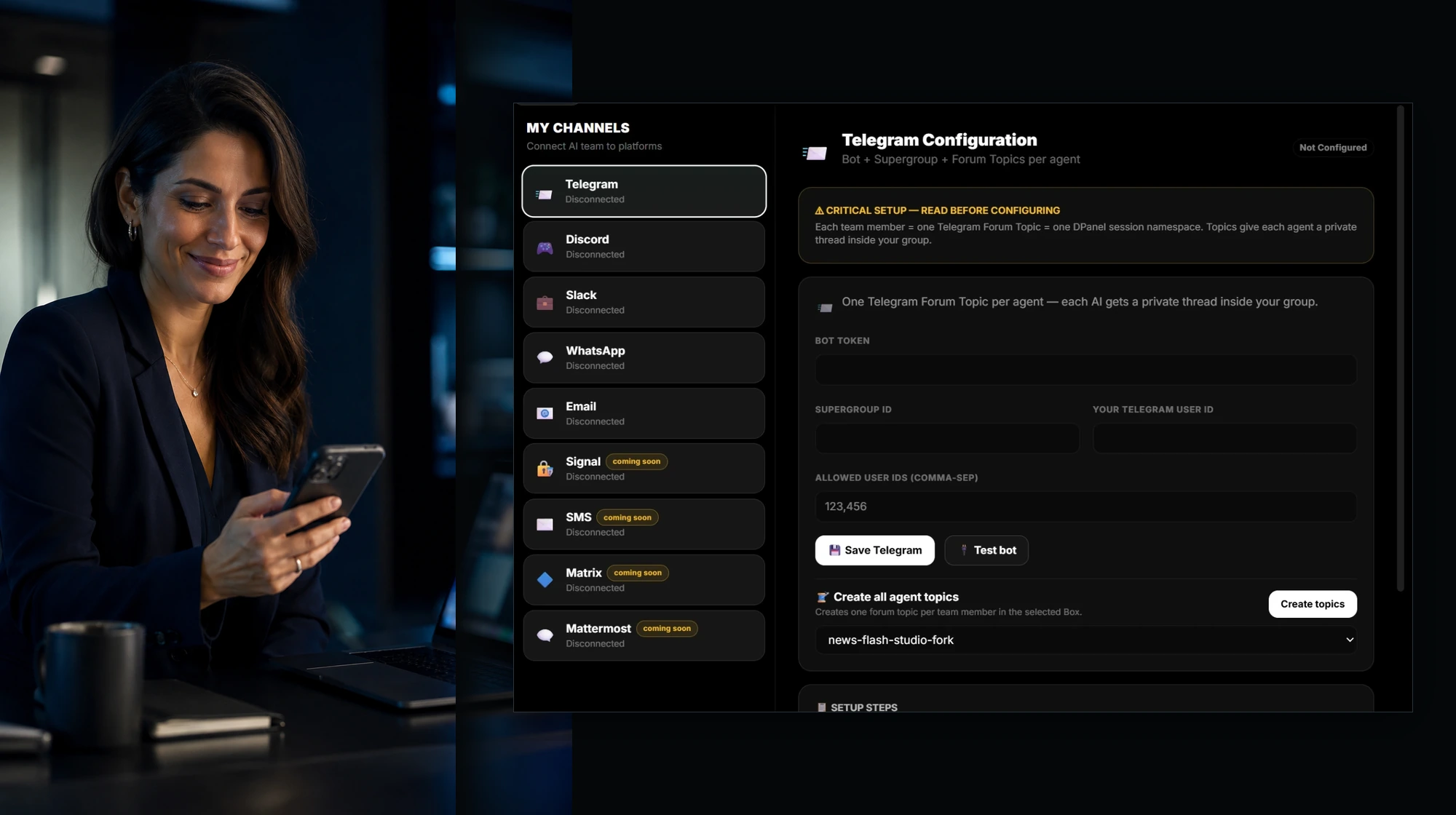
Canales
WhatsApp, Telegram, Slack, Discord, and email connect straight to your AI team. Each member gets its own thread, you speak or type and get answers back as voice or text, and you approve actions from the chat.
Demos
Watch a team work on the Live Context Board: several agents on several Boxes, files and videos playing beside them, and live widgets for tasks, productions, and spend.
Watch the demos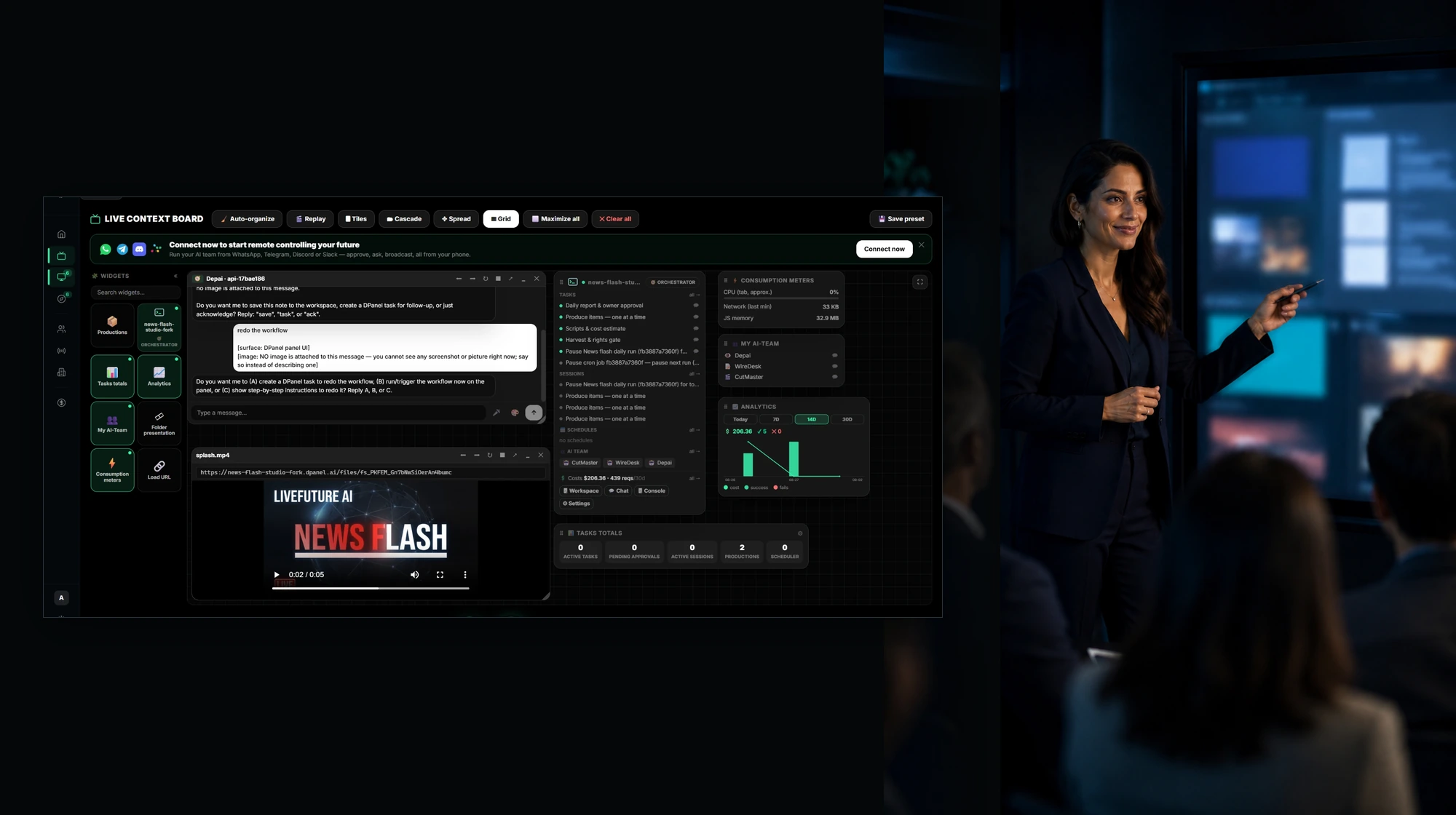
Knowledge base
Boxes, workspaces, sessions, Live Context, models, costs, and controls, explained with the real screens.
Open the knowledge baseSupport
Questions about setup, keys, Boxes, or billing get an answer from a person.
Get supportQue cambia
Los operadores ven que hace el equipo AI, que cambio y quien tiene el siguiente paso.
Las acciones riesgosas se convierten en decisiones revisables.
Los cambios de material fuente son visibles para inspeccionar y confiar en el trabajo AI.
monday.com, Notion, Jira, canales y destinos siguen siendo sistemas de registro.
FAQ
dPanel.ai es un panel de setup y ejecucion IA para configurar equipos con material fuente, aprobaciones, visibilidad de tareas, integraciones y traspaso humano.
No. dPanel.ai coordina la ejecucion de equipos IA alrededor de herramientas como monday.com, Notion, Jira, Slack, Telegram y destinos de runtime.
Un equipo IA combina trabajadores especialistas con roles, material fuente, reglas de aprobacion, propiedad de tareas y expectativas de traspaso.
Las aprobaciones mantienen bajo control humano las escrituras externas, mensajes a clientes, gasto, cambios de setup y cambios de estado.