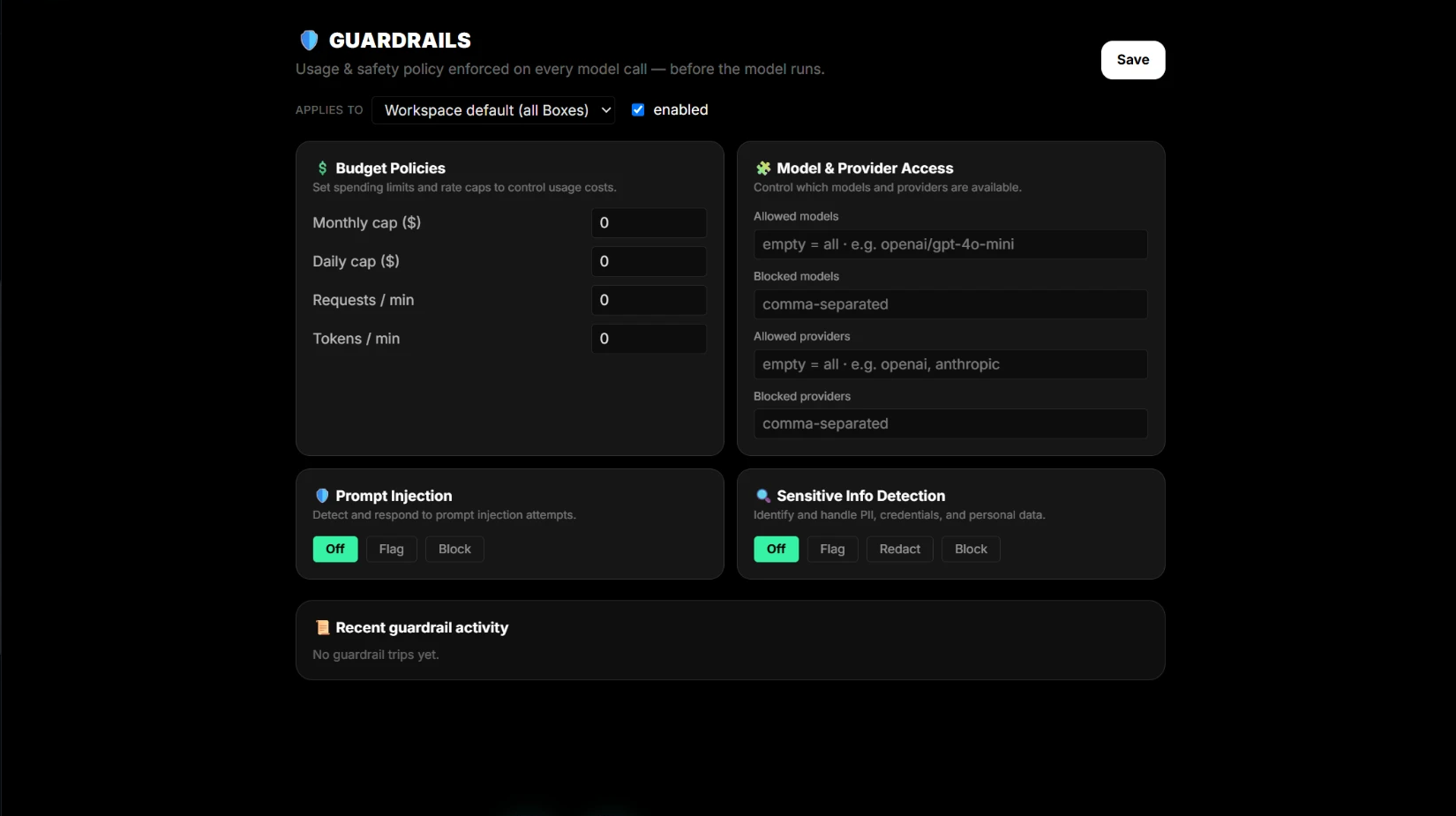
Pick the limit that matches the risk
Monthly and daily caps control spend over time. Requests and tokens per minute control bursts. Use the Box monthly cap for a hard ceiling on one client or one workflow.
Apply it at the right level
Set the workspace default for a consistent account policy, then add a Box override where one workflow needs a tighter ceiling.
Compare the limit with real usage
Read Usage & Costs next to the policy to confirm the cap fits the work, and raise or lower it as the workflow settles.
Continue in dPanel.ai
Open the related product area or workflow when you are ready to apply this guide.
Review dPanel.ai Pack