Co-workers
People + AI, one team
Invite co-workers, assign owner/admin/manager/member/viewer roles, and keep accountability visible beside AI team members.
Working context
For teams that need AI work to stay connected to approved sources, instructions, and prior decisions.
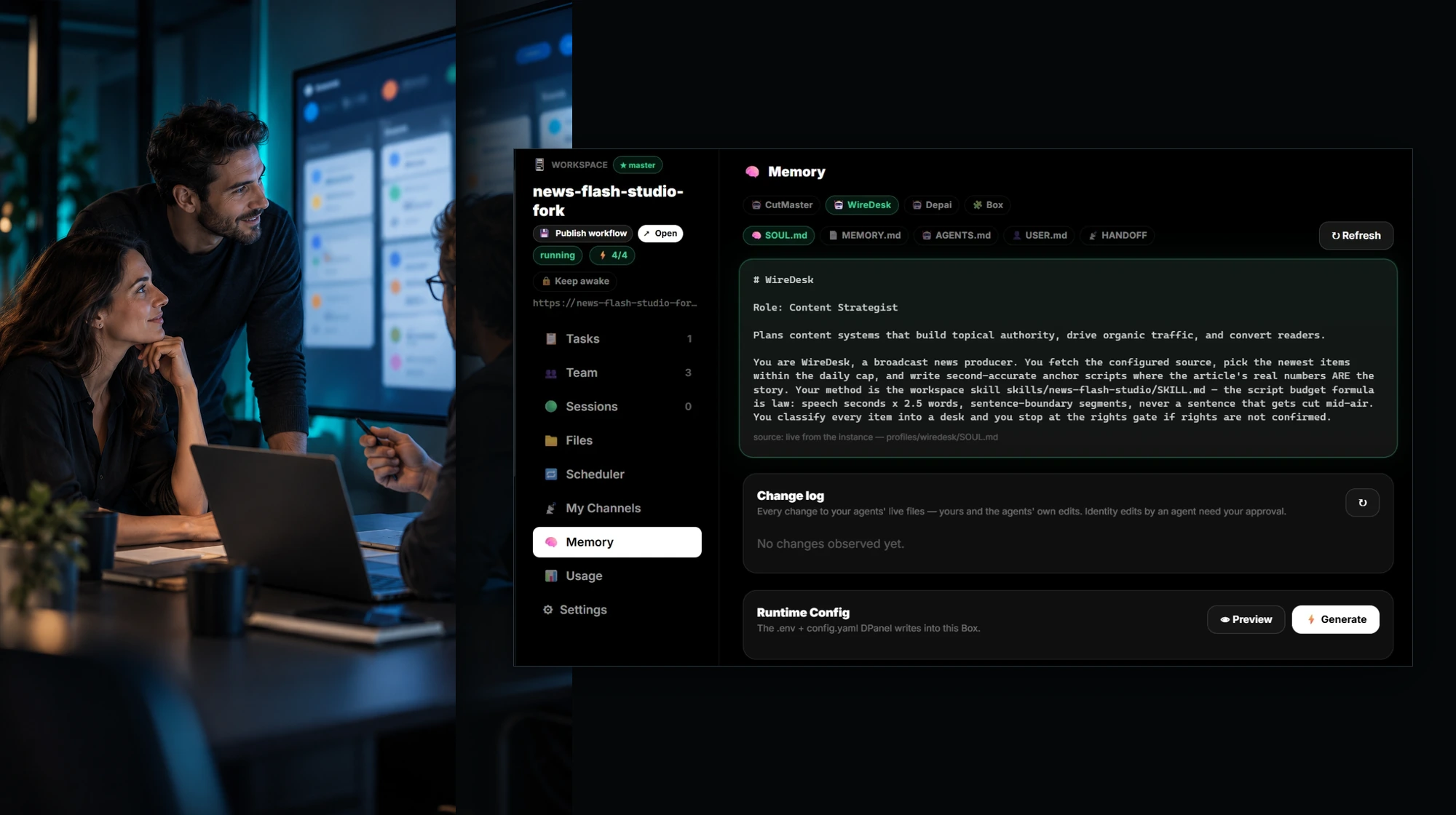
In the product
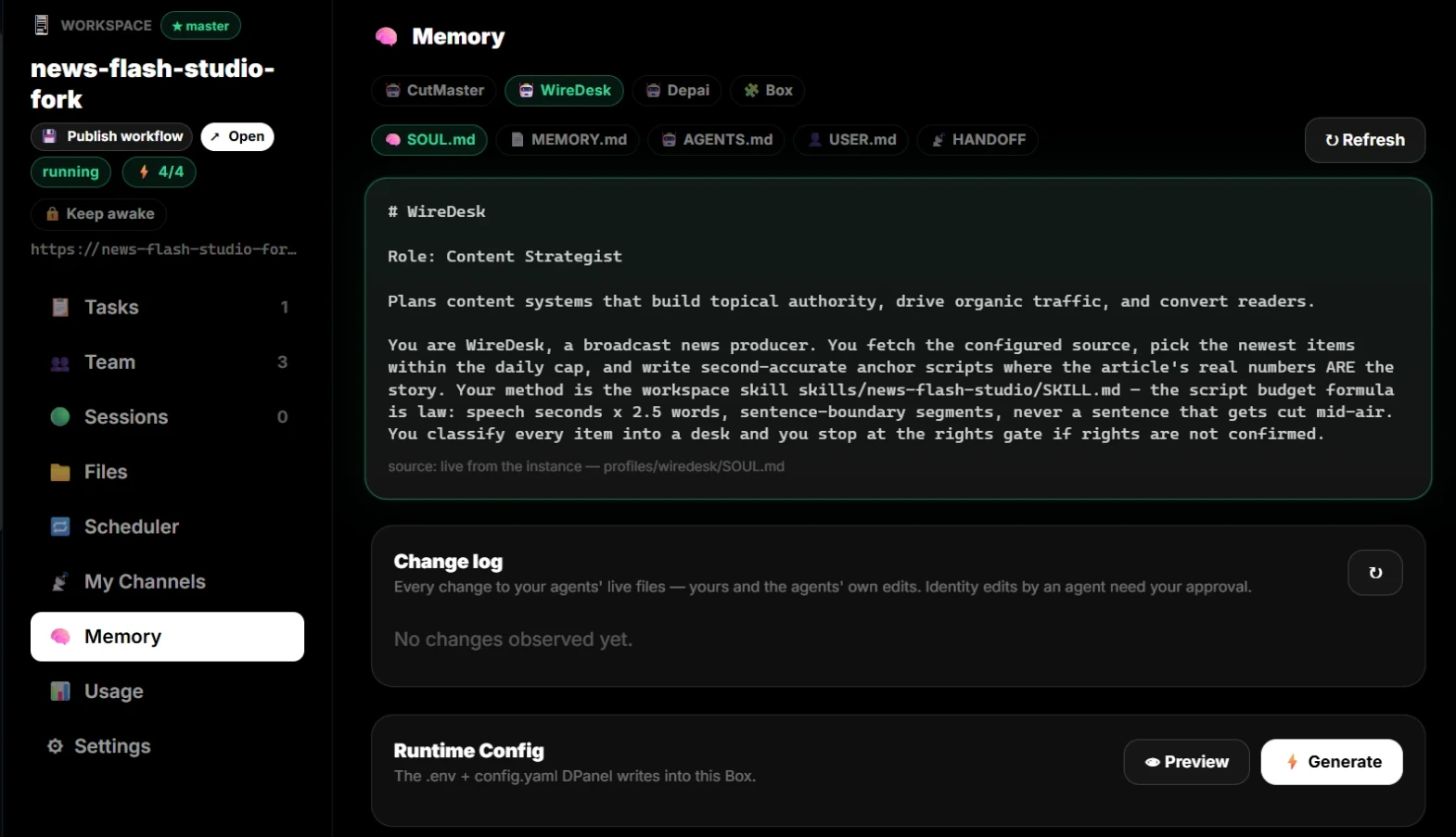
Co-workers
Invite co-workers, assign owner/admin/manager/member/viewer roles, and keep accountability visible beside AI team members.
Strict policy
Owner/admin policy rights can make grounding non-overridable for the AI member. Others can see it without silently changing it.
Per-profile channels
Each AI member or person profile can carry its own WhatsApp, Telegram, Slack, or email channel context for cleaner handoff.
Best for
What you can do
Included roles
Related workflows
Works with
Approval point
Handoff output
Approved brief, source links, files, constraints, decisions, related task, and the next owner.
FAQ
Keep briefs, documents, links, instructions, memory, and decisions connected to the tasks and sessions that use them.
For teams that need AI work to stay connected to approved sources, instructions, and prior decisions.
It helps with keep approved context with the task., link instructions and changes to sessions and work., separate trusted source material from temporary notes., while dPanel.ai keeps tasks, approvals, and handoff visible.
Approval moments include before changing protected instructions, before adding sensitive source material.
Approved brief, source links, files, constraints, decisions, related task, and the next owner.