Avg Drift (drift score)

Drift measures how far the delivered work moved from the plan that was approved. A task that shipped exactly what its plan promised scores near zero; the more the execution wandered — scope, outputs, or steps — the higher the drift.

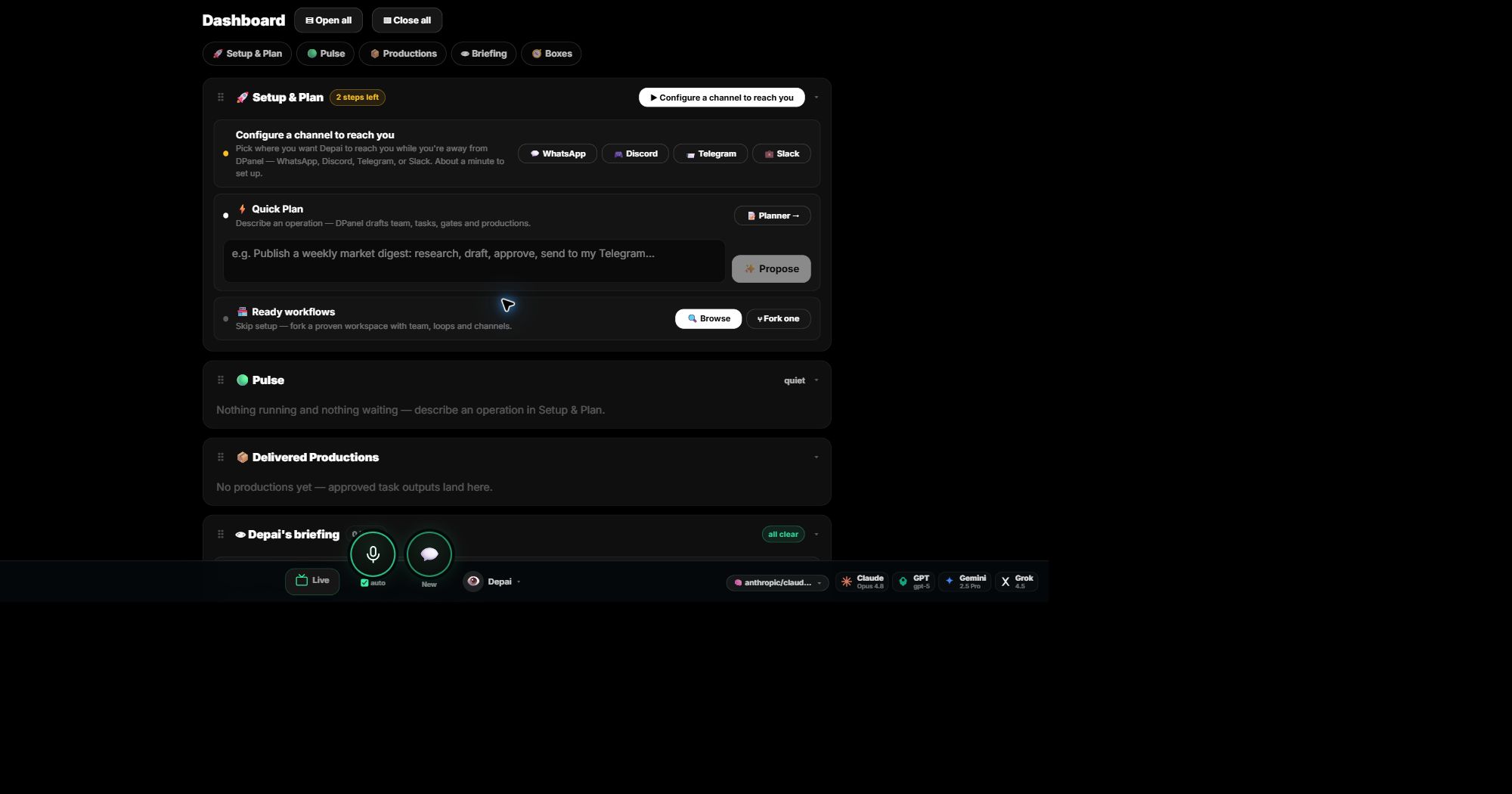
You see the average across tasks on the Dashboard and the Execution panel’s KPI tiles. Use it as a smell test: a rising drift average means plans are being approved that do not match what the team actually ends up doing.

Awaiting Clarification

The count of items where an AI worker stopped and asked a human a question instead of guessing. Work in this state is paused on purpose — answering the question releases it.

It appears as a Dashboard tile. This is a truthfulness feature, not a failure: a worker that asks beats a worker that invents.

Grounding & the Grounding Ledger

Grounding is the context a worker is explicitly given — documents, rules, links, and facts recorded per member. The Grounding Ledger is the audit trail of what each worker was grounded with and when.

When output looks wrong, check the grounding first: an ungrounded worker is answering from general knowledge, not your business reality.

QA gate (Needs Approval)

A task marked “Needs Approval” has hit its QA gate: the work is done from the agent’s side and is deliberately parked until a human signs off. Approving releases downstream tasks; rejecting sends it back.

Any task can require approval (the “Requires approval” switch when creating or editing it). The pending item shows on the board’s approval card and the All Tasks tab.

Judge (Goal mode)

Goal mode keeps a worker iterating on one task: after every working turn, a separate check — the judge — re-reads the task’s acceptance criteria and decides “met” or “keep going”.

The loop runs on the instance’s own kanban board until the criteria pass or the turn budget runs out (then the card blocks for your review). Write concrete acceptance criteria: they are literally the judge’s checklist.

Session namespace (Telegram topics)

On Telegram, every team member gets its own Forum Topic inside your supergroup — a private thread per agent. Each topic maps to its own conversation state on the runtime, so agents never mix up each other’s chats.

That per-topic conversation state is what the setup screen calls a session namespace: one topic = one agent = one isolated session stream.

Unlinked vs synced (worker status chips)

synced — the worker’s profile exists on its instance and matches what DPanel has (persona, config, channels). Unlinked — the worker is on your roster but has no live agent profile on an instance yet: attach it to an instance and sync does the rest.

A worker can also show “Needs channel link” per channel: the profile is live but that channel is not bound to it yet.

The 🧠 counter on team cards

The number of grounding/memory records attached to that member — how much explicit context it carries. Zero means the worker only knows its persona; it grows as you (or its own learning) add grounding entries.

The ⚡ N/N chip (gateway health)

Each attached member runs a gateway process inside the instance — the thing that listens on its channels. ⚡ 2/2 means both of two gateways are up; a shortfall (1/2) means one is down and the watchdog will restart it within ~3 minutes. You can force it from the instance page (Heal).

Verify integrity (board button)

Runs a cross-check between your board and reality: every open task must have a worker that exists on your team, that worker must have a live profile on the instance, started tasks must still have their card on the instance board, and stale or duplicated run-session records get closed.

The report lists anything that fails with a one-click path to fix it (reassign, engage talent, or re-sync).

Broadcast board / panel

The Broadcast board is your shared screen: a wall of live panels that can hold a playing video, a web page, a report an agent built, or a plain-text note. Each panel is one piece of content; the board keeps them arranged side by side.

Anyone on the team can put something on it — you (paste a URL or pick a workspace file), Depai, or any agent you ask in chat. Panels opened by an agent carry a source chip (🤖 who opened it, from which session), so the board always tells you where content came from.

Play / Show / Broadcast — the platform verbs

“Play X”, “show X” and “broadcast X” are the same instruction in three tones: put this content on my Broadcast board. Every chat surface (panel chat, WhatsApp, Telegram, voice) and the /dp command line (“/dp play …”, “/dp show …”, “/dp broadcast …”) maps them to one platform action.

What follows the verb can be a song or video name (the platform finds and embeds it), a URL (embedded when the site allows it, otherwise an open-in-tab card — never a blank panel), a workspace file an agent saved (served as a real shareable page), or plain text to present.

Broadcast approval (pending panels)

An agent can stage content for sign-off instead of showing it immediately: the panel arrives in a PENDING state with an approval card (✔ approve / ✕ reject). Nothing plays or leaves the platform until a human approves.

This is the same human-gate pattern as task approvals, applied to outbound content — daily digests, scheduled reports and anything a routine wants to send onward (for example to WhatsApp) wait here first. “/dp broadcast approve <id>” works too.

Workspace vs a card’s WORKSPACE line

DPanel’s Workspace is your instance — the machine your team lives on, with its file tree under the Files pane. The “WORKSPACE: scratch” line you may see on a runtime kanban card is something narrower: that card’s working directory (scratch versus the repo checkout), i.e. where that one task writes its files.

So a card can say “WORKSPACE: scratch” while everything still happens inside your one DPanel Workspace. When an agent wants you to see a file it made, it shares a link from the Files pane — container paths like /opt/data/workspace/… are internal.

Change log

2026-07-07 — Broadcast vocabulary documented: the board/panels, the play/show/broadcast verbs, approval-gated panels, and the Workspace vs card-workspace distinction.

2026-07-05 — Article published; documents the vocabulary as shipped. Verify integrity + missing-talent flags added to the Execution panel the same day.

2026-07-04 — Goal mode (judge loop) and the live board mirror shipped; drift + clarification tiles already live on the Dashboard.

2026-07-03 — Gateway watchdog + ⚡ health chip, grounding ledger surfaces, and per-agent Telegram topics documented in the runtime sync work.

Next step

Turn this concept into a visible workflow with teams, approvals, grounding, and handoff.

Open the Execution panel