Context-preserving handoff
Continue work across agents, people, and tools
For work that crosses specialist roles, co-workers, client systems, or several conversations.
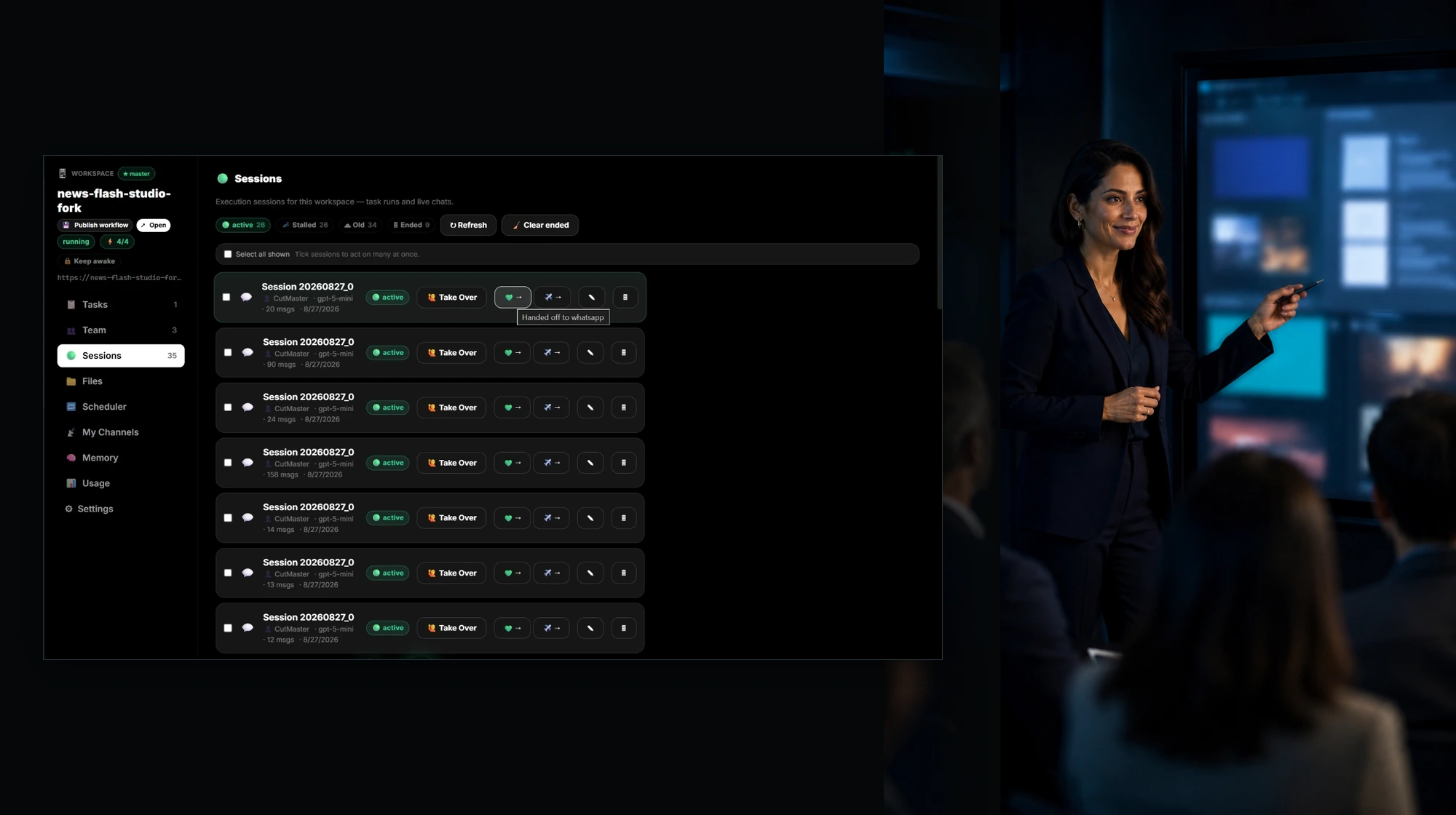
In the product
Best for
- Tasks that change owners.
- Work that must continue from a past agent session.
- Decisions that depend on several chats, files, or work surfaces.
What you can do
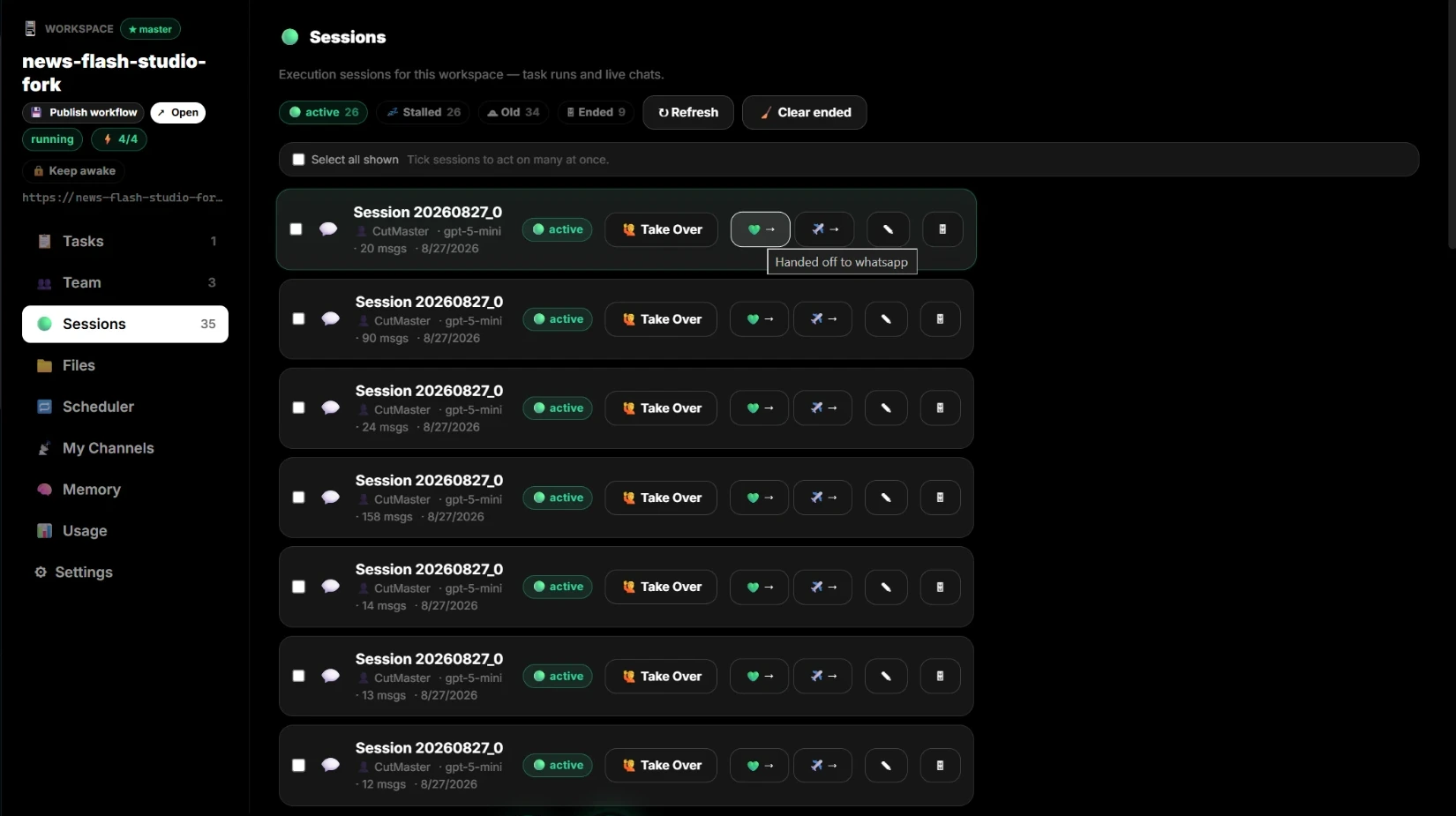
- Reopen the original session.
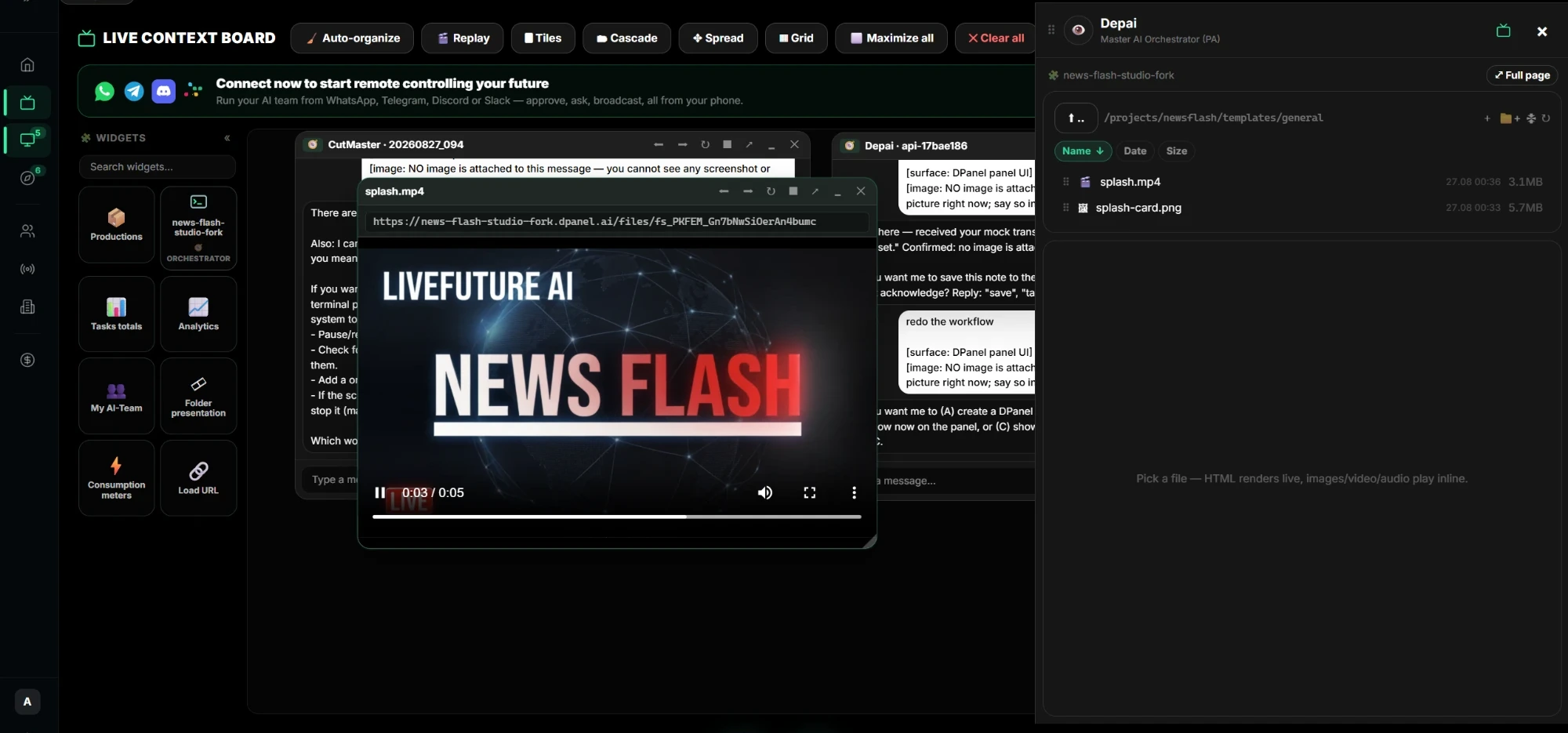
- Keep completed work, blockers, files, and links with the task.
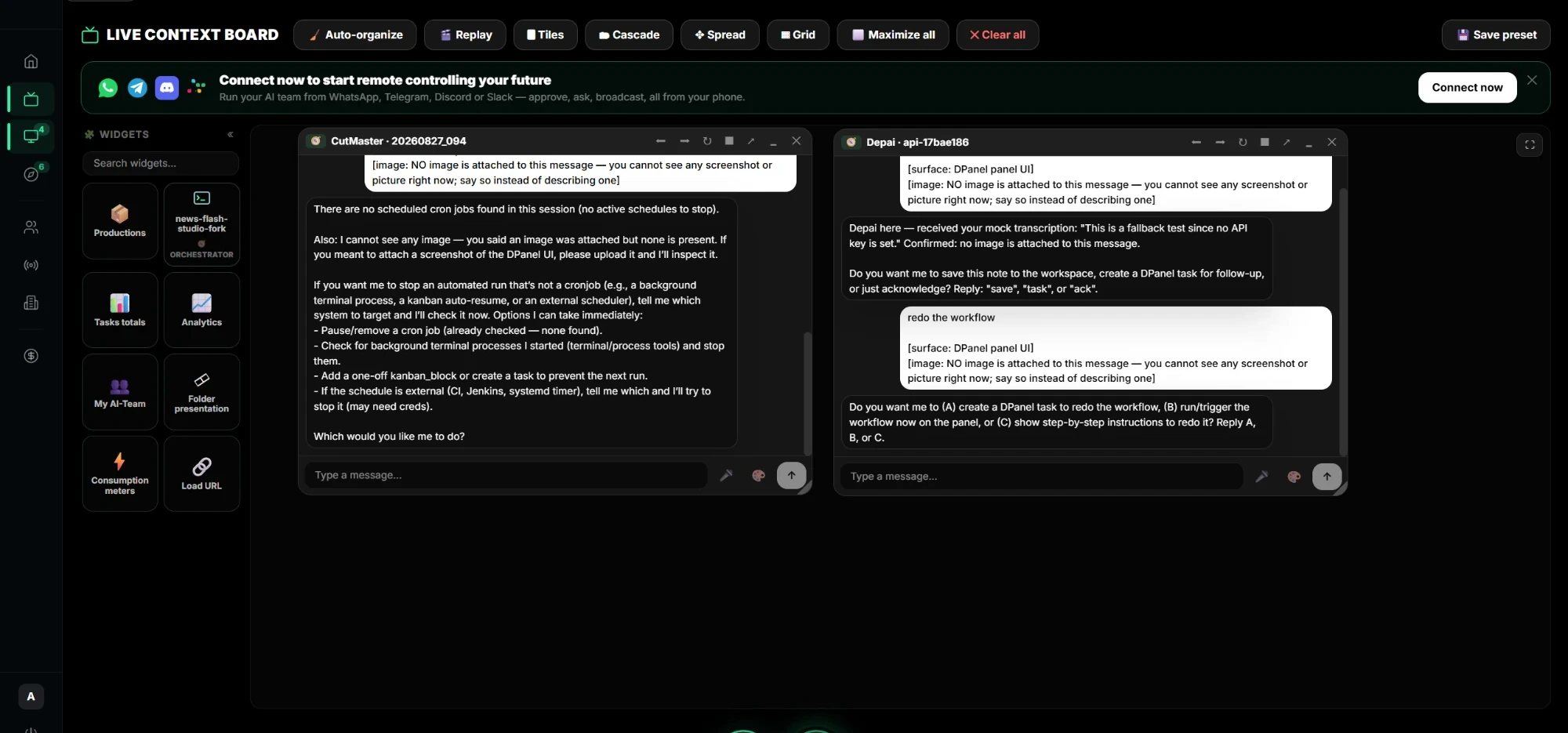
- Arrange multiple chats and work surfaces in Live Context.
- Give the next owner a clear next action.
Included roles
Related workflows
Works with
Approval point
- Before sending a customer-visible result
- Before transferring access or ownership
Handoff output
Goal, current status, completed output, evidence, blockers, next owner, related session, and next action.
FAQ
What is Continue work across agents, people, and tools?
Move work between AI-team members, coworkers, and connected systems with status, files, evidence, sessions, and next actions intact.
Who is this dPanel.ai page for?
For work that crosses specialist roles, co-workers, client systems, or several conversations.
What does the AI team actually do?
It helps with reopen the original session., keep completed work, blockers, files, and links with the task., arrange multiple chats and work surfaces in live context., while dPanel.ai keeps tasks, approvals, and handoff visible.
Where do approvals happen?
Approval moments include before sending a customer-visible result, before transferring access or ownership.
What does handoff look like?
Goal, current status, completed output, evidence, blockers, next owner, related session, and next action.