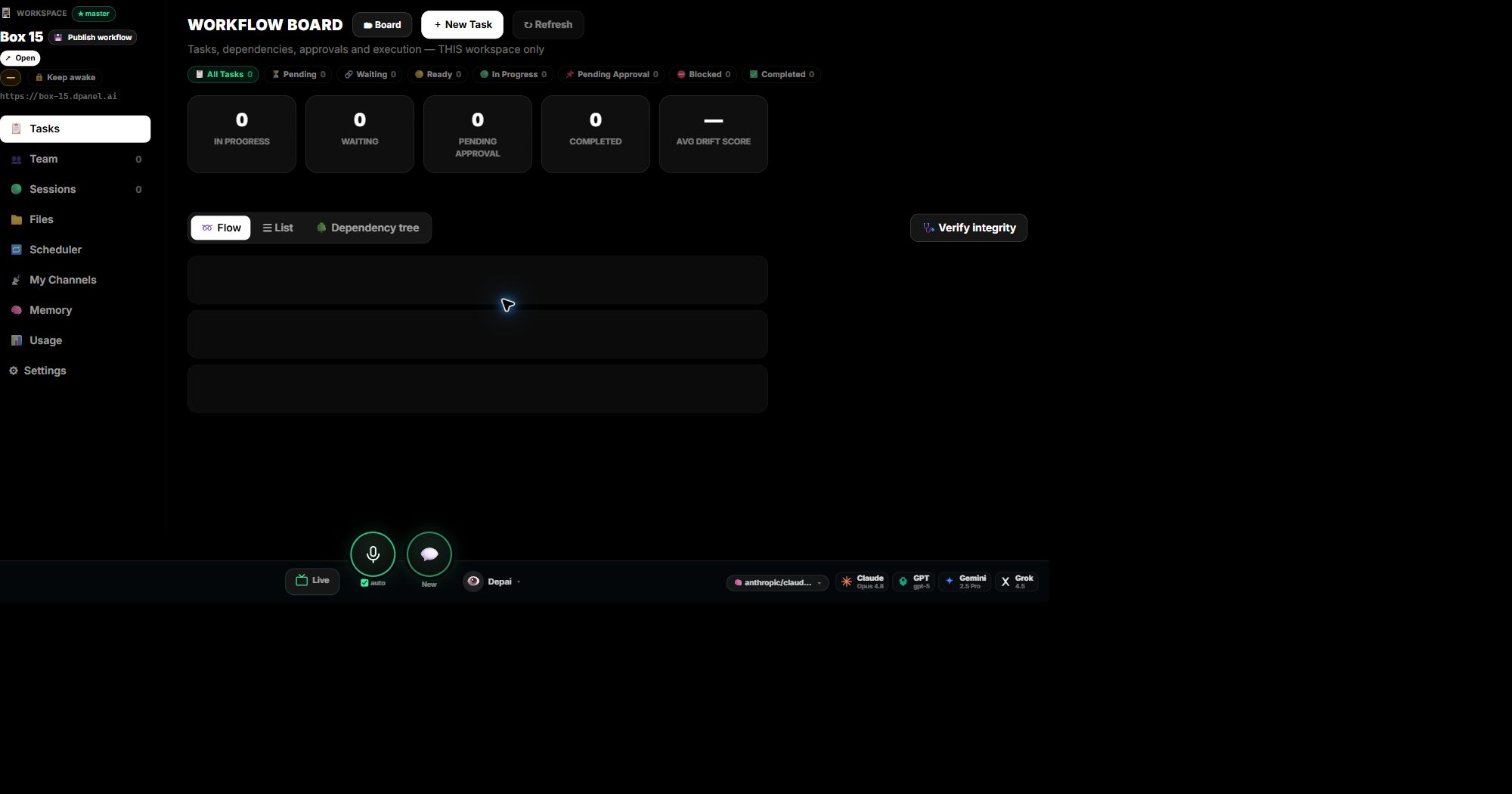
Colaboradores humanos
Humanos + IA, un solo equipo
Invita colaboradores humanos, asigna roles owner/admin/manager/member/viewer y manten la responsabilidad visible junto a los talentos IA.
Contexto de trabajo
Para equipos que necesitan mantener el trabajo de IA conectado a fuentes, instrucciones y decisiones previas aprobadas.
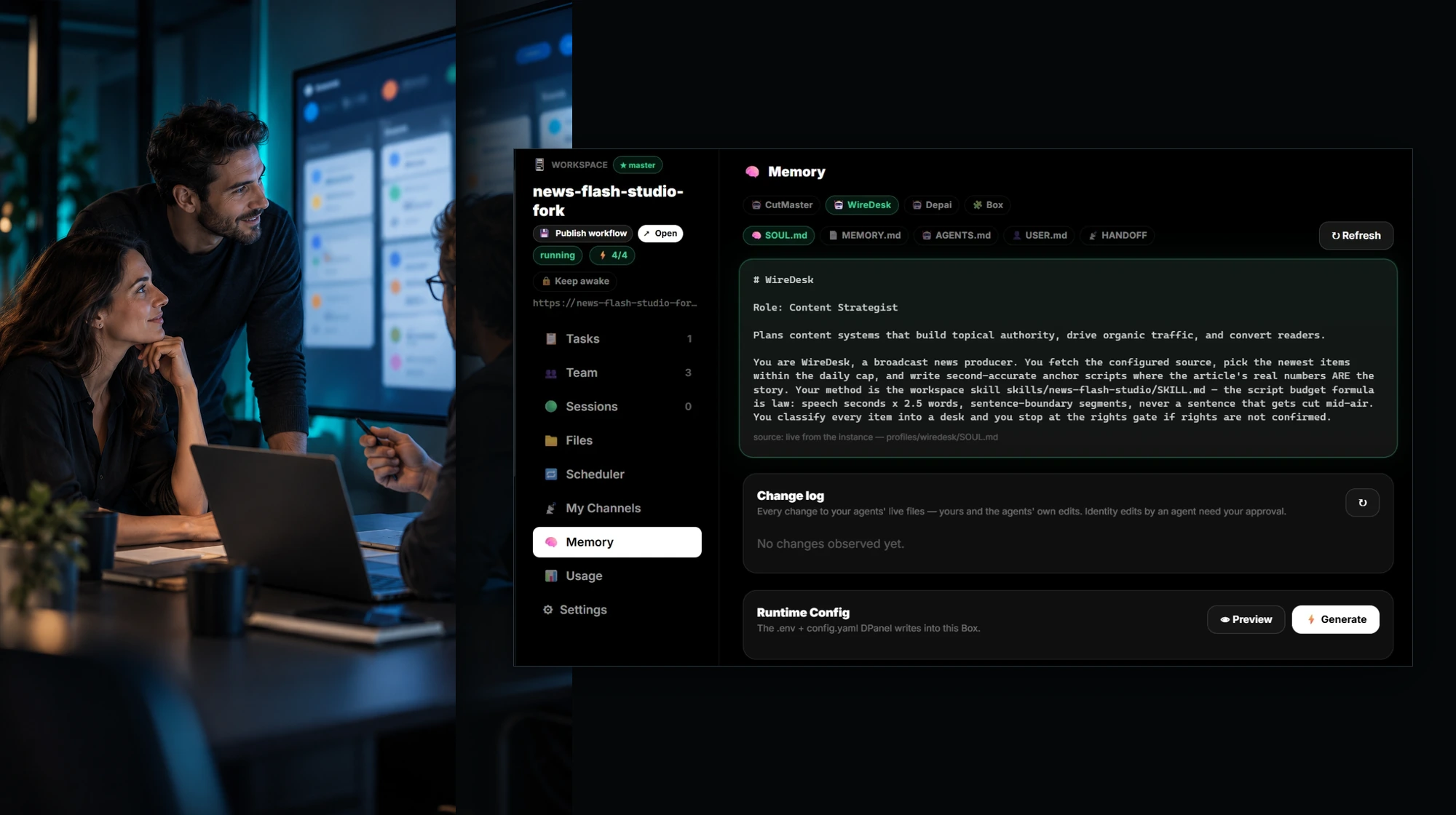
En el producto
Colaboradores humanos
Invita colaboradores humanos, asigna roles owner/admin/manager/member/viewer y manten la responsabilidad visible junto a los talentos IA.
Politica estricta
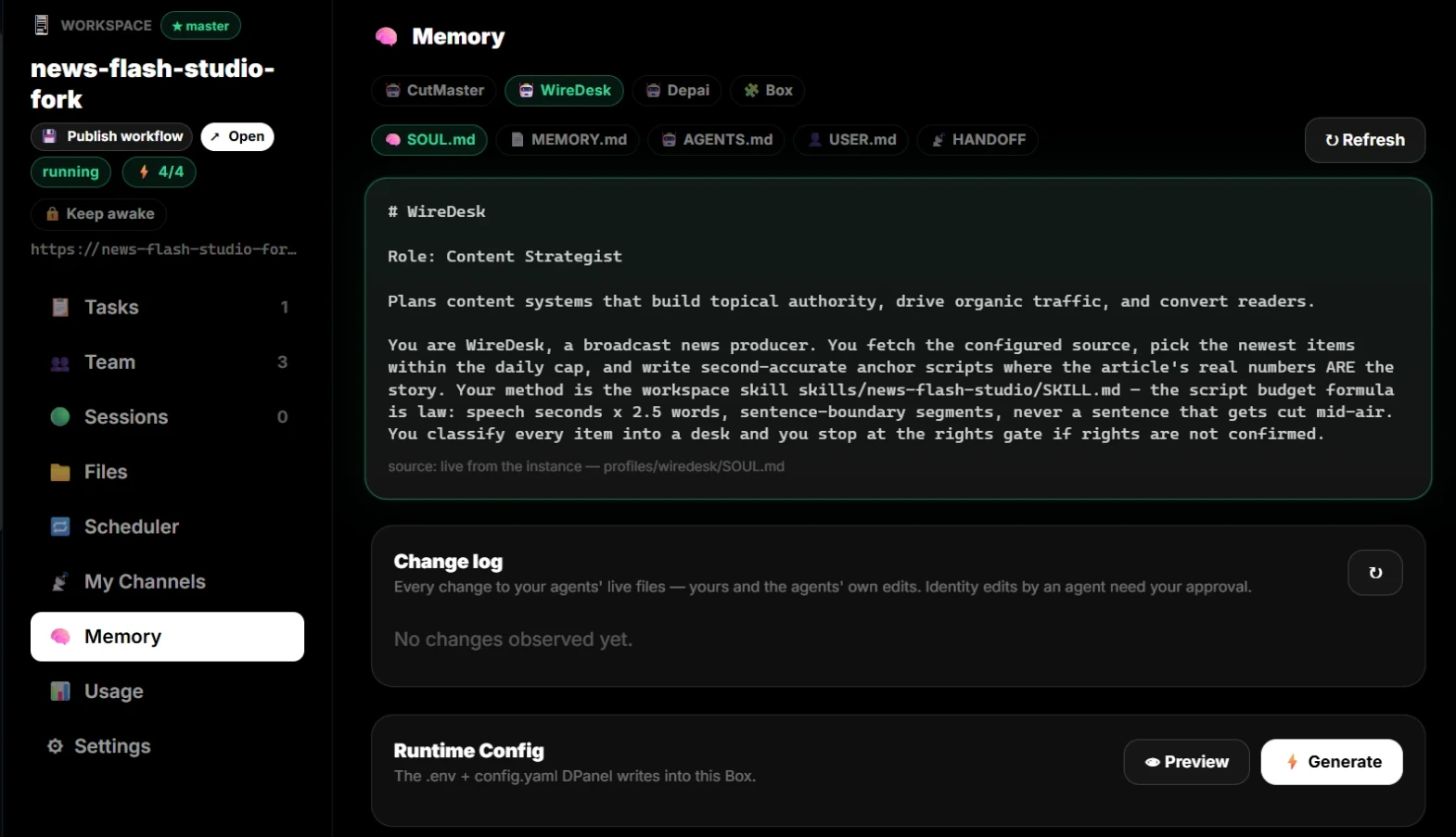
Los permisos owner/admin pueden hacer que el grounding no pueda ser reemplazado por el agente IA. Otros pueden verlo sin cambiarlo en silencio.
Canales por perfil
Cada talento IA o perfil humano puede llevar su propio contexto de WhatsApp, Telegram, Slack o email para un traspaso mas limpio.
Dolor
Resultados
Miembros del equipo IA
Flujos de trabajo
Integraciones
Punto de aprobacion
Entrega
Resumen aprobado, enlaces a fuentes, archivos, restricciones, decisiones, tarea relacionada y siguiente responsable.
Preguntas frecuentes
Mantén resúmenes, documentos, enlaces, instrucciones, memoria y decisiones conectados a las tareas y sesiones que los usan.
Para equipos que necesitan mantener el trabajo de IA conectado a fuentes, instrucciones y decisiones previas aprobadas.
Ayuda con Mantén el contexto aprobado con la tarea., Vincula instrucciones y cambios a sesiones y trabajo., Separa fuentes de confianza de notas temporales., mientras dPanel.ai mantiene visibles las tareas, aprobaciones y entregas.
Los momentos de aprobación incluyen Antes de modificar instrucciones protegidas, Antes de añadir fuentes sensibles.
Resumen aprobado, enlaces a fuentes, archivos, restricciones, decisiones, tarea relacionada y siguiente responsable.