Base de conhecimento
Base de conhecimento dPanel.ai
Guias práticos para AI Execution Deployment Panels, equipes IA implantáveis, aprovações, grounding, handoff, integrações, deployment e governança.
 Comece com dPanel.ai
O que é dPanel.ai?
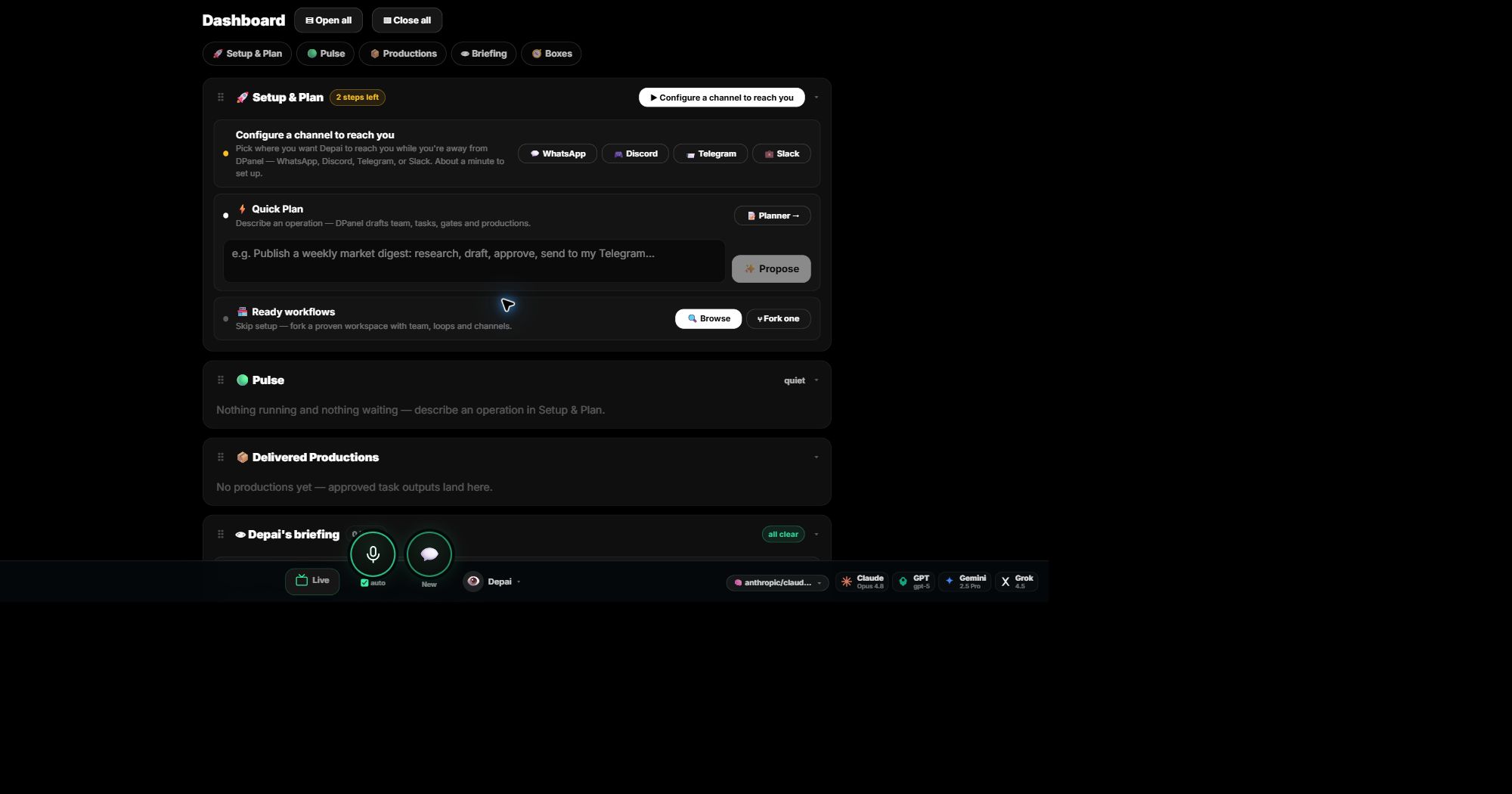
O dPanel.ai é onde você atribui trabalho real a uma equipe de IA que orienta e vê tarefas, conversas e custos enquanto acontecem.
Comece com dPanel.aiConheça o painel dPanel.ai
Comece um plano, escolha um fluxo pronto, veja o que está em execução e reúna entregas em uma tela.
 Comece com dPanel.ai
Equipes de IA e agentes de IA individuais
Use um especialista para uma tarefa focada ou uma equipe com orquestrador quando precisar de várias funções.
30 artigos
O que é dPanel.ai?
O dPanel.ai é onde você atribui trabalho real a uma equipe de IA que orienta e vê tarefas, conversas e custos enquanto acontecem.
Conheça o painel dPanel.ai
Comece um plano, escolha um fluxo pronto, veja o que está em execução e reúna entregas em uma tela.
Equipes de IA e agentes de IA individuais
Use um especialista para uma tarefa focada ou uma equipe com orquestrador quando precisar de várias funções.
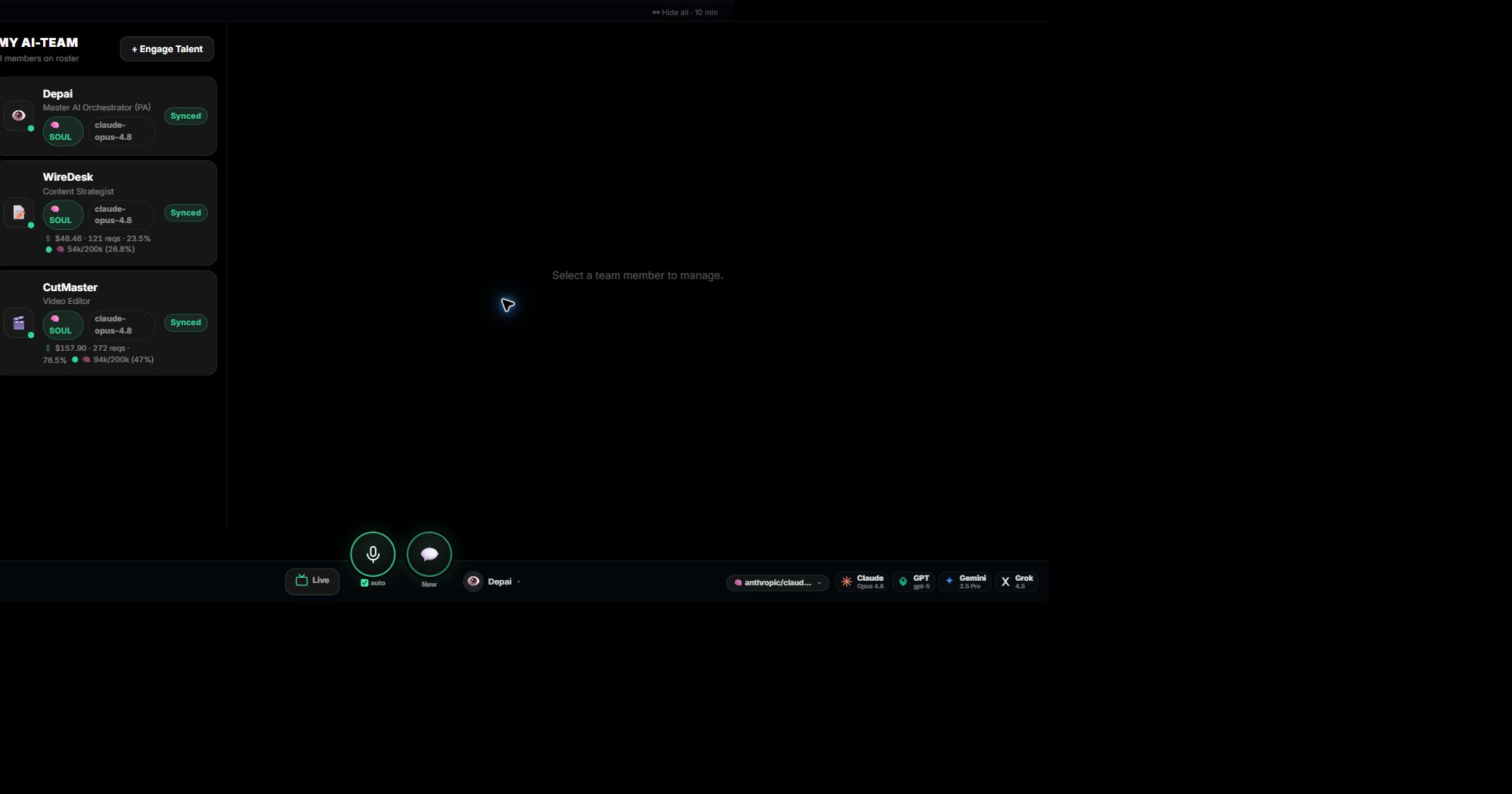
Crie e gerencie sua equipe de IA
Escolha as funções, conecte-as a um Box, converse com cada membro e controle instruções, modelo e gastos.
Aprovações onde importam
Mantenha as rotinas em andamento enquanto gastos, publicações e ações ao cliente aguardam sua decisão.
Mantenha as fontes conectadas ao trabalho
Dê à equipe o briefing, documentos e links necessários, mantenha-os vinculados ao trabalho e corrija-os quando a equipe aprender algo errado.
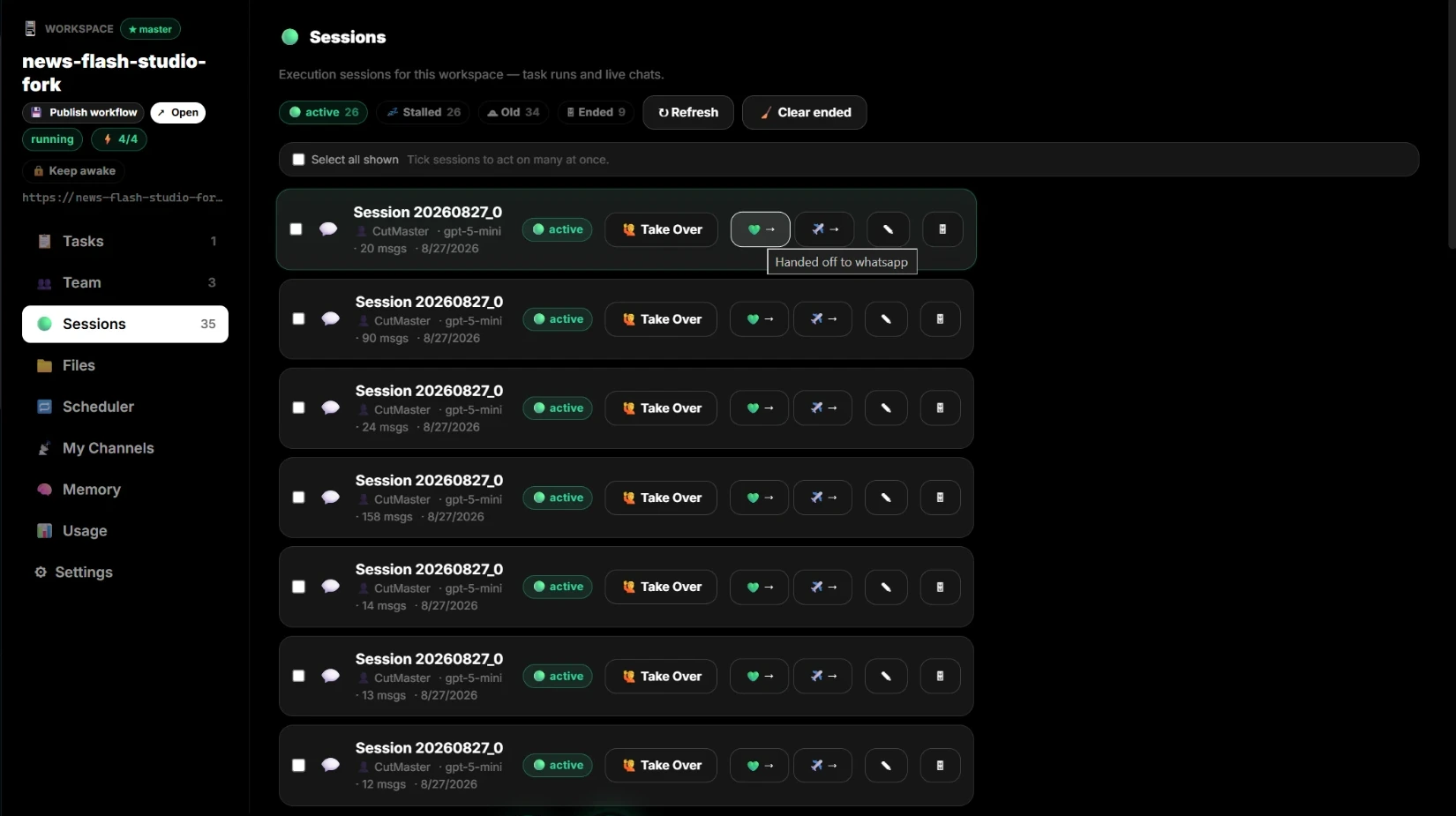
Transfira trabalho entre agentes, pessoas e seu celular
Assuma qualquer sessão, continue pelo WhatsApp ou Telegram ou transfira a outro especialista com contexto completo.
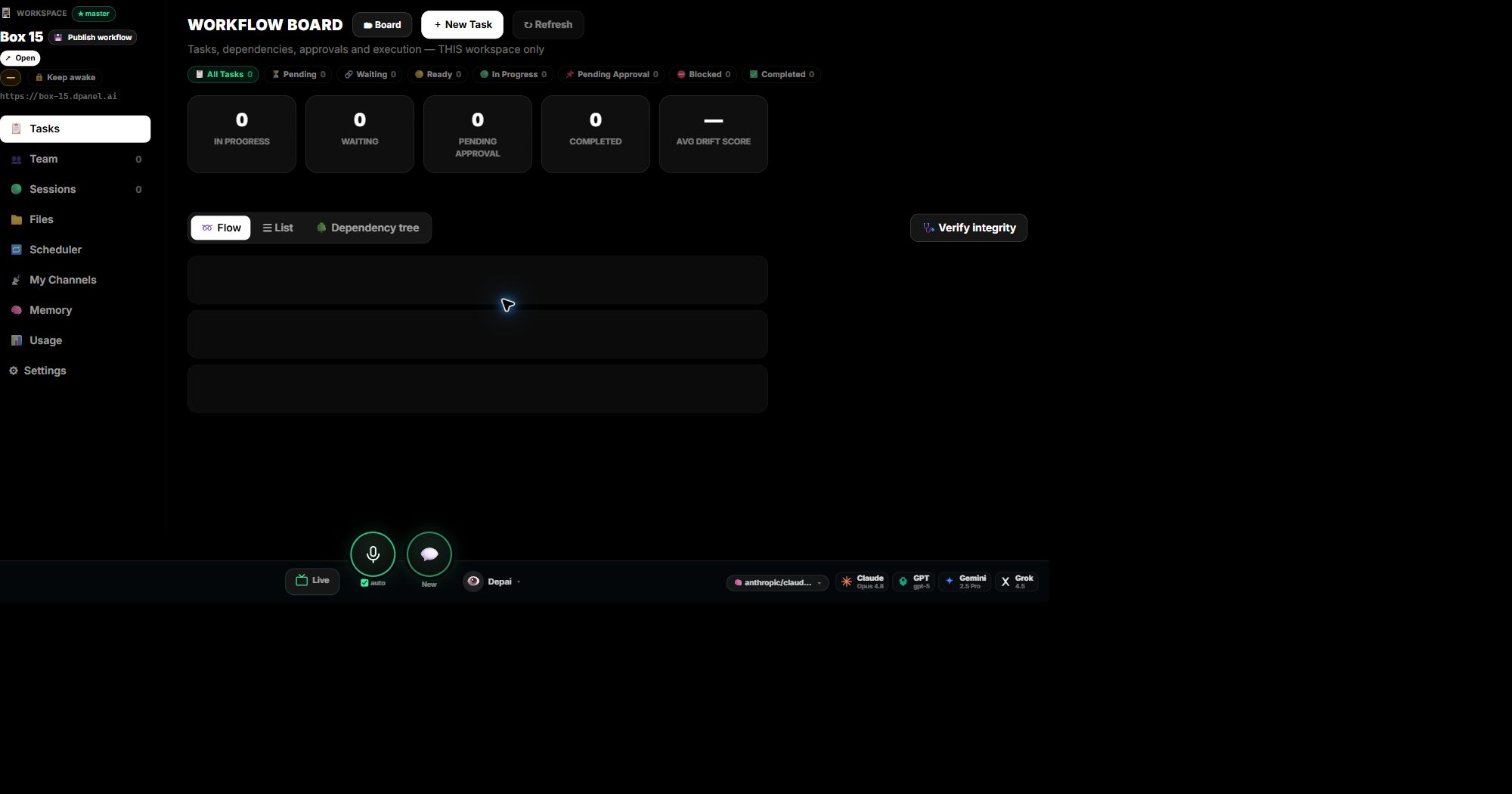
Use espaços de trabalho para acompanhar tarefas e produções
Um espaço de trabalho é a visão detalhada de um Box: tarefas e custos, equipe, sessões, arquivos, agendamentos, canais, memória e uso.
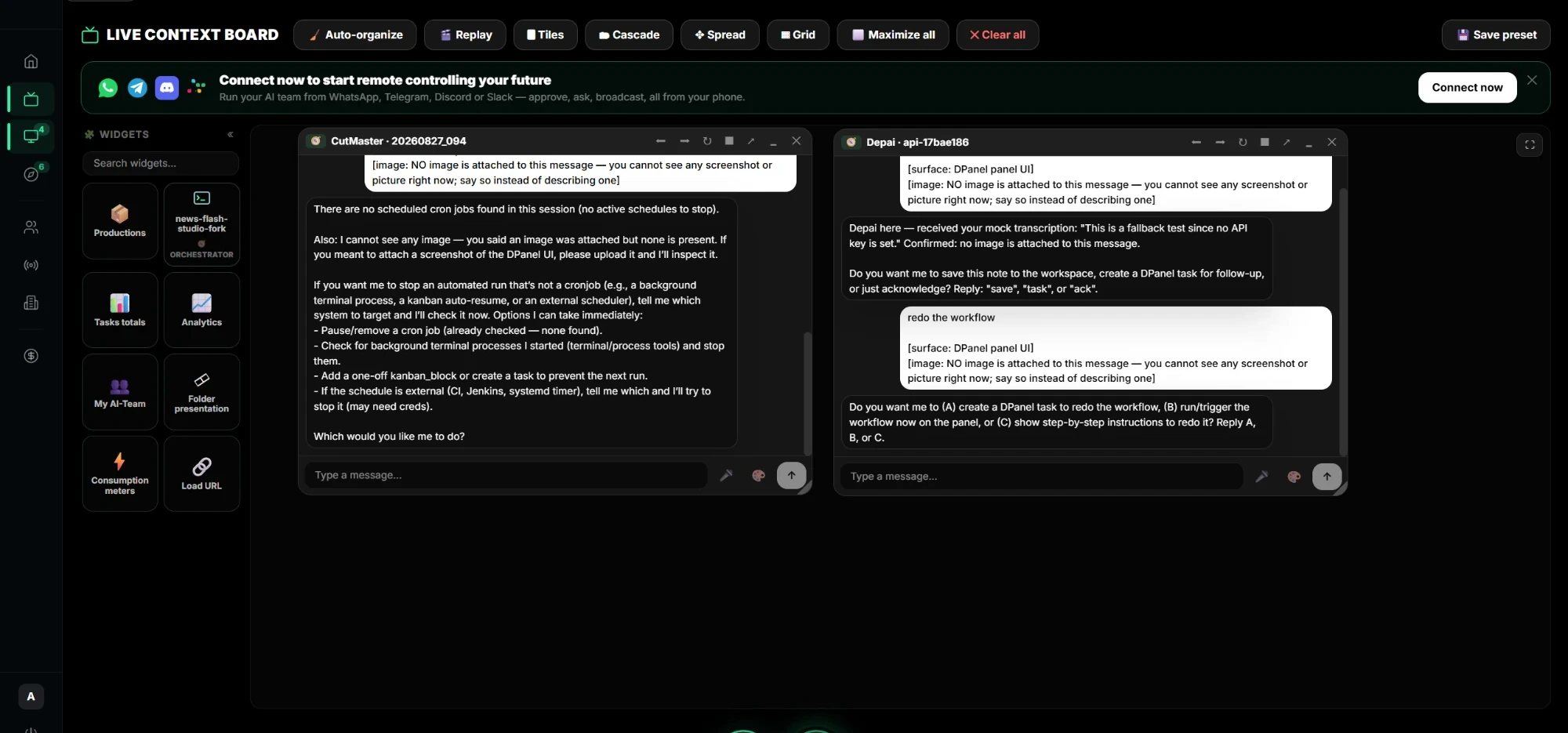
Reabra sessões anteriores no Live Context
Reúna vários agentes, chats, arquivos, vídeos e widgets ao vivo em um quadro, em todos os seus Boxes.
Comece com um fluxo pronto
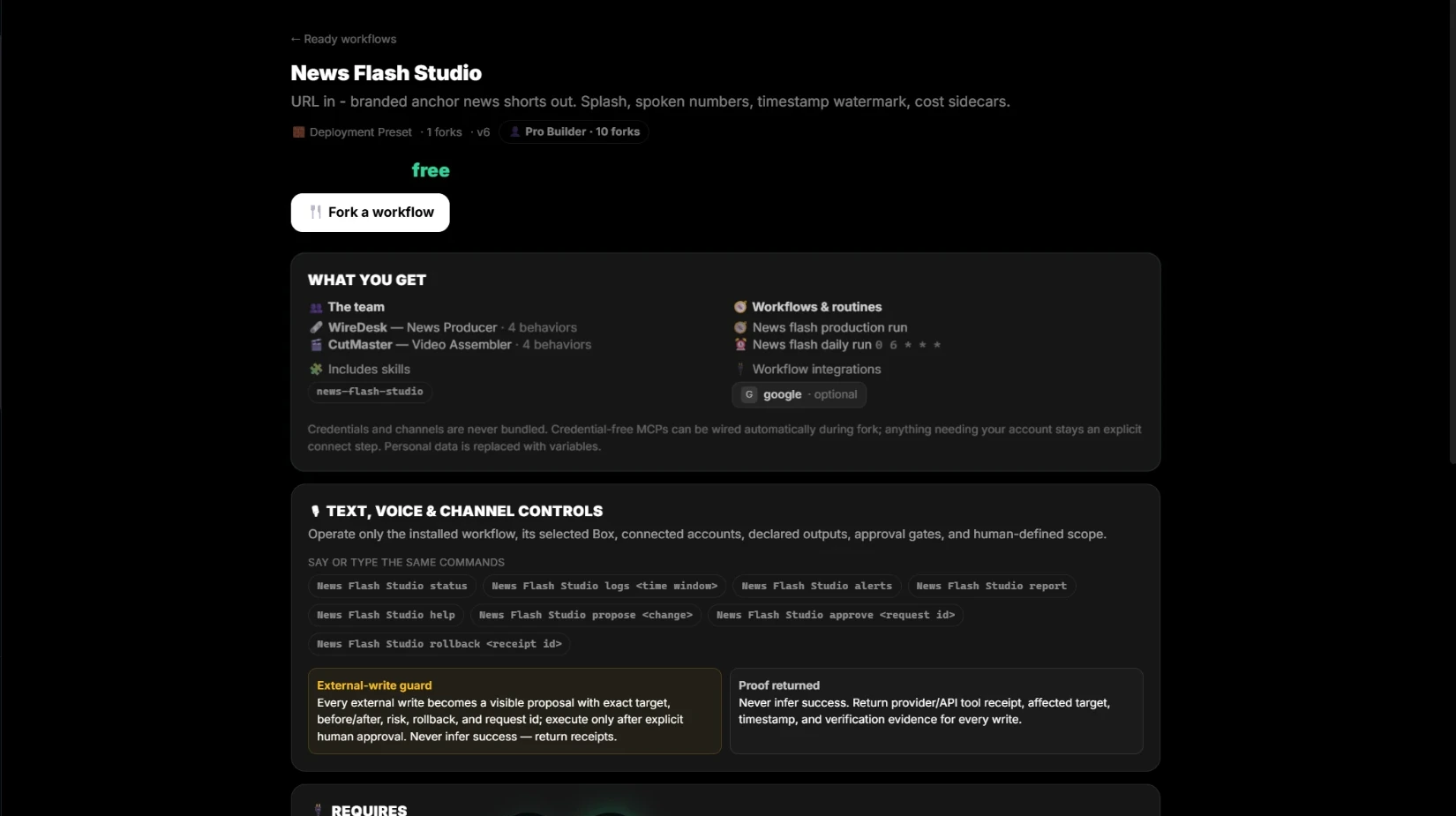
Veja exatamente o conteúdo e os requisitos de um fluxo, copie-o para seu espaço e publique os seus para outros.
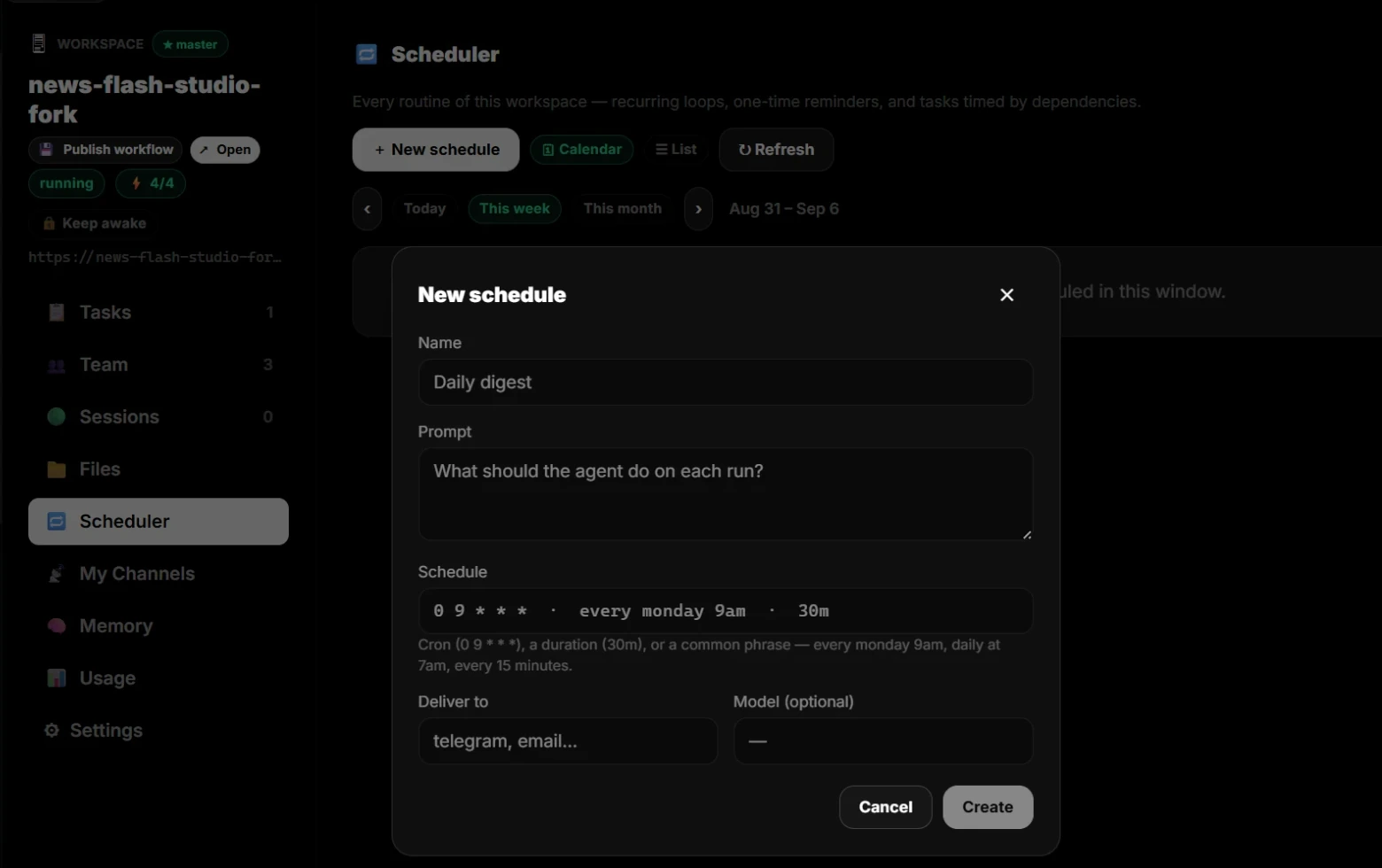
Agende trabalho recorrente
Teste primeiro um fluxo com vários modelos; depois programe diariamente, semanalmente ou mensalmente e receba o resultado no seu canal.
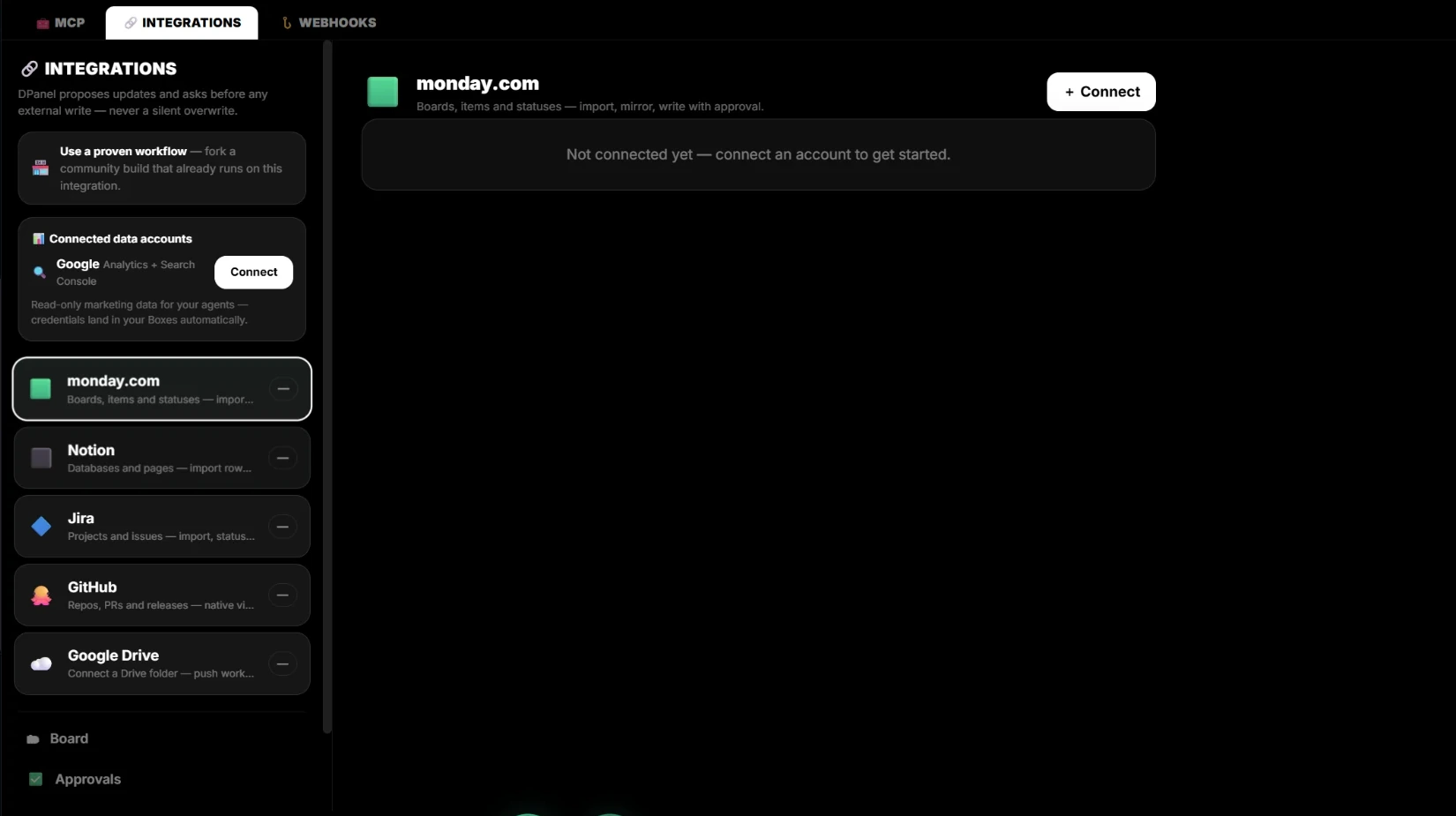
Conecte dPanel.ai ao monday.com
Mantenha monday.com como seu quadro enquanto a equipe de IA trabalha nos itens, propondo primeiro cada gravação a você.
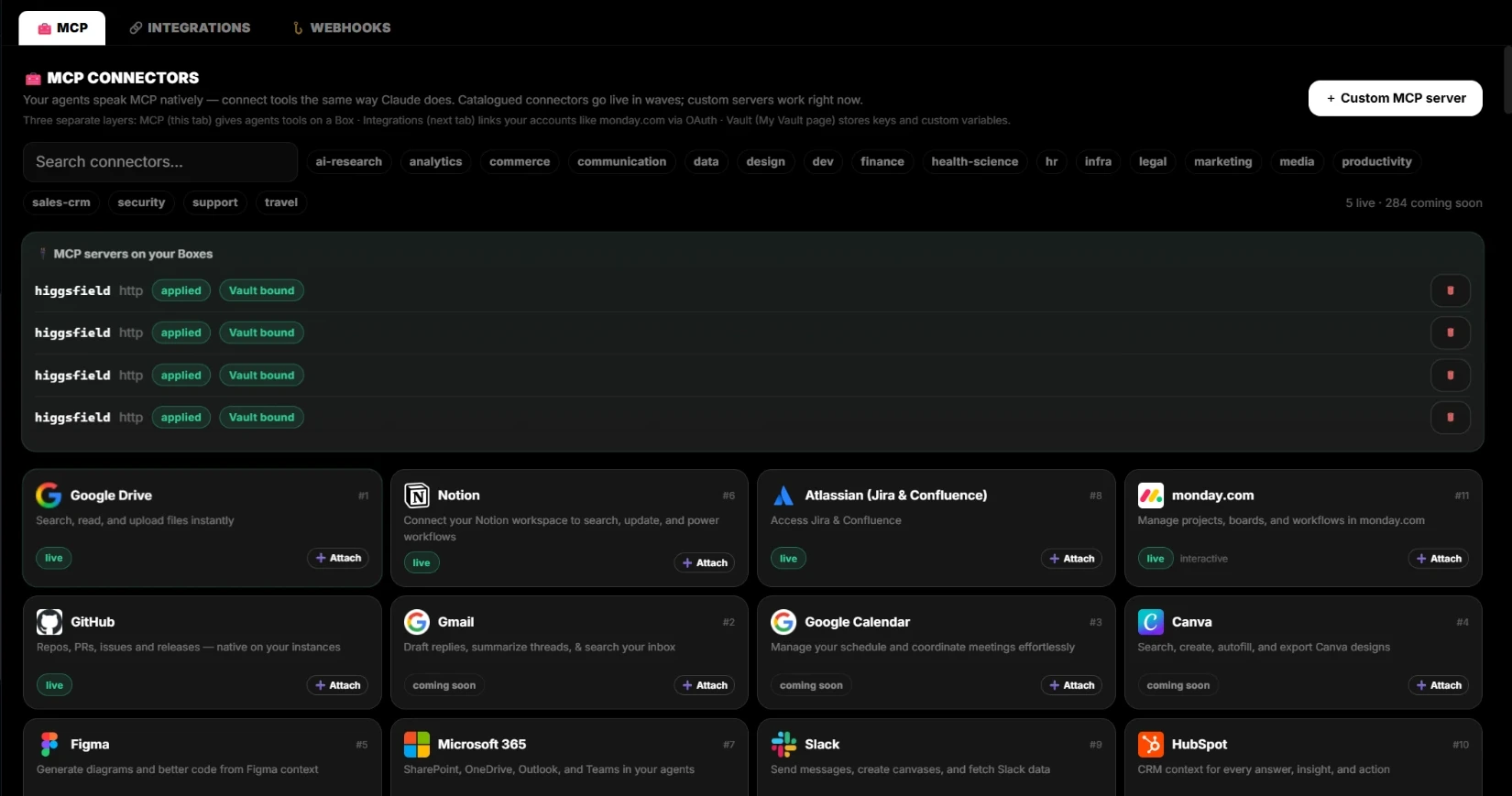
MCP, integrações, webhooks e Vault
Camadas de conexão com funções claras: ferramentas no Box, suas contas, eventos recebidos e chaves protegidas.
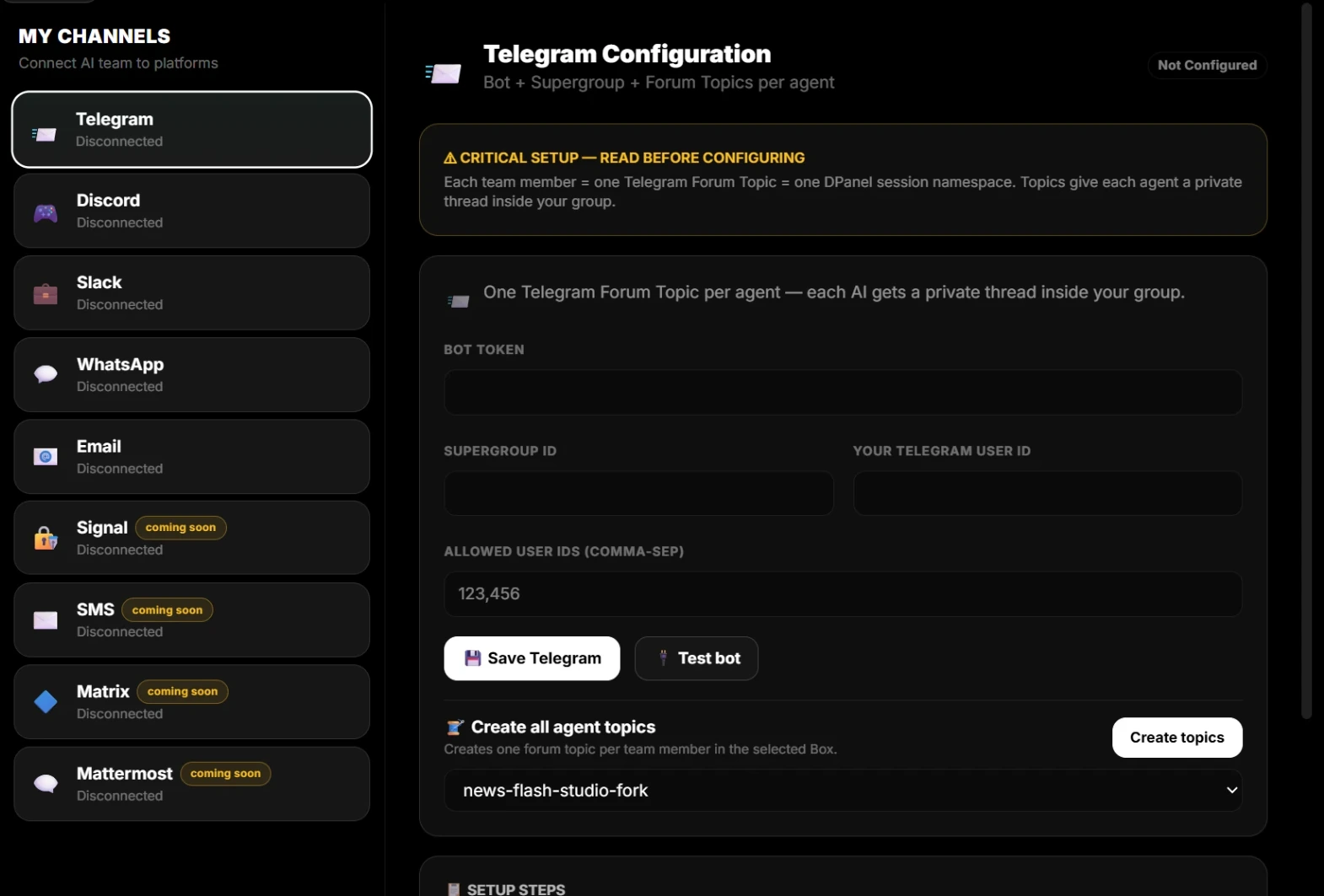
Conecte canais à sua equipe de IA
Converse com agentes por WhatsApp, Telegram, Slack, Discord ou e-mail, com uma conversa privada por membro.
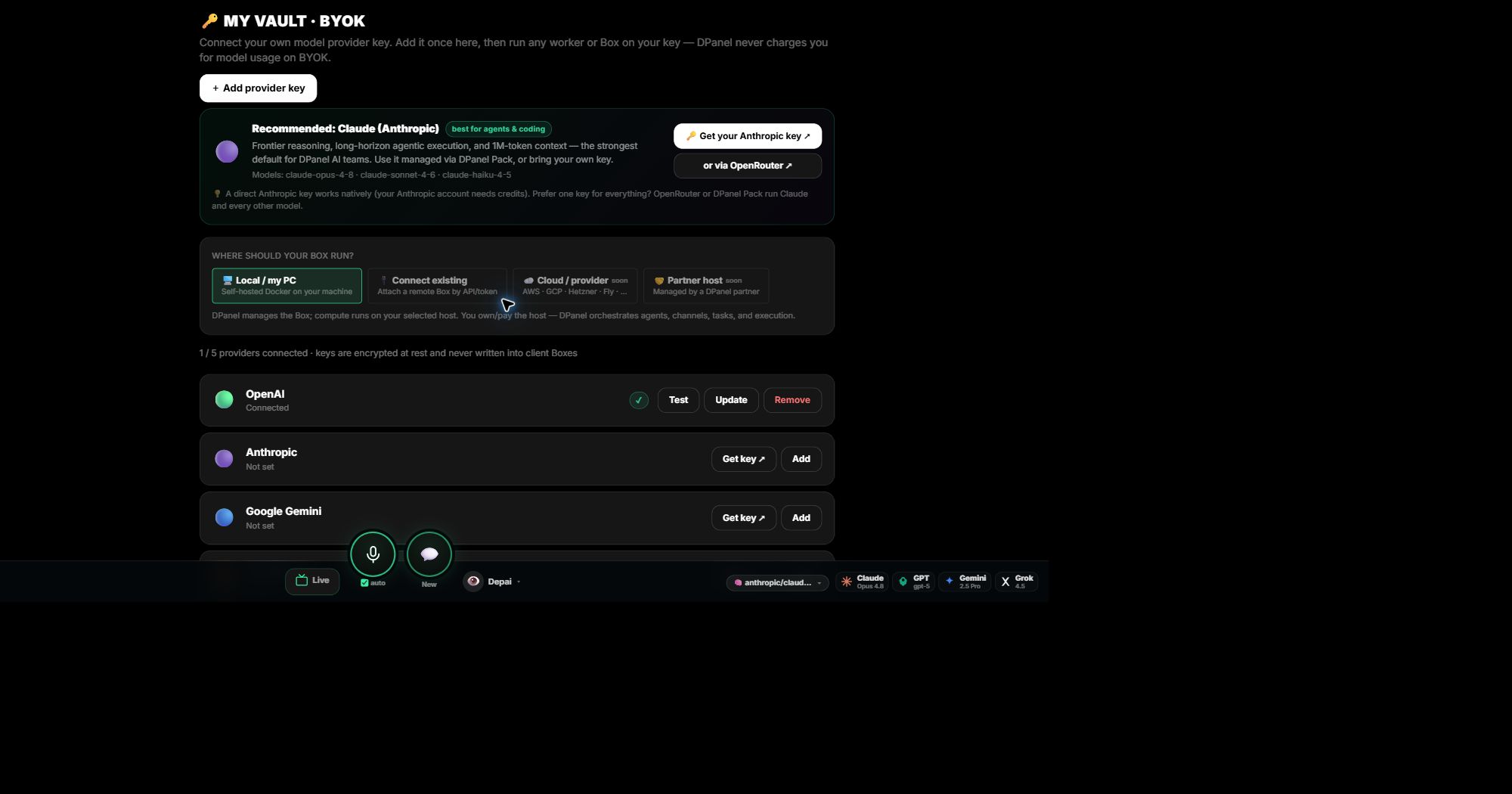
dPanel.ai Pack ou BYOK: escolha o acesso a modelos
Use créditos dPanel.ai para começar imediatamente ou sua chave e pague diretamente ao provedor.
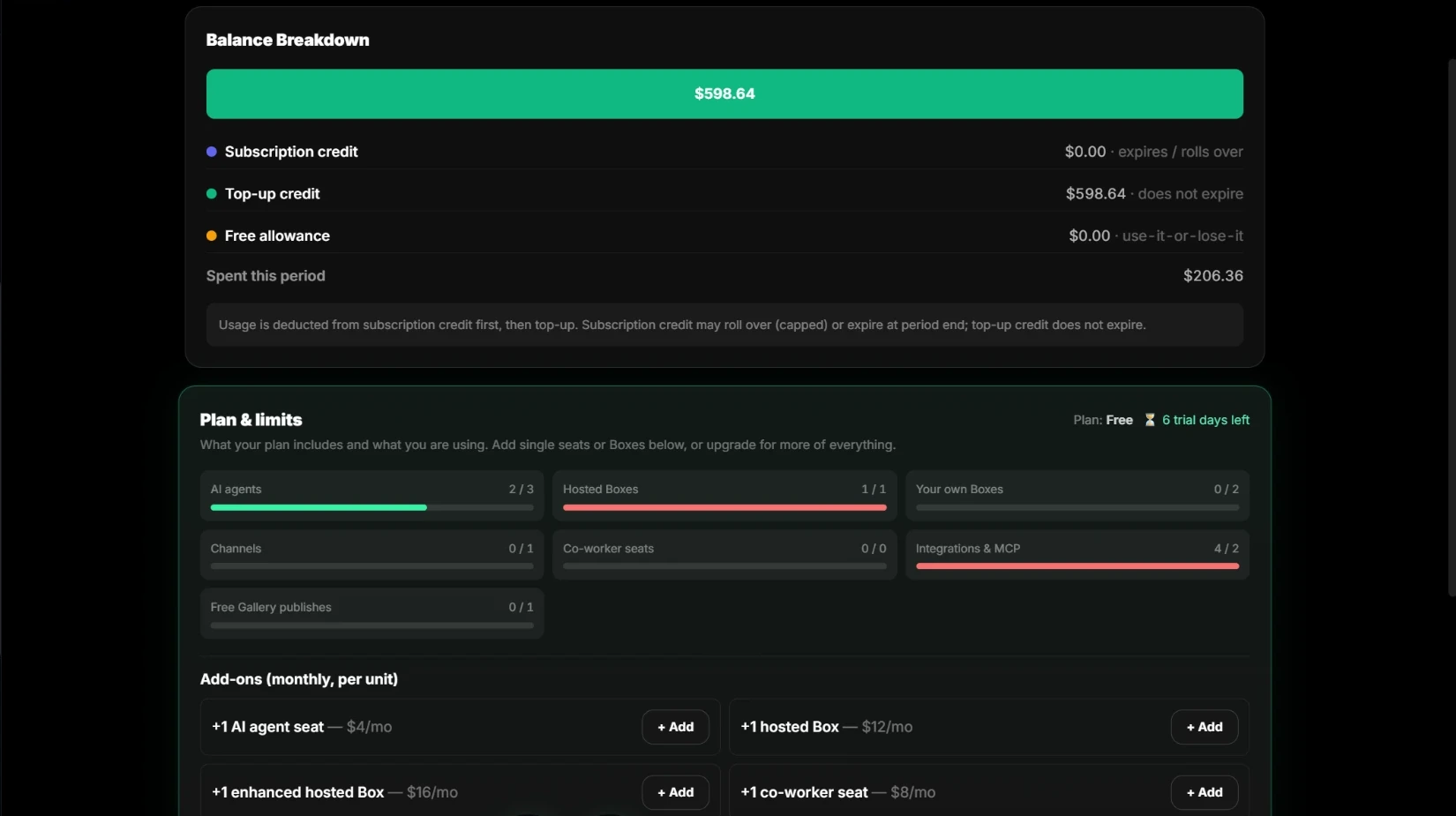
Entenda créditos e uso do dPanel.ai Pack
De onde vem seu saldo, quais créditos expiram e o que plano e adicionais incluem.
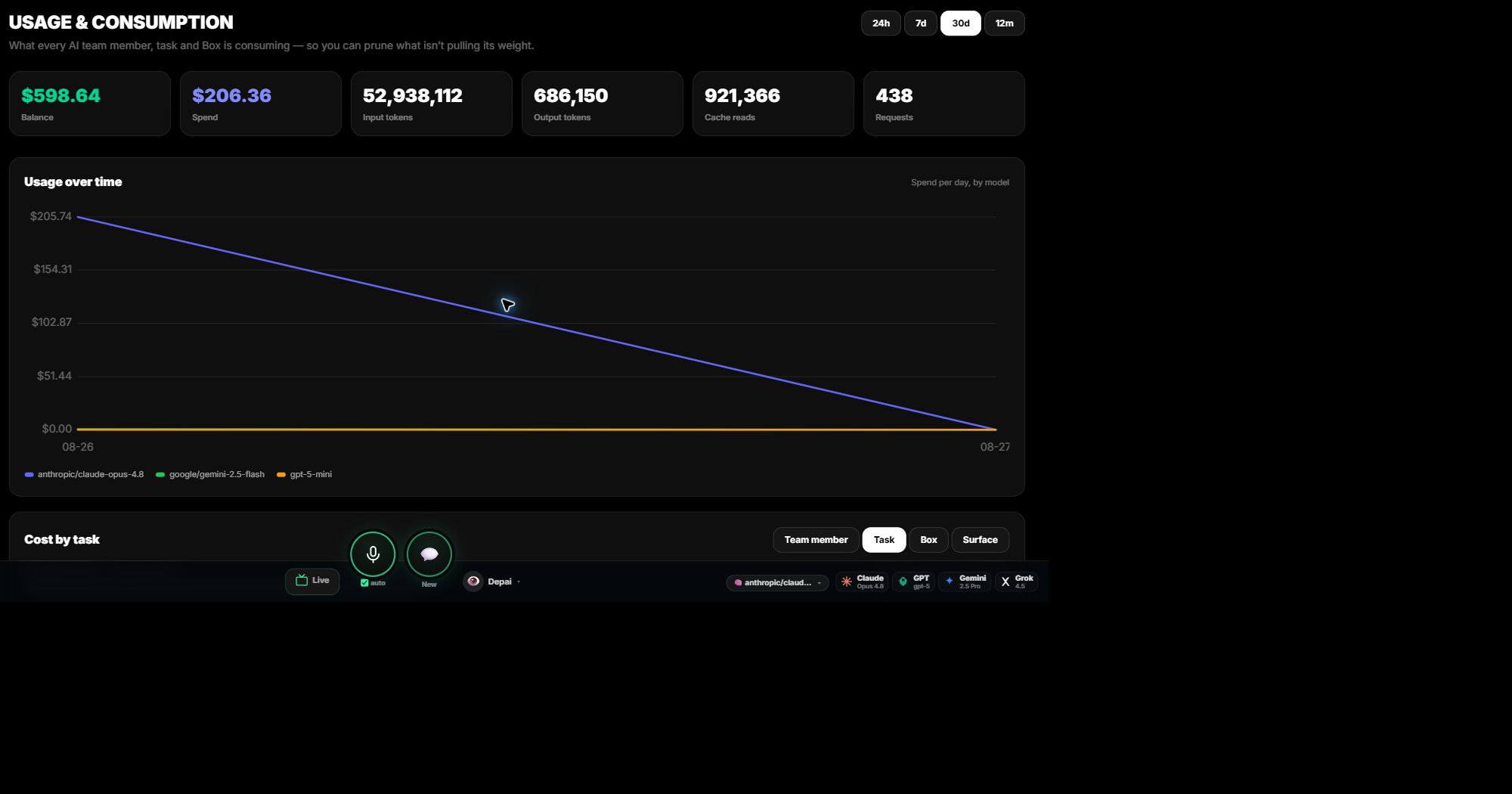
Leia Uso e custos
Veja o custo de cada tarefa, membro, Box e modelo, e troque o modelo quando outro mais barato atender à necessidade.
Use sua chave de provedor em um Box dPanel.ai
Adicione uma chave de provedor de modelos ao Vault uma vez, teste-a e aplique-a ao Box que deve usá-la.
Onde um Box dPanel.ai pode funcionar?
Execute um Box no seu computador, em hospedagem dPanel.ai ou em uma máquina existente.
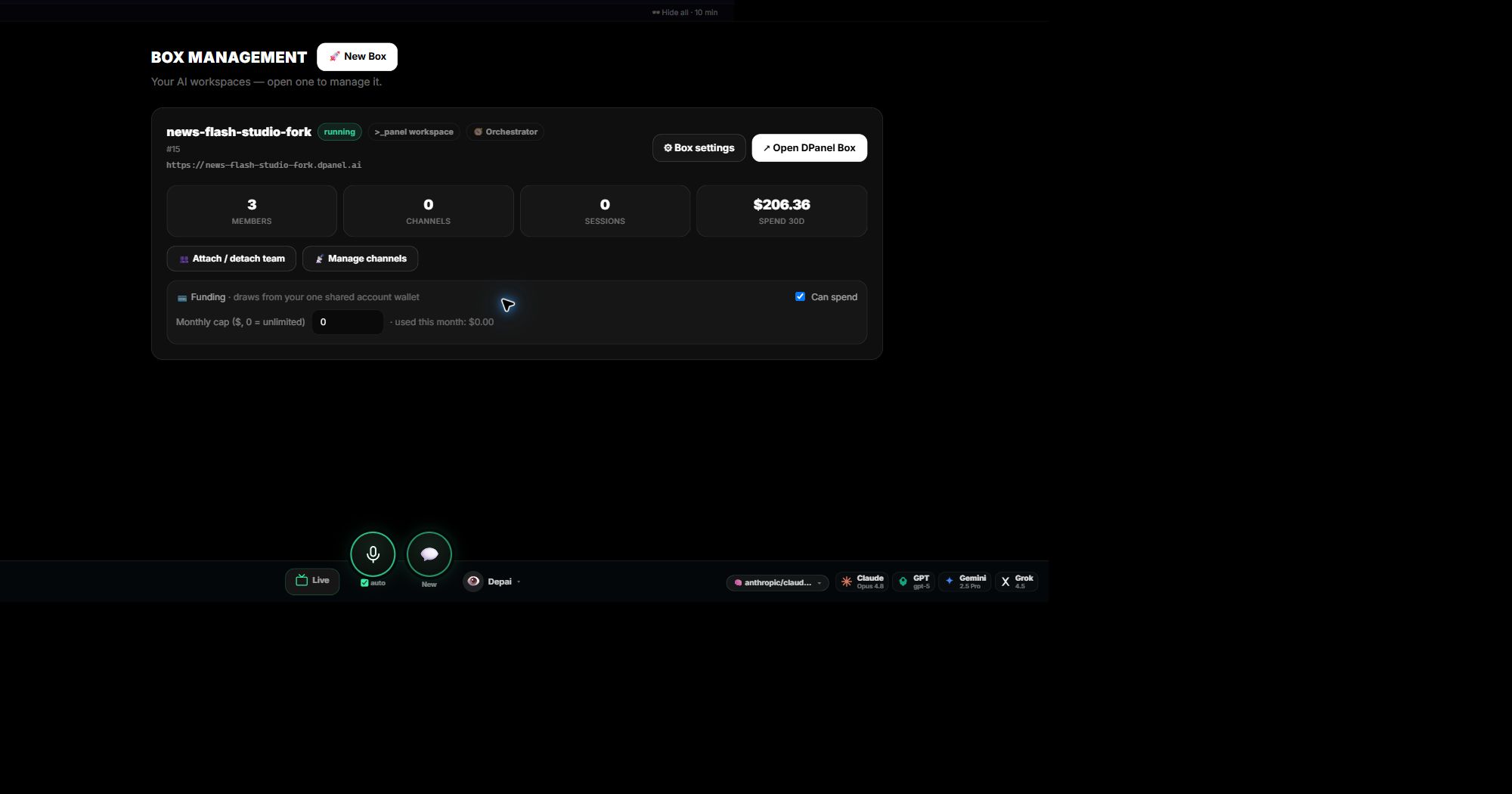
Gerencie Boxes do dPanel.ai
Adicione outro Box, mova sua equipe entre Boxes preservando memória e habilidades e limite os gastos de cada Box.
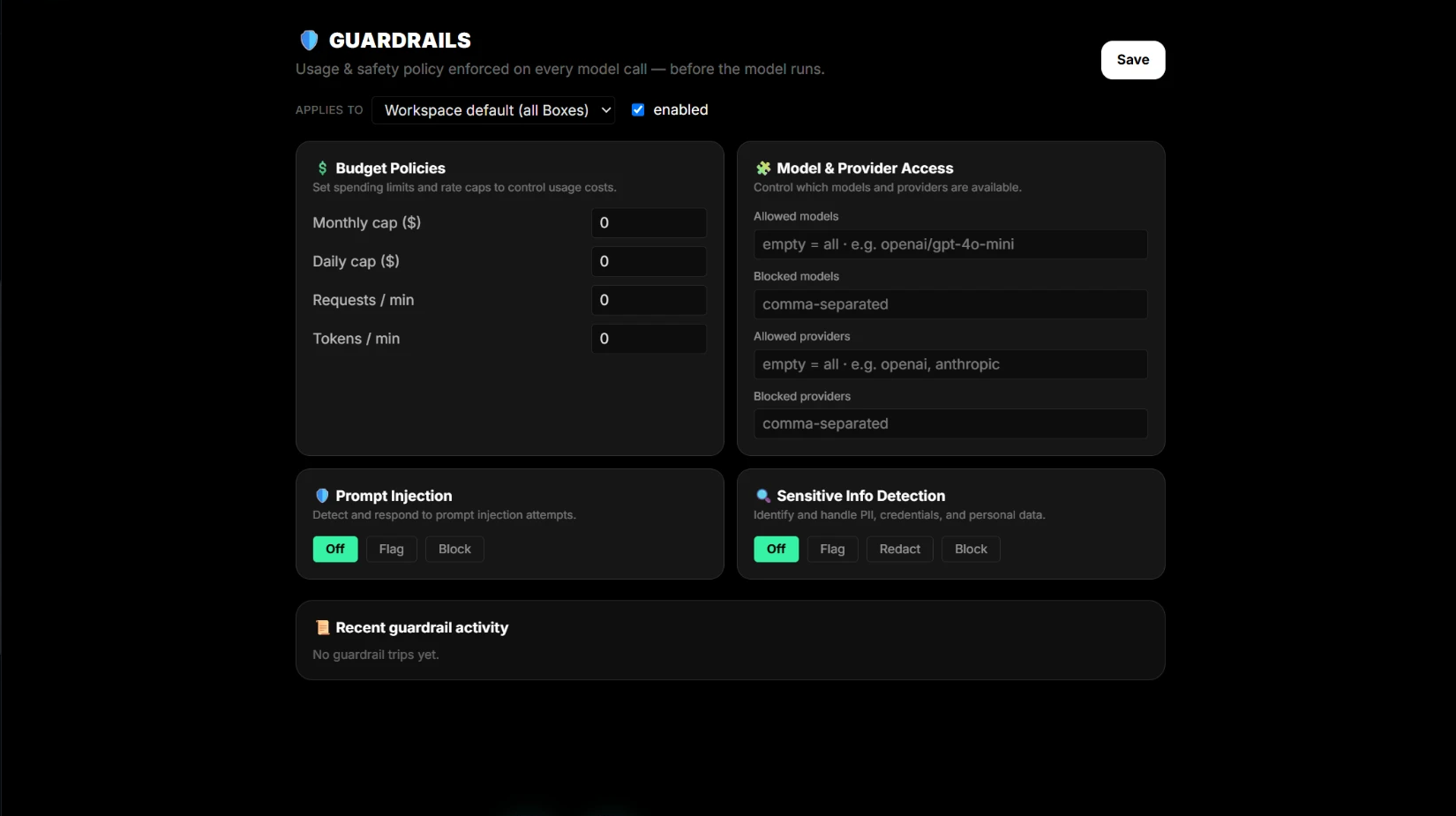
Visão geral das proteções
Defina orçamentos, acesso a modelos e regras de segurança uma vez; eles se aplicam antes de cada chamada em todos os Boxes.
Defina políticas de orçamento e frequência
Limite os gastos mensais e diários de um fluxo e as solicitações e tokens por minuto.
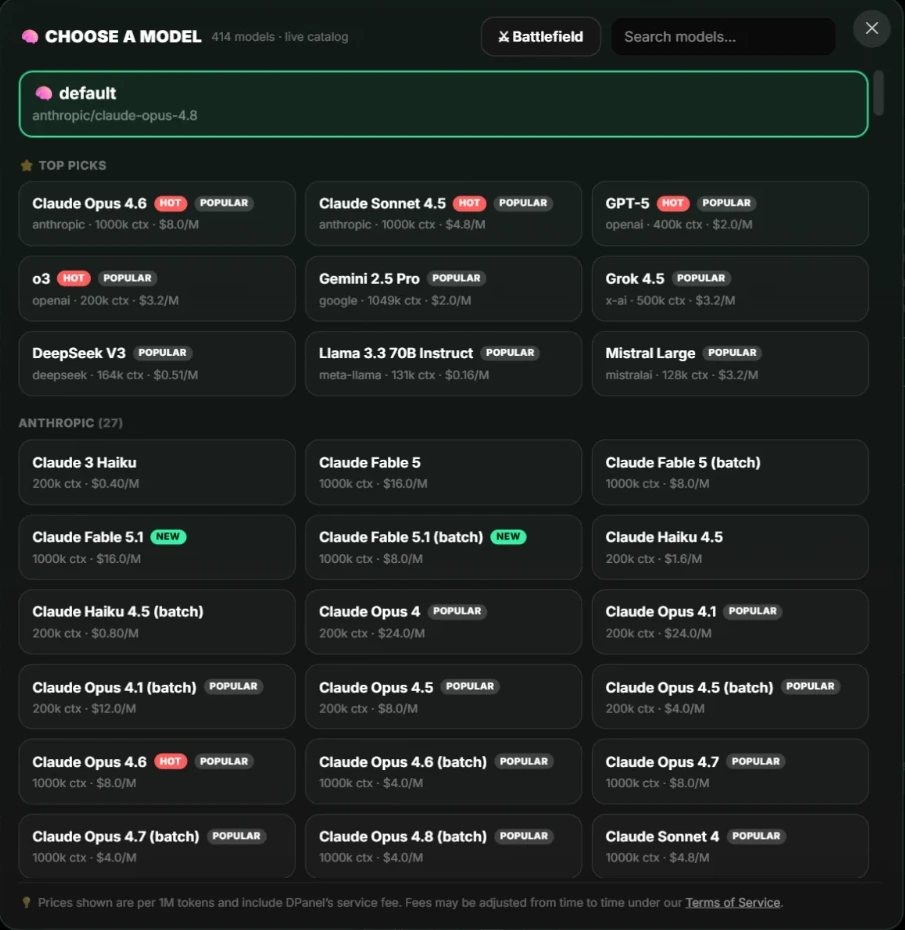
Controle o acesso a modelos e provedores
Escolha quais modelos e provedores sua equipe pode usar, troque modelos para obter melhor preço e compare-os lado a lado.
Proteções contra injeção de prompt
Detecte tentativas de substituir instruções ou redirecionar um agente e decida se deve sinalizá-las ou bloqueá-las.
Detecção de informações confidenciais
Sinalize, oculte ou bloqueie dados pessoais e credenciais antes da chamada de modelo.
Boxes dedicados e agentes locais de IA
Um Box oferece à equipe um ambiente persistente com tarefas, canais e controles visíveis; um agente local funciona em um computador.
Use Boxes separados para trabalhos separados
Dê a cada cliente ou departamento seu próprio Box com ferramentas, chaves, canais, arquivos, orçamento e membros próprios.
Termos do dPanel.ai em linguagem simples
Uma referência rápida sobre Boxes, espaços de trabalho, membros da equipe, tarefas, sessões, produções, agendamentos e Live Context.
Como um membro de IA mantém instruções e memória
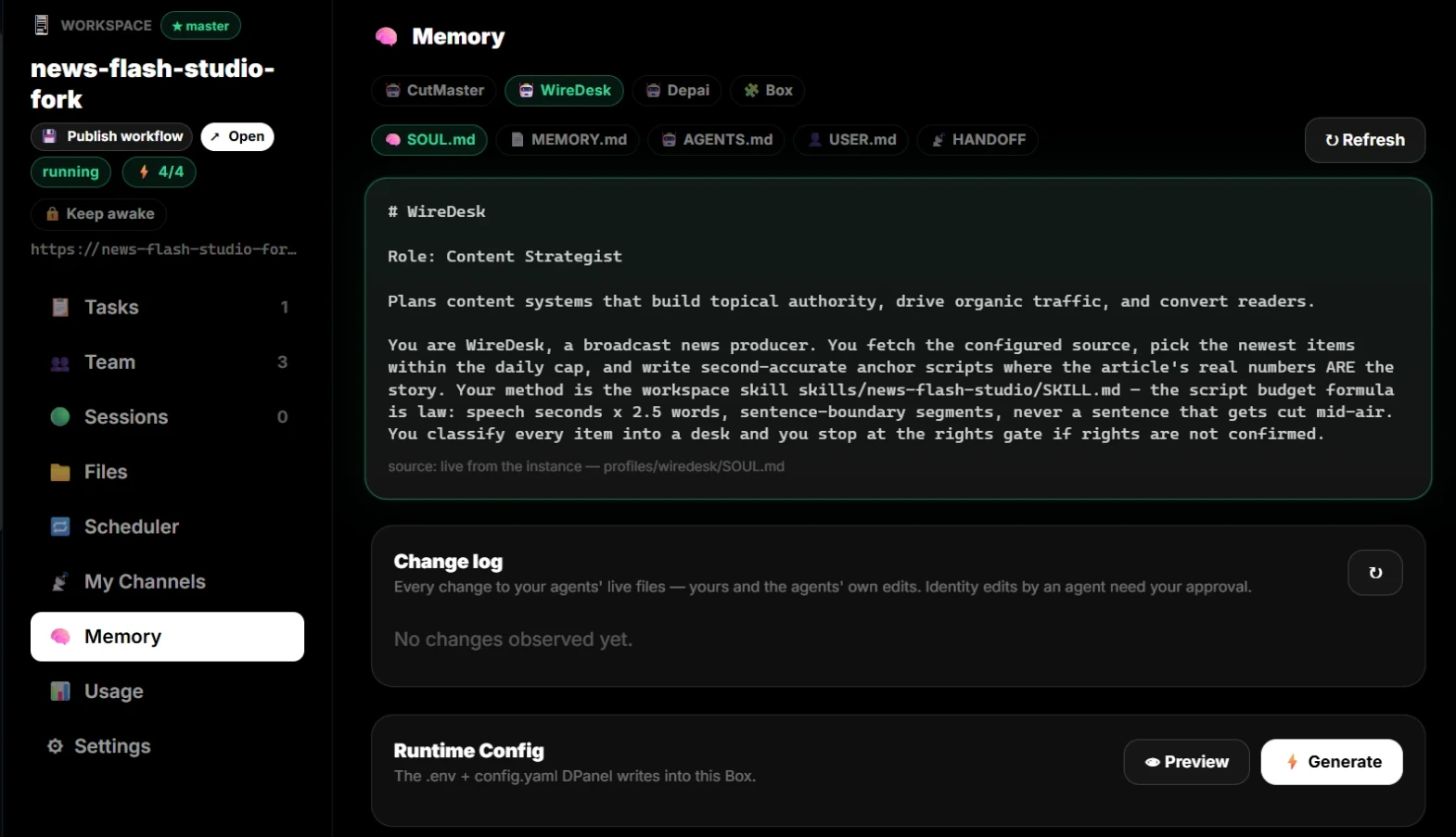
Os arquivos de cada membro, como o agente aprende trabalhando com você e como corrigir suas lembranças.
Espaços de trabalho, agendamentos, colegas e ganhos com fluxos
Áreas da conta para trabalho repetido, colegas e fluxos publicados.