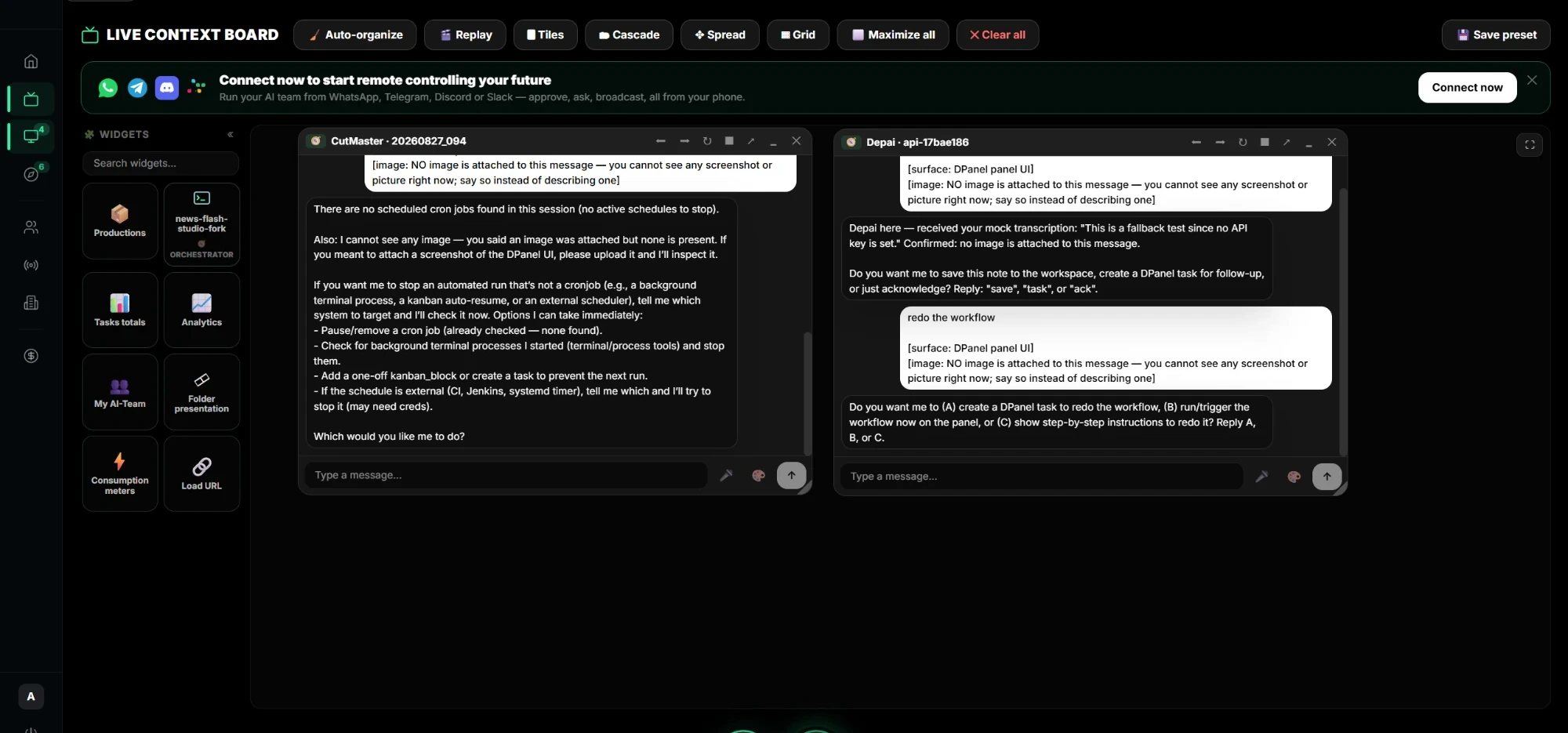
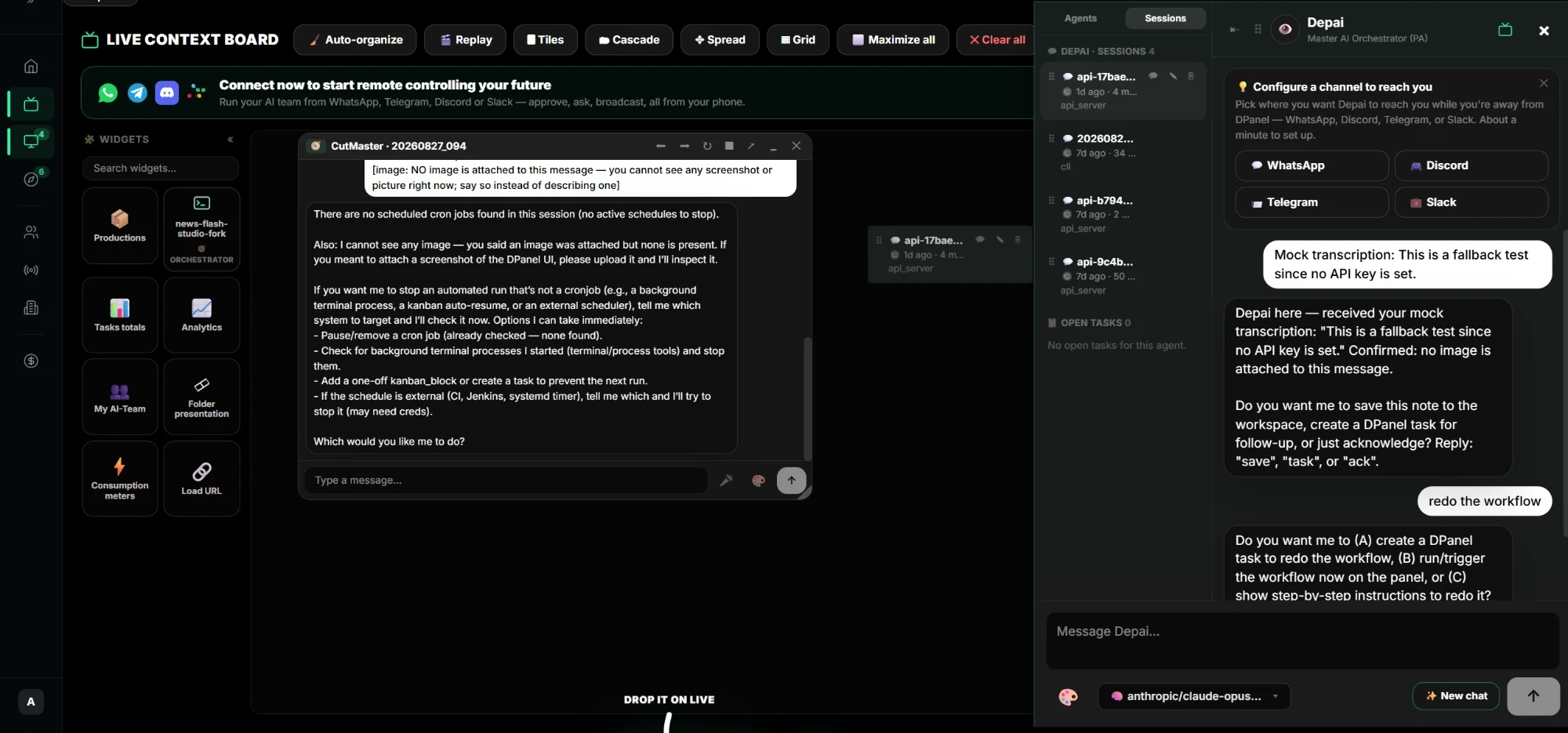
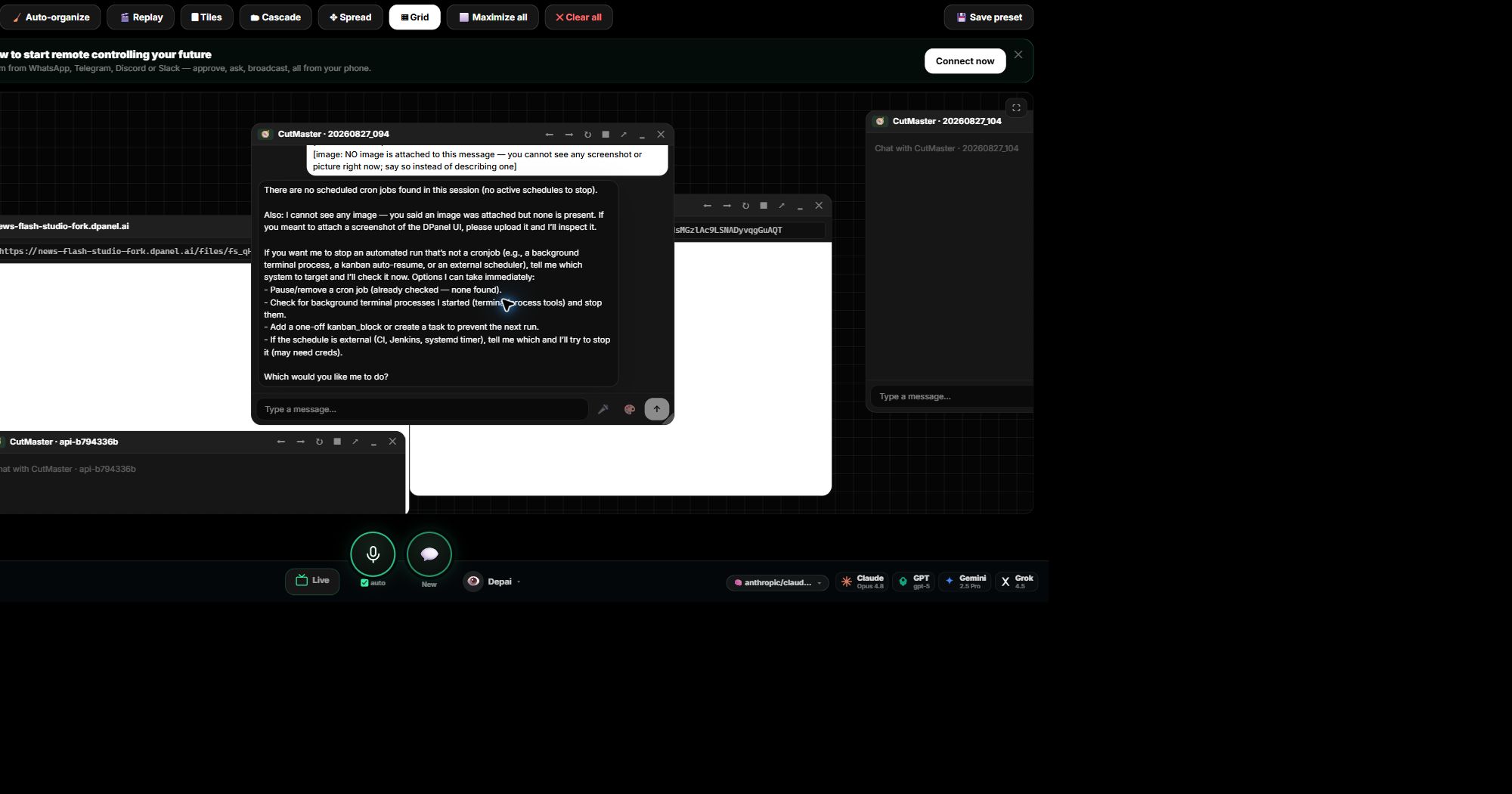
Arraste um chat para o quadro
Abra o painel de agentes e solte uma sessão no Live. Ela vira uma janela no quadro. Adicione outro agente de outro Box e converse com ambos lado a lado.
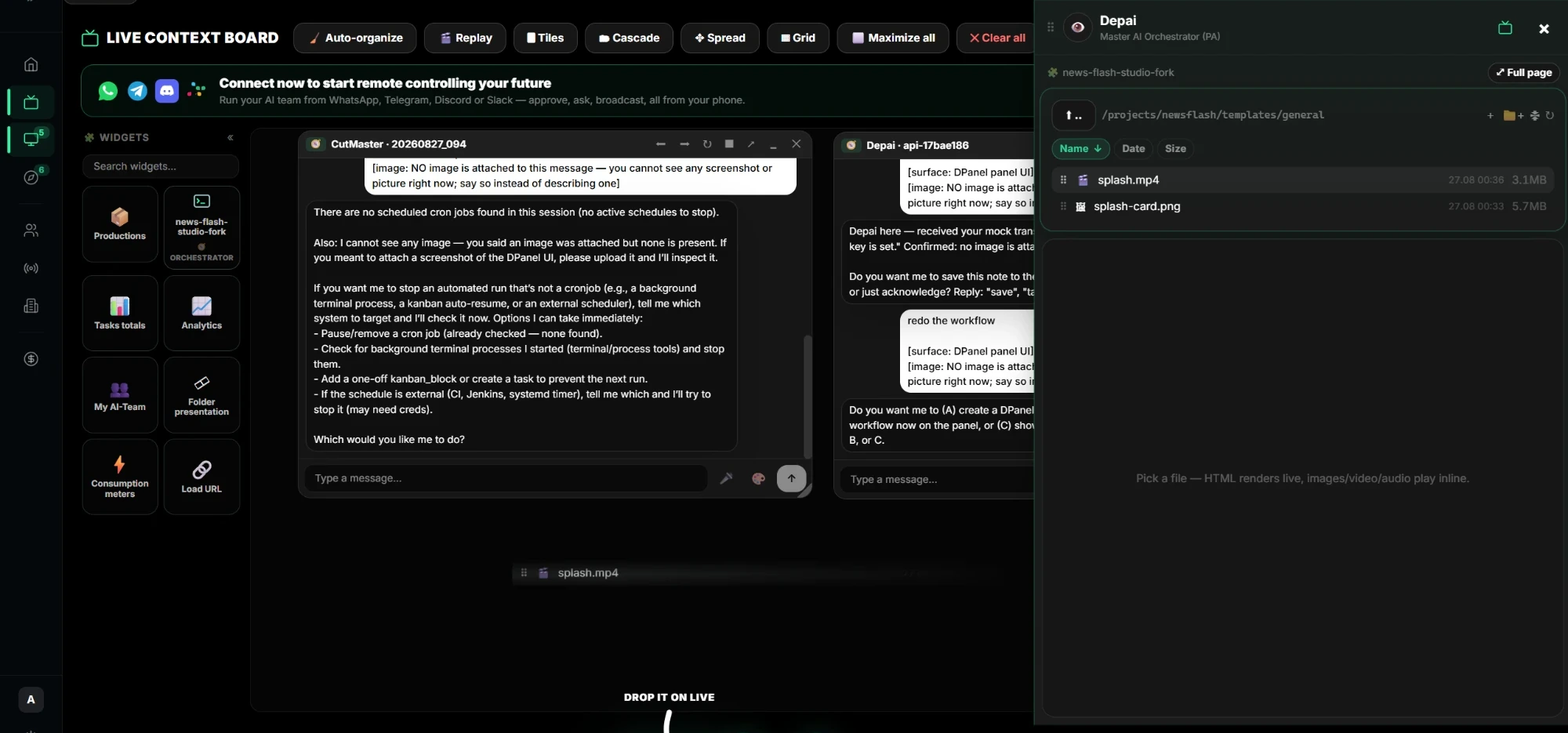
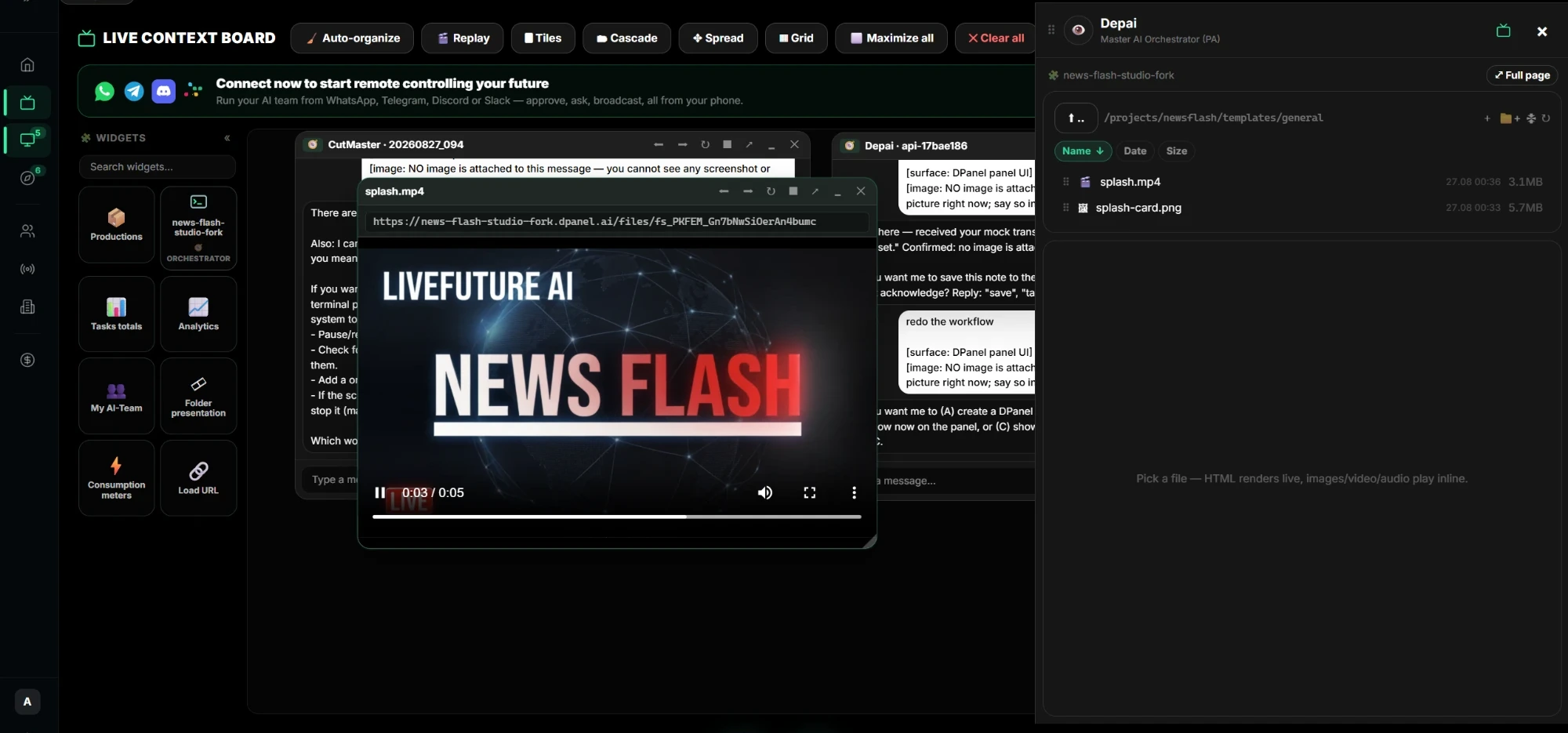
Arquivos, vídeos e widgets
Explore um Box no gerenciador de arquivos e solte um arquivo ou vídeo no quadro; ele é reproduzido ali. Adicione widgets de tarefas, produções, análises, consumo e equipe para ver os números ao lado das conversas.
Organize e salve
Organize janelas lado a lado, em cascata, espalhadas, em grade ou maximizadas e salve como predefinição para reutilizar.
Continuar no dPanel.ai
Abra a área do produto ou fluxo relacionado quando estiver pronto para aplicar este guia.
Veja a plataforma