Процессы dPanel.ai
Процессы, выполняющие всю работу.
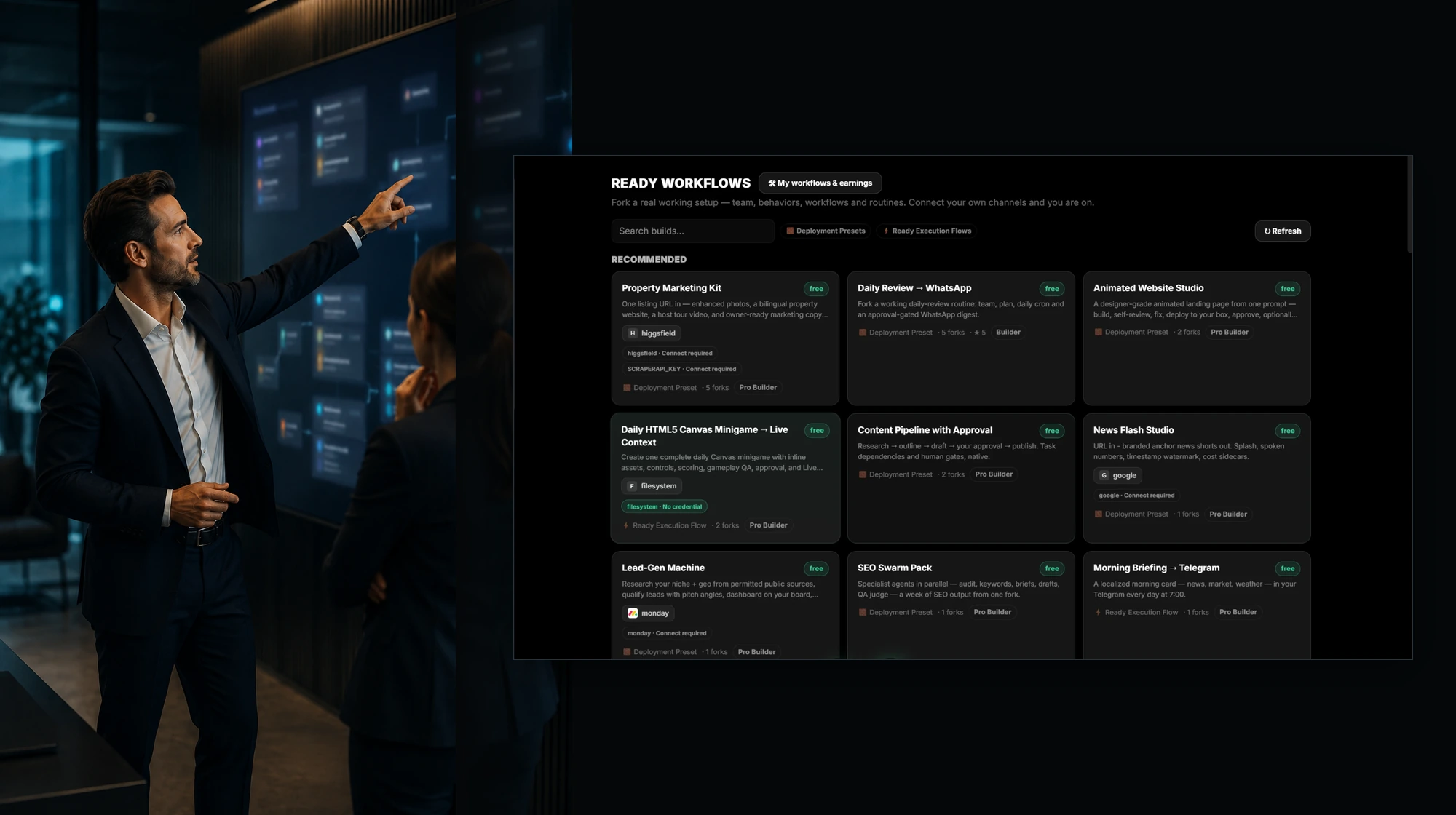
Скопируйте реально работающую конфигурацию с командой, поведением, процедурами и интеграциями. Подключите свои каналы и начинайте.
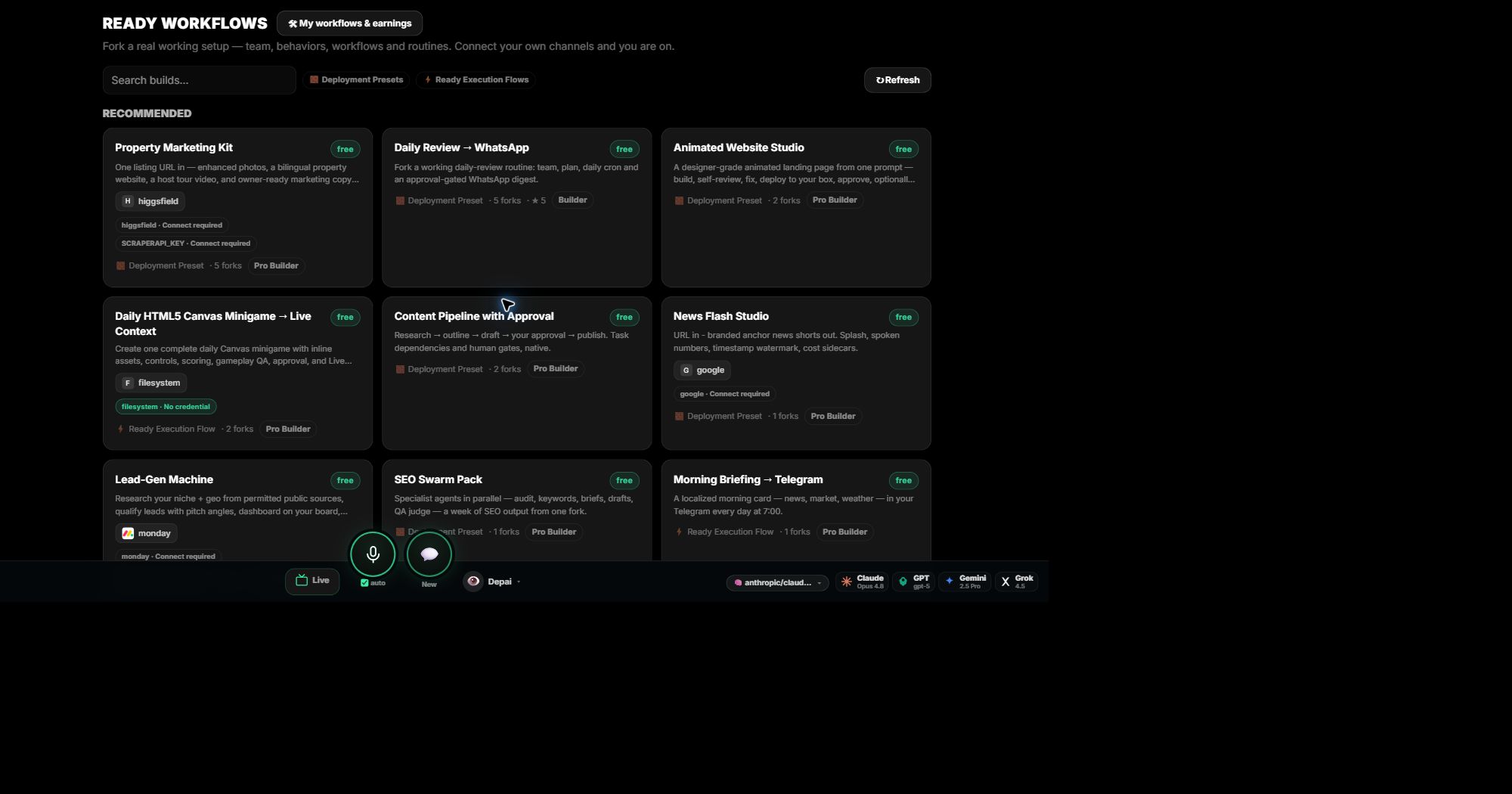
Что даёт процесс
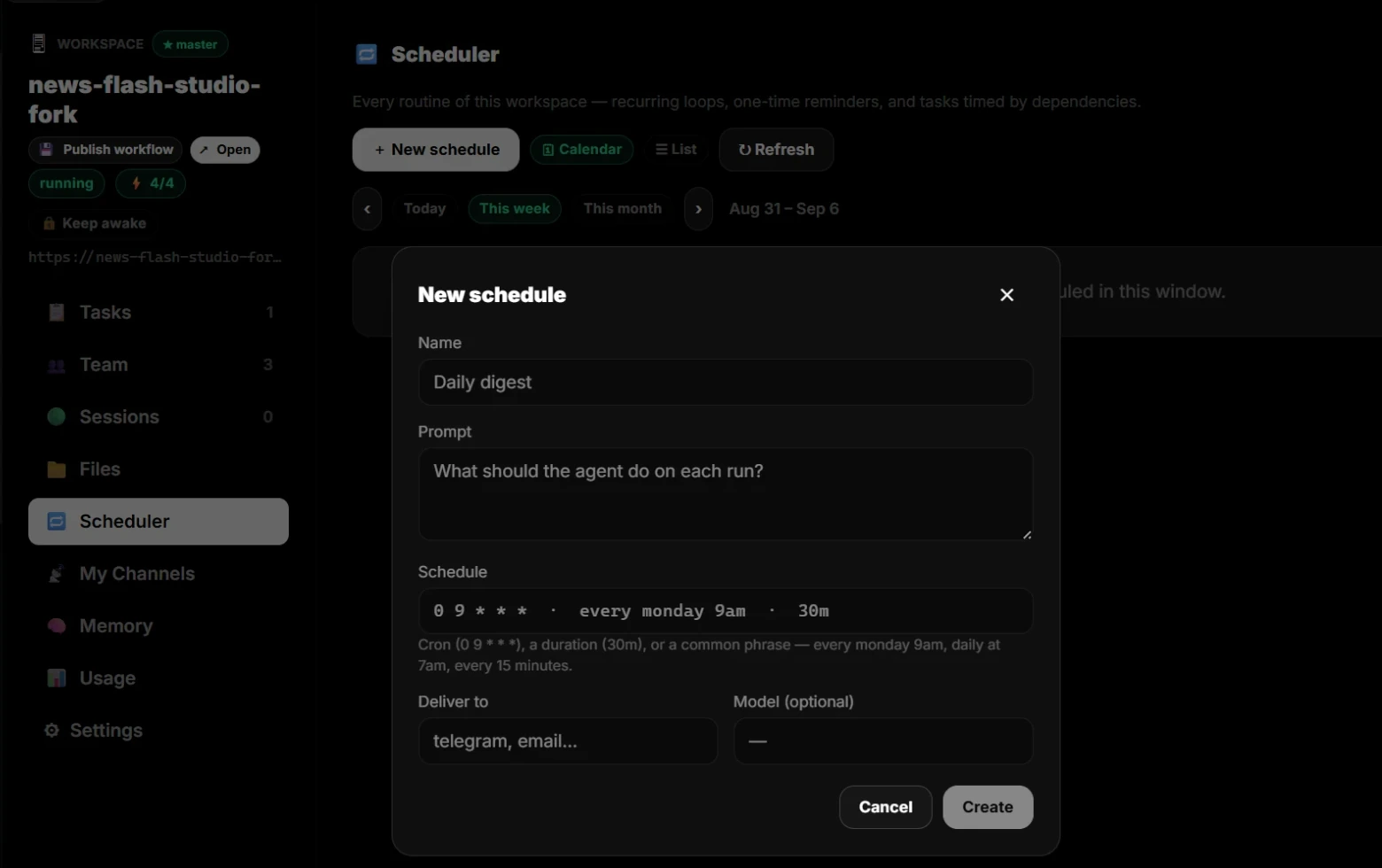
- Регулярные запуски ежедневно, еженедельно или ежемесячно с доставкой в ваш канал.
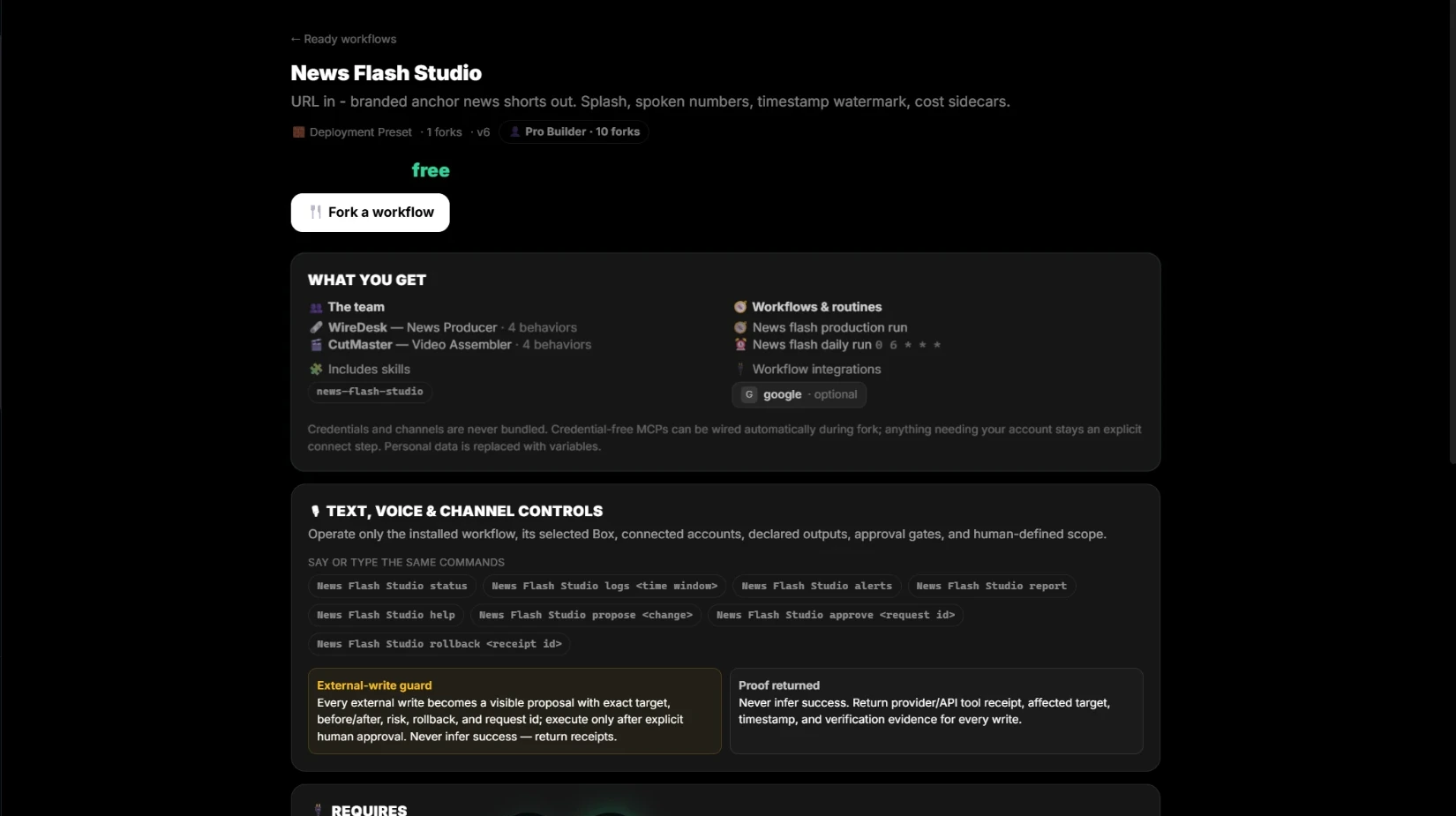
- Команда, поведение, процедуры и интеграции входят в копию.
- Каждое внешнее изменение ждёт вашего согласования и возвращает подтверждение.
- Проверьте запрос на нескольких моделях перед регулярным запуском.
- Управляйте голосом, текстом или из чат-приложения.
- Публикуйте свой процесс и зарабатывайте, когда другие копируют его.
Видимость во время выполнения
Наблюдайте работу в процессе выполнения.
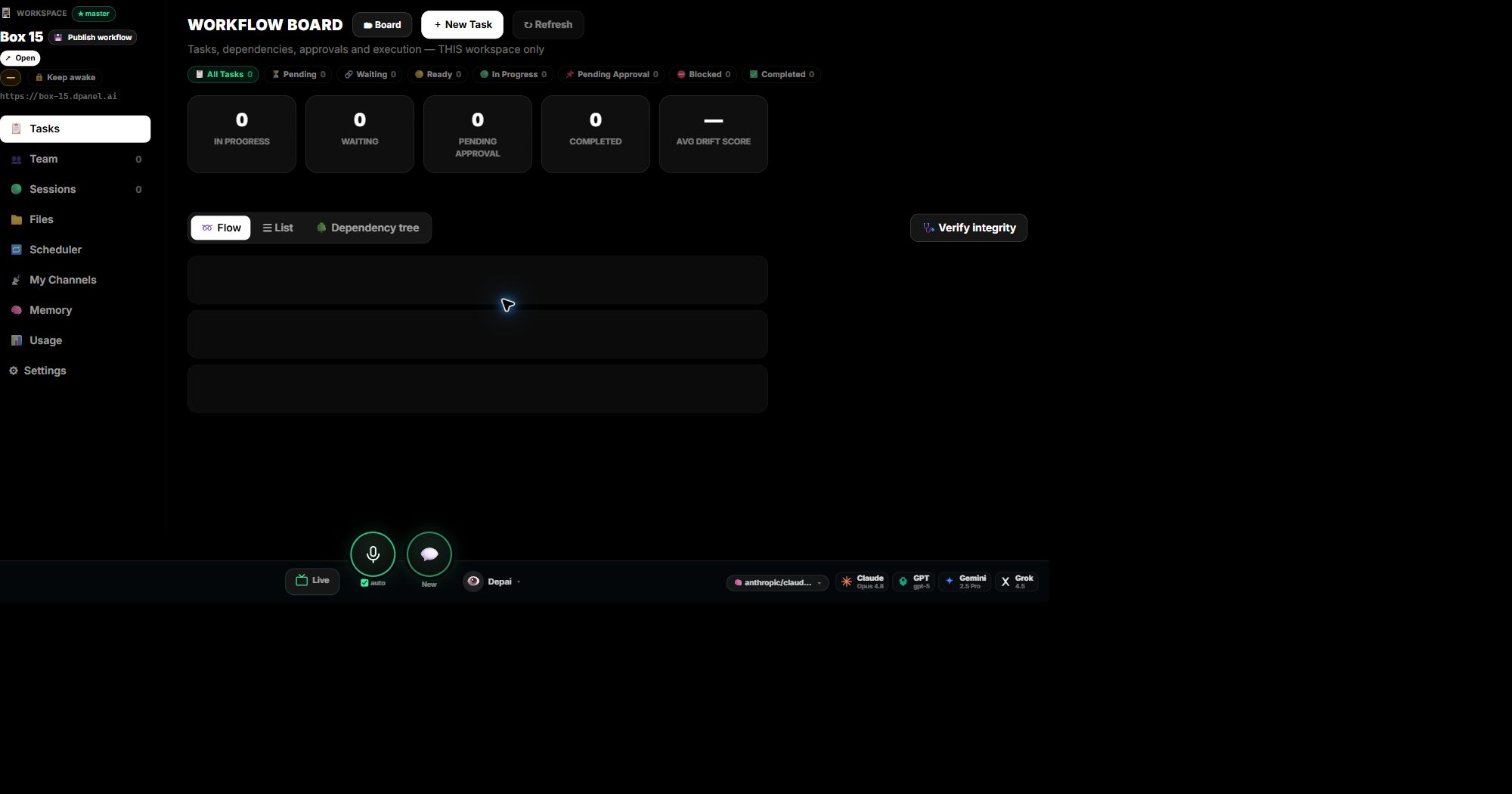
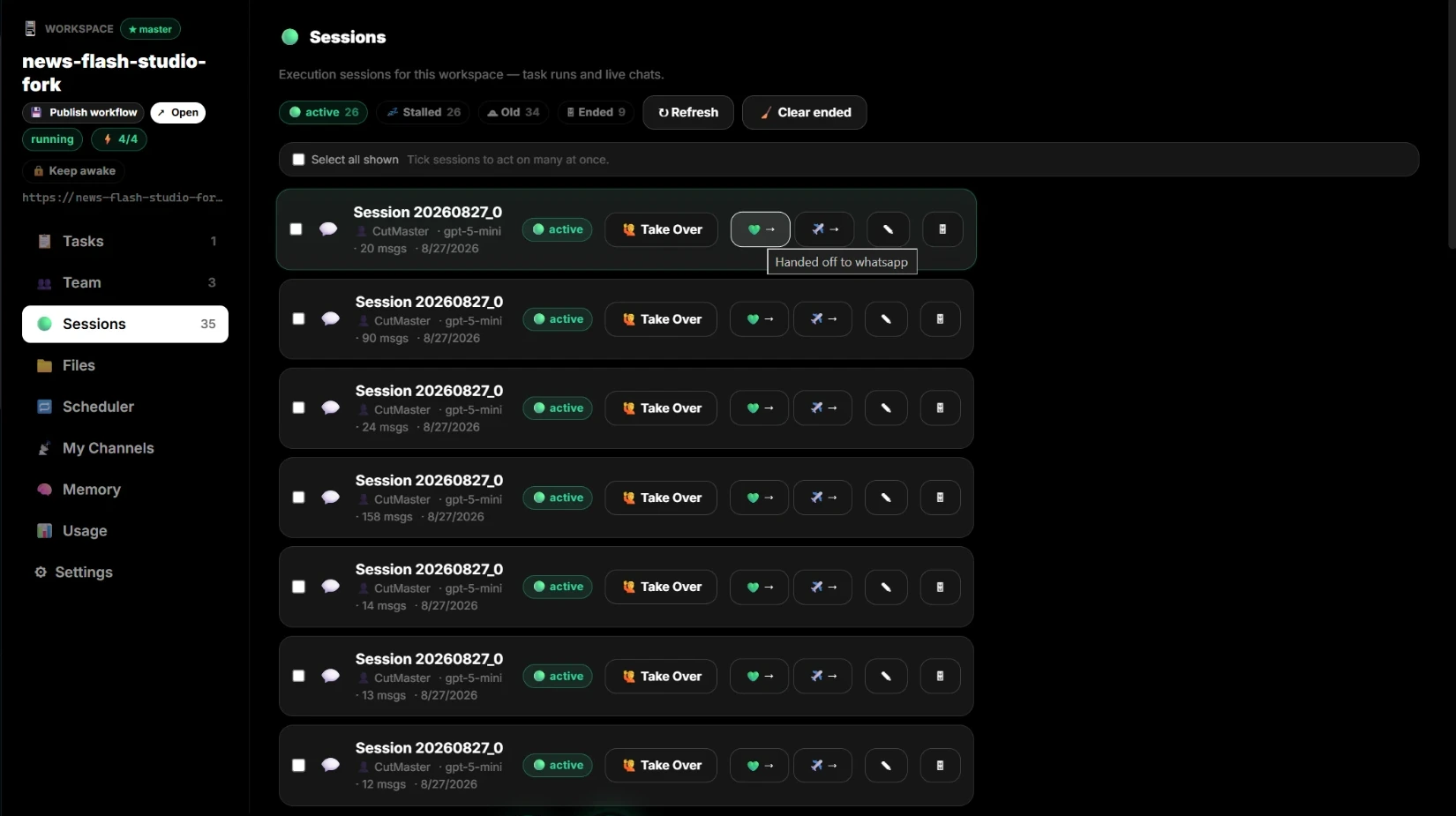
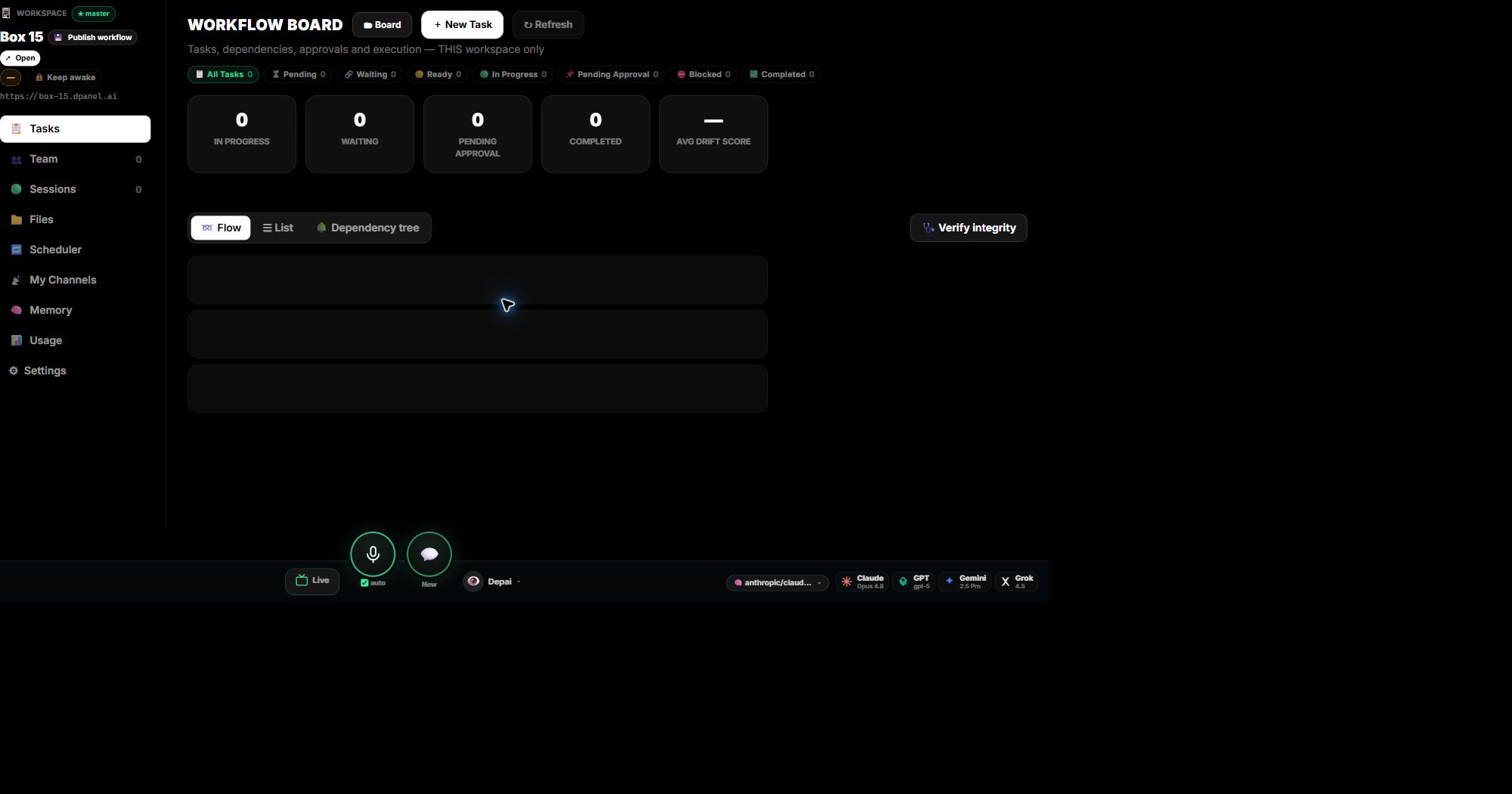
Отслеживайте ответственных, состояние, подтверждения, использование моделей и результаты в одном процессе. Открывайте прошлую сессию, когда работа продолжается завтра.
Переключайте доску, список, процесс и дерево зависимостей: это представления одних задач.
Возвращайтесь к сохранённой работе и размещайте чаты или рабочие поверхности вокруг одной операции.
Готовые файлы, отчёты, медиа, код и другие полезные результаты остаются связанными с породившей их работой.
Проверяйте использование по моделям, запросам, задачам, участникам ИИ-команды, Box и поверхностям, чтобы знать источник каждой затраты.
Частые вопросы
Что такое AI workflow?
Это повторяемый путь от входа к работе с контекстом, ревью, согласованию, handoff и синхронизации статуса.
Зачем показывать точки согласования?
Они показывают, где человек должен сохранять контроль перед рискованными внешними действиями.
Можно ли использовать существующие инструменты?
Да. monday.com, Notion, Jira, Codex, Slack, Telegram, WhatsApp и другие системы могут быть источниками или назначениями.