Start on a hosted Box
Open a hosted workspace and begin right away, or run the Box on your own computer.
Панель настройки и исполнения AI
dPanel.ai помогает операторам настраивать AI-команды с исходными материалами, согласованиями, видимостью задач, интеграциями и человеческой передачей работы в реальных процессах.
Начните бесплатно — размещённый агент dPanel.ai и кредит 5 $ включены, банковская карта не нужна
For the people who run the work
Marketing, research, support, content, code. Your AI specialists do the work on a live board. You set the budget, choose which actions wait for your approval, and see what every task cost.
See the platform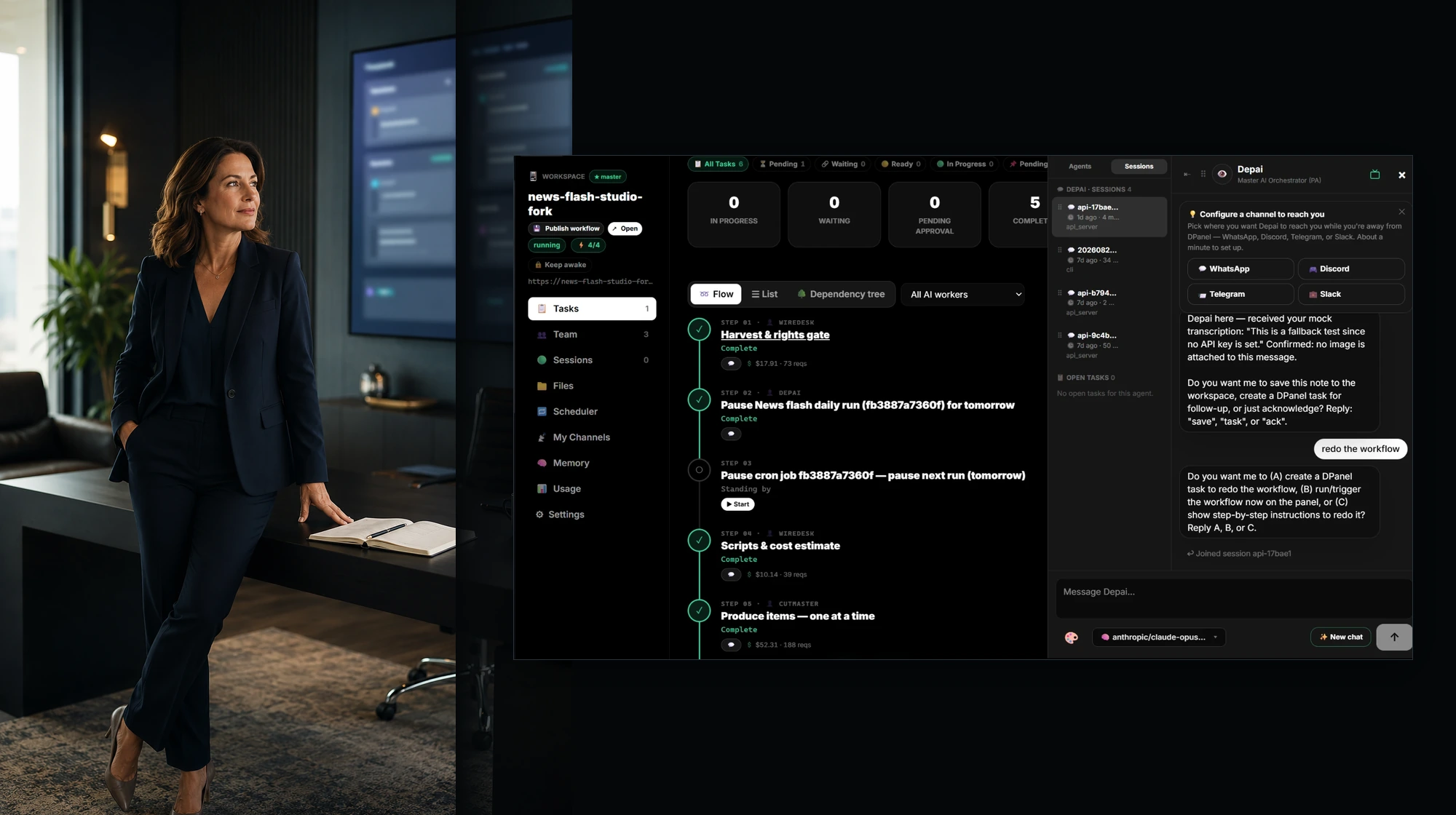
Platform
Plan the work, assemble the team, run it on a Box, connect models, tools, and channels, and follow every task, session, and cost from one dashboard.
Explore the platform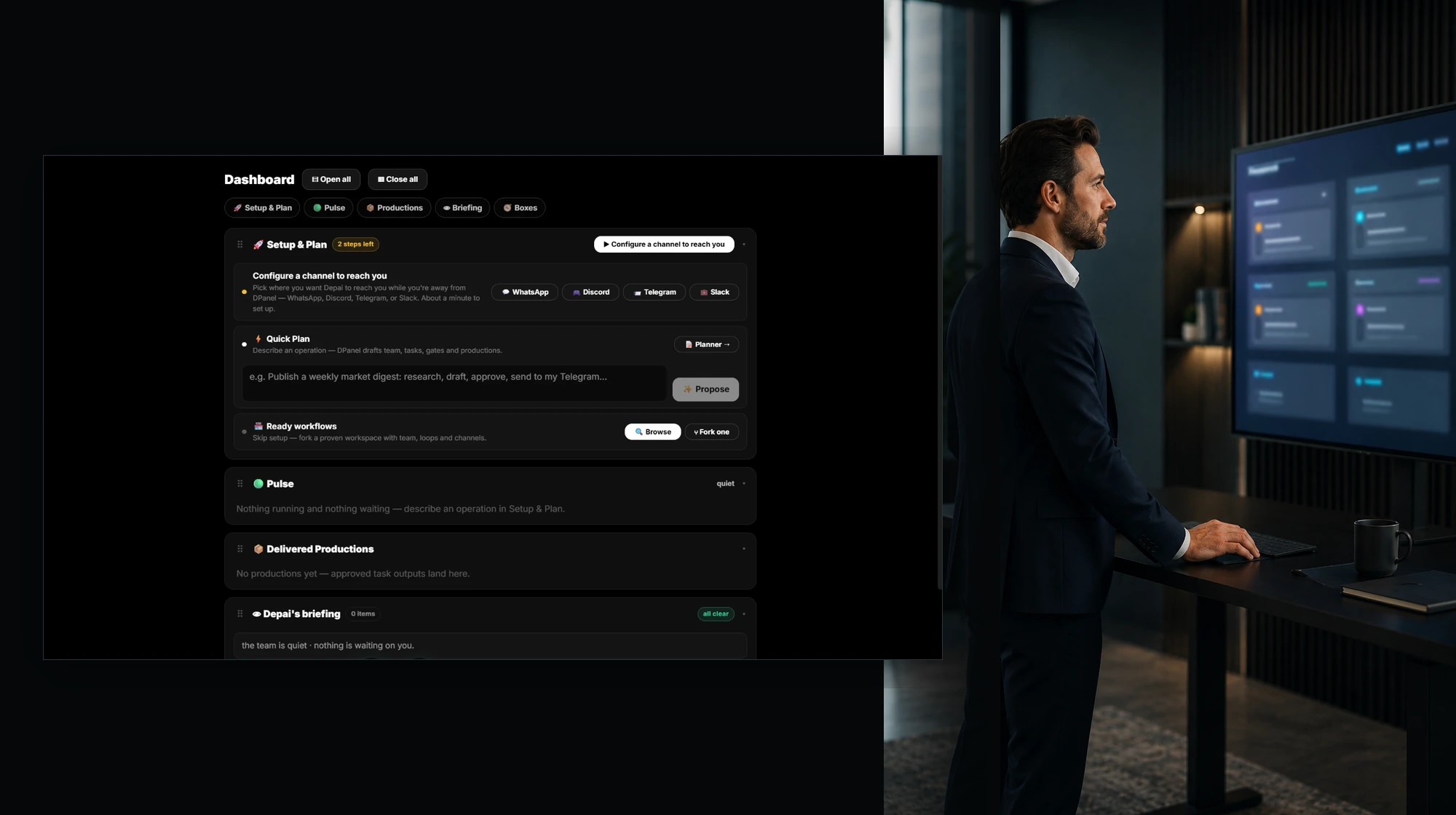
Workflows
Fork a real working setup with its team, behaviors, routines, and integrations, connect your own channels, and you are on. Publish yours for others to fork.
Browse workflows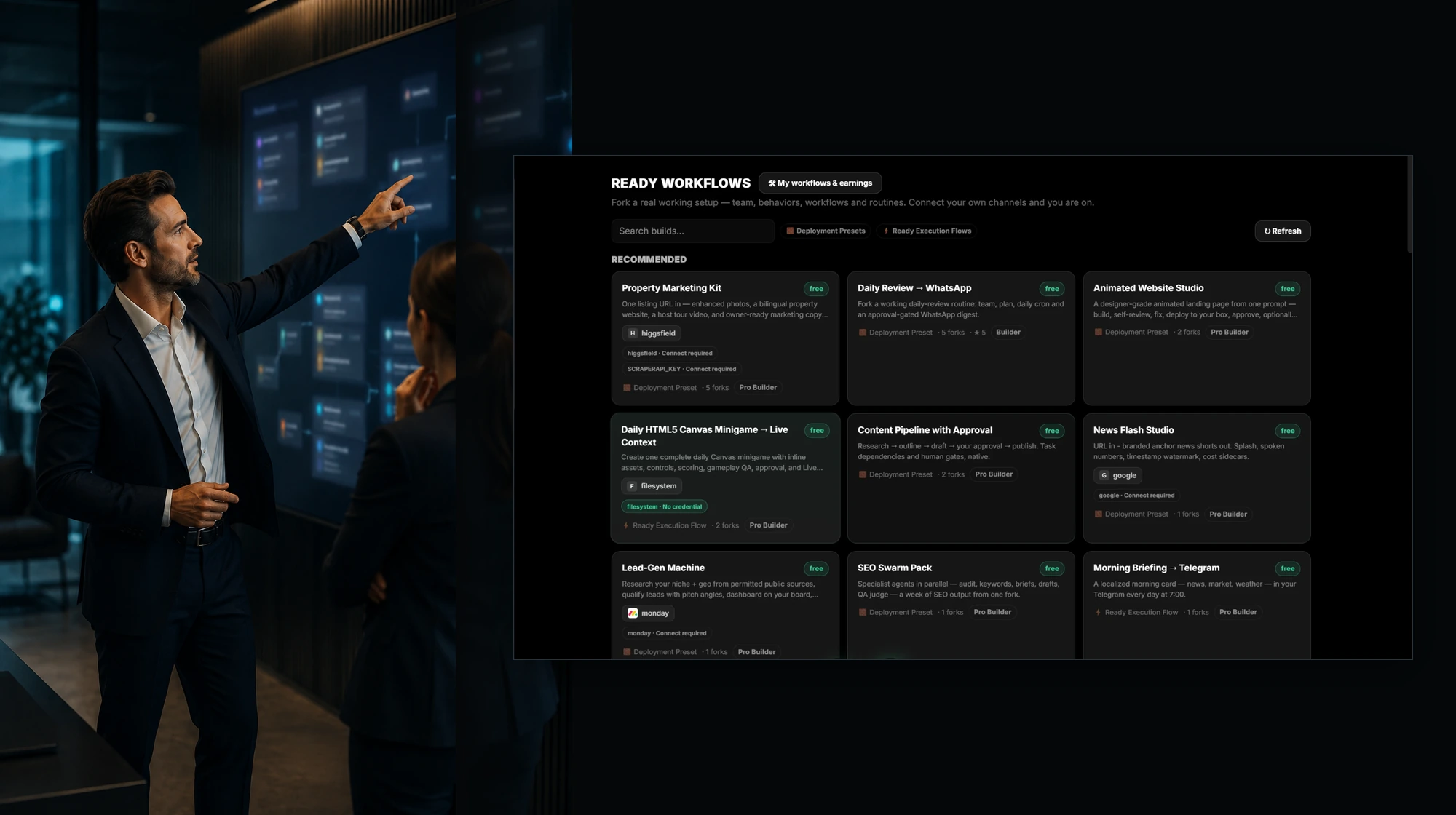
AI teams
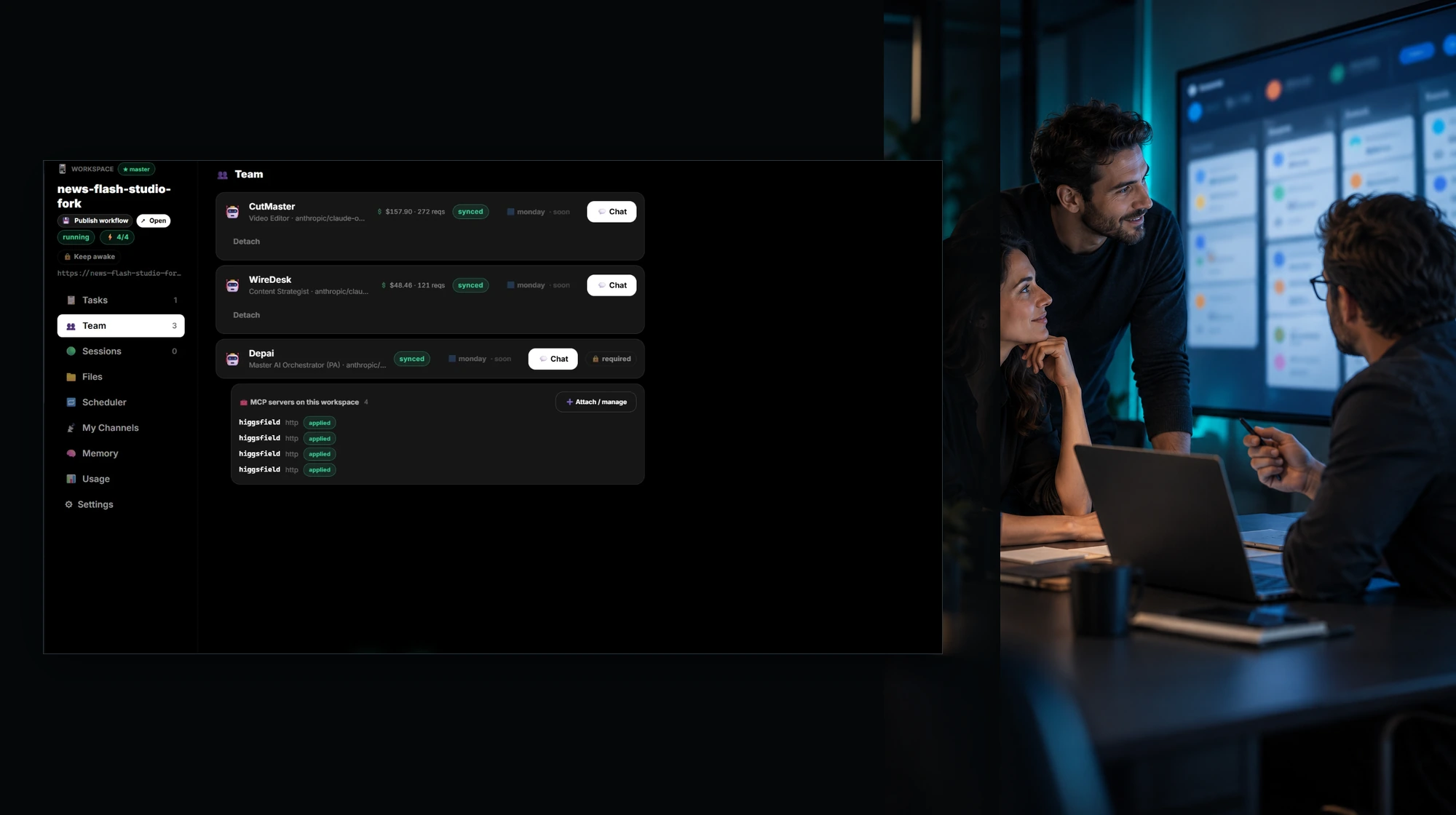
Each member has a role, a model, its own memory and spend, and a direct chat. An orchestrator coordinates the team, and you join wherever judgment is needed.
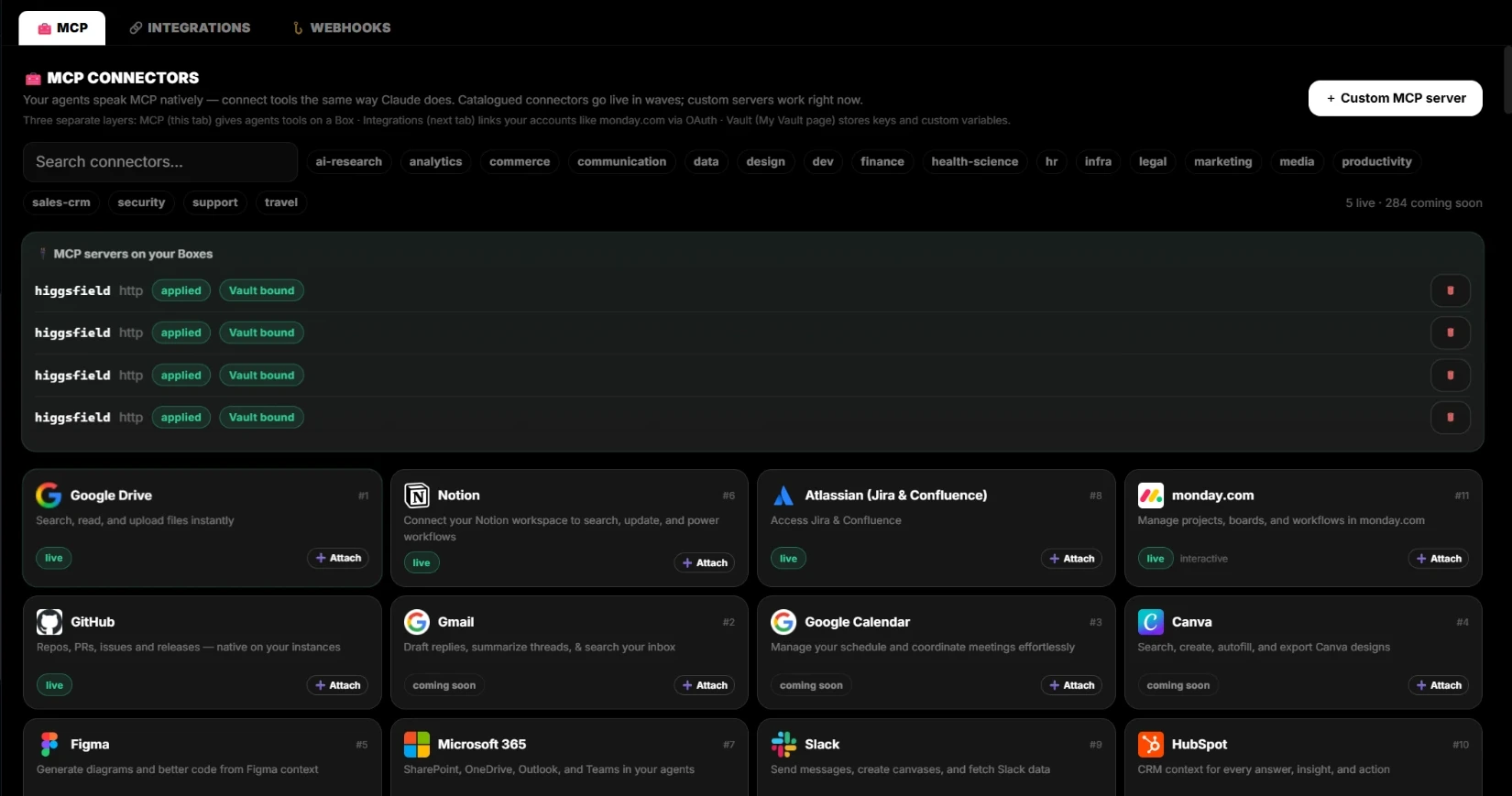
Integrations & MCP
Your agents speak MCP natively. Connect monday.com, Jira, Notion, GitHub, and Google Drive through OAuth. Every external write is proposed first and runs after your approval.
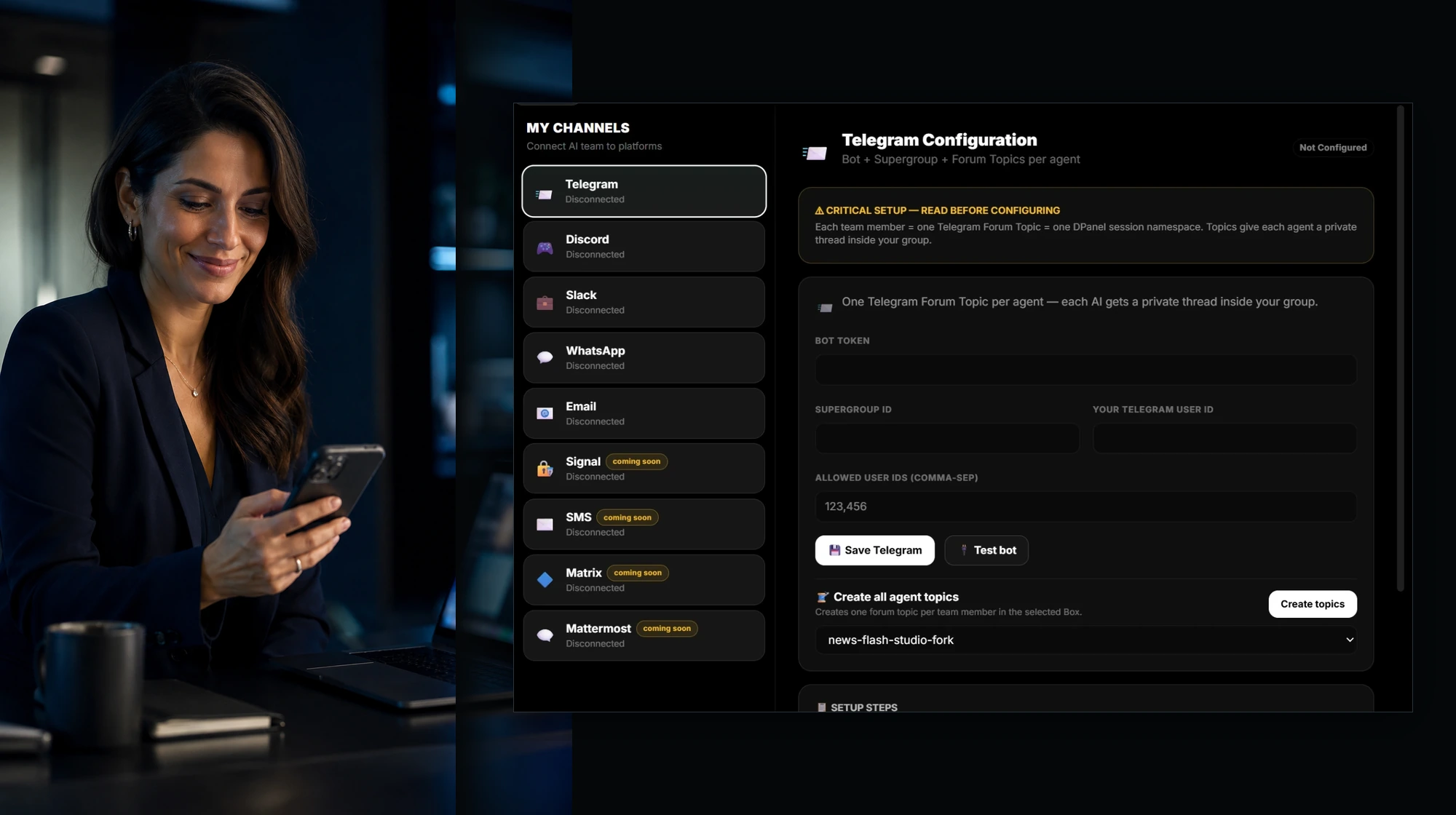
Каналы
WhatsApp, Telegram, Slack, Discord, and email connect straight to your AI team. Each member gets its own thread, you speak or type and get answers back as voice or text, and you approve actions from the chat.
Demos
Watch a team work on the Live Context Board: several agents on several Boxes, files and videos playing beside them, and live widgets for tasks, productions, and spend.
Watch the demos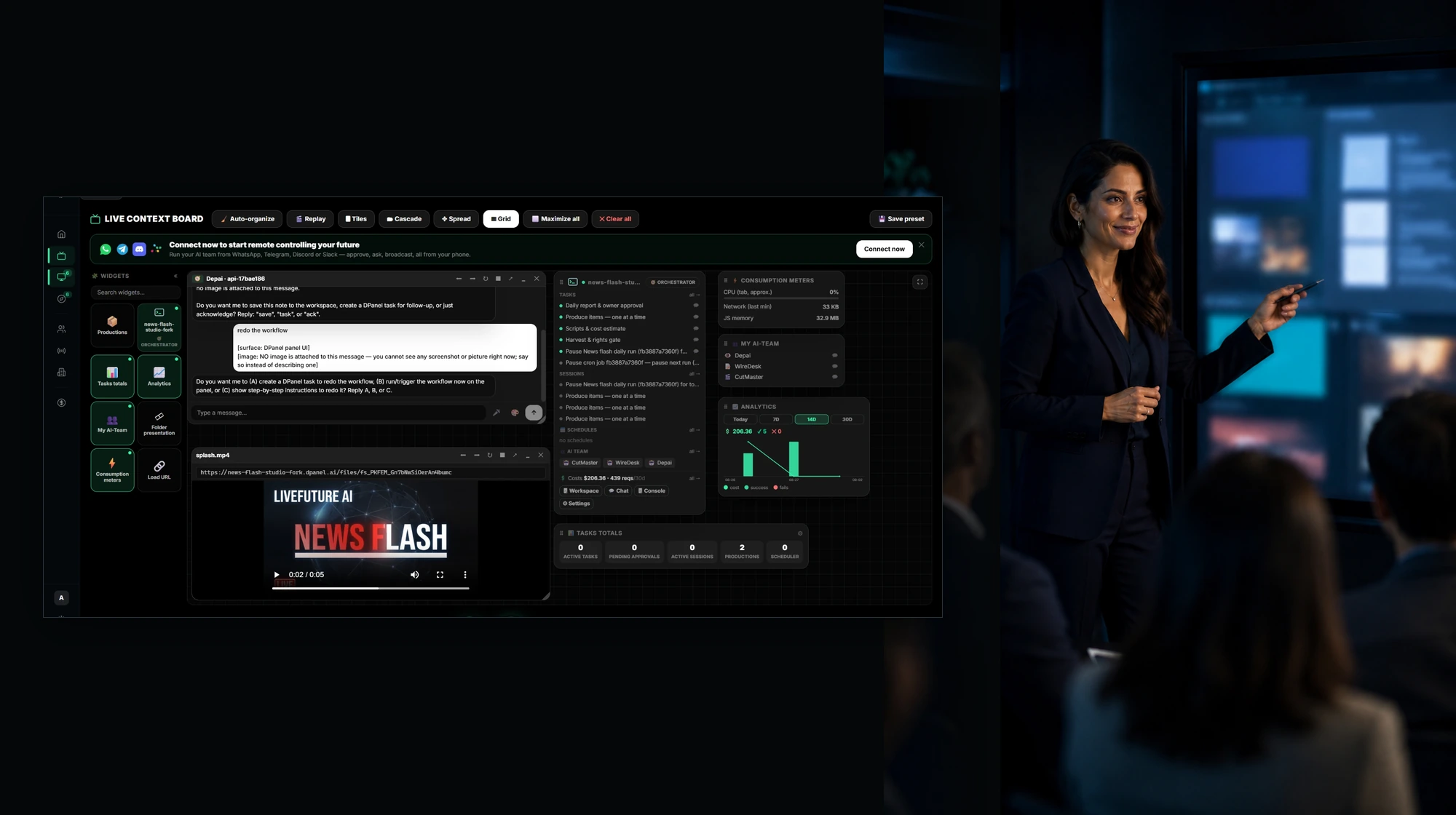
Knowledge base
Boxes, workspaces, sessions, Live Context, models, costs, and controls, explained with the real screens.
Open the knowledge baseSupport
Questions about setup, keys, Boxes, or billing get an answer from a person.
Get supportЧто меняется
Open a hosted workspace and begin right away, or run the Box on your own computer.
Подключите OpenRouter или прямые ключи провайдеров через защищенное Хранилище.
Добавьте инструменты MCP и интеграции, например monday.com, Jira, Notion, Slack и Telegram.
See assignments, progress, cost, and the next action on the workspace board.
FAQ
dPanel.ai — это единая платформа для организации ИИ-команд, рабочих процессов, доступа к моделям, интеграций и повседневной работы с задачами.
Начните с dPanel.ai Cloud, а если работе понадобится другая среда, рассмотрите dPanel.ai Pack или другие поддерживаемые варианты инфраструктуры.
Да. Через защищенное Хранилище можно подключить OpenRouter или ключи поддерживаемых провайдеров. Управляемый доступ к моделям также доступен через dPanel.ai Pack.
Да. Просмотрите галерею рабочих процессов, изучите состав нужного процесса и зарегистрируйтесь, чтобы скопировать его в свое рабочее пространство.