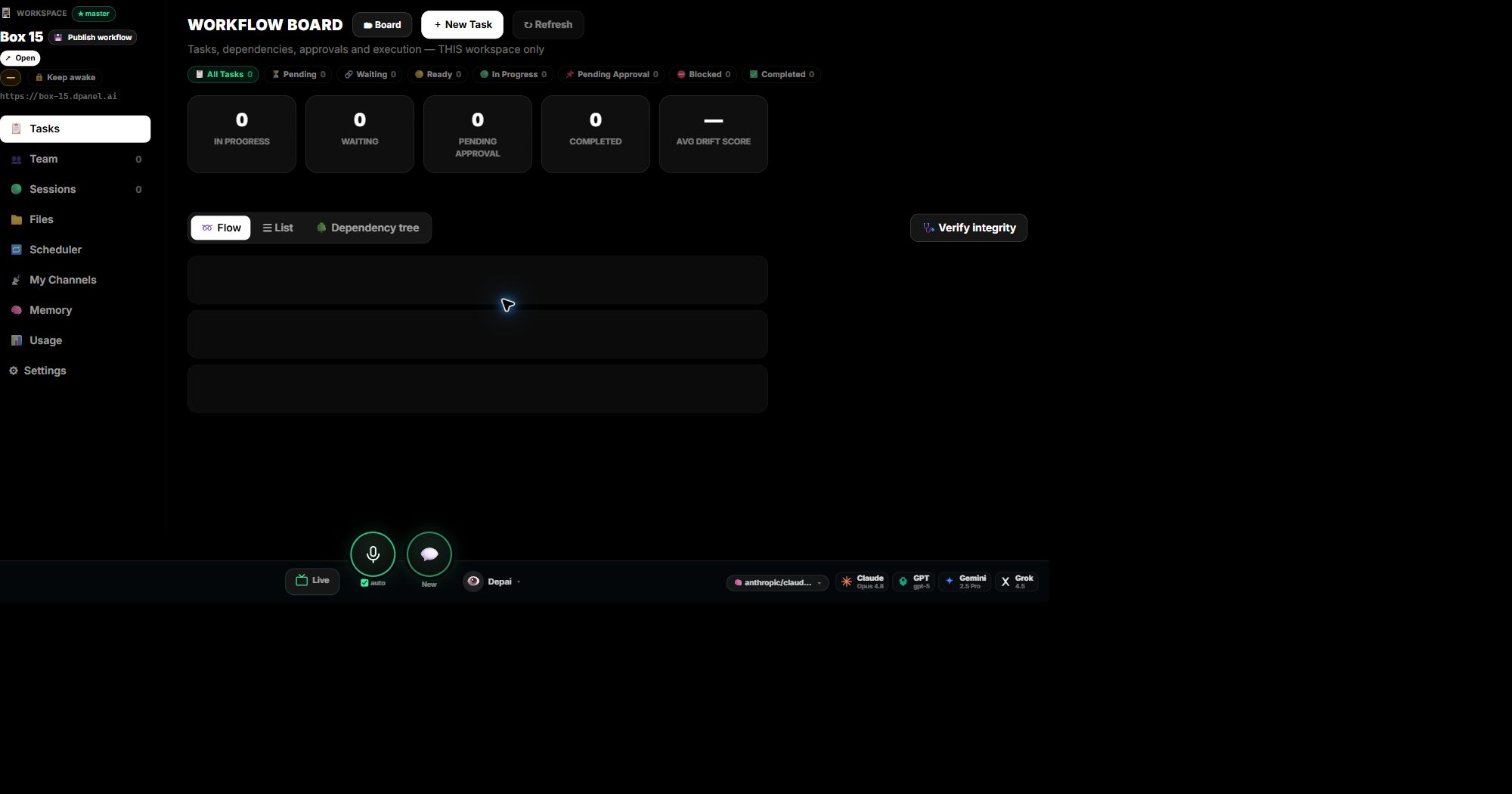
Workspace (and the master workspace)

A Workspace is a running instance of your AI team — the container that hosts your agents, their files, channels, and sessions. Every account gets one by design at signup; that enforced default is your master workspace, and the 🧭 Workspace menu entry always opens it.

You can run more than one (the Instances list shows them all). Technical surfaces sometimes say “instance” — same thing; Workspace is the display name.

Loops

Loops are scheduled, repeating agent runs — what a technical surface would call crons or scheduled tasks. A loop has a schedule (“every 15 minutes”, “every monday 9am”, or a cron expression — plain phrases are translated for you), a prompt, and an optional delivery channel.

The Loops page shows them as a calendar (today / week / month) plus the classic list; the menu badge counts enabled loops and shows the next run countdown.

Co-workers

Co-workers are the people in your organization — the human side of the team. They own approvals, permissions, and accountability; AI workers execute alongside them but never replace an accountable co-worker.

Manage them under Organization → Co-workers (roles, seats, permissions). Your AI team lives separately in My AI-Team.

Earnings center

The Earnings center (💰 Earnings in the menu) collects everything DPanel pays you for: referral commissions from the affiliate program and creator earnings from your published workflows in the Workflow Gallery (a paid use credits the workflow author).

Balances there are real credit — the same ledger your workspaces spend from.

Next step

Turn this concept into a visible workflow with teams, approvals, grounding, and handoff.

Open your Workspace