Colegas
Pessoas + IA, uma equipe
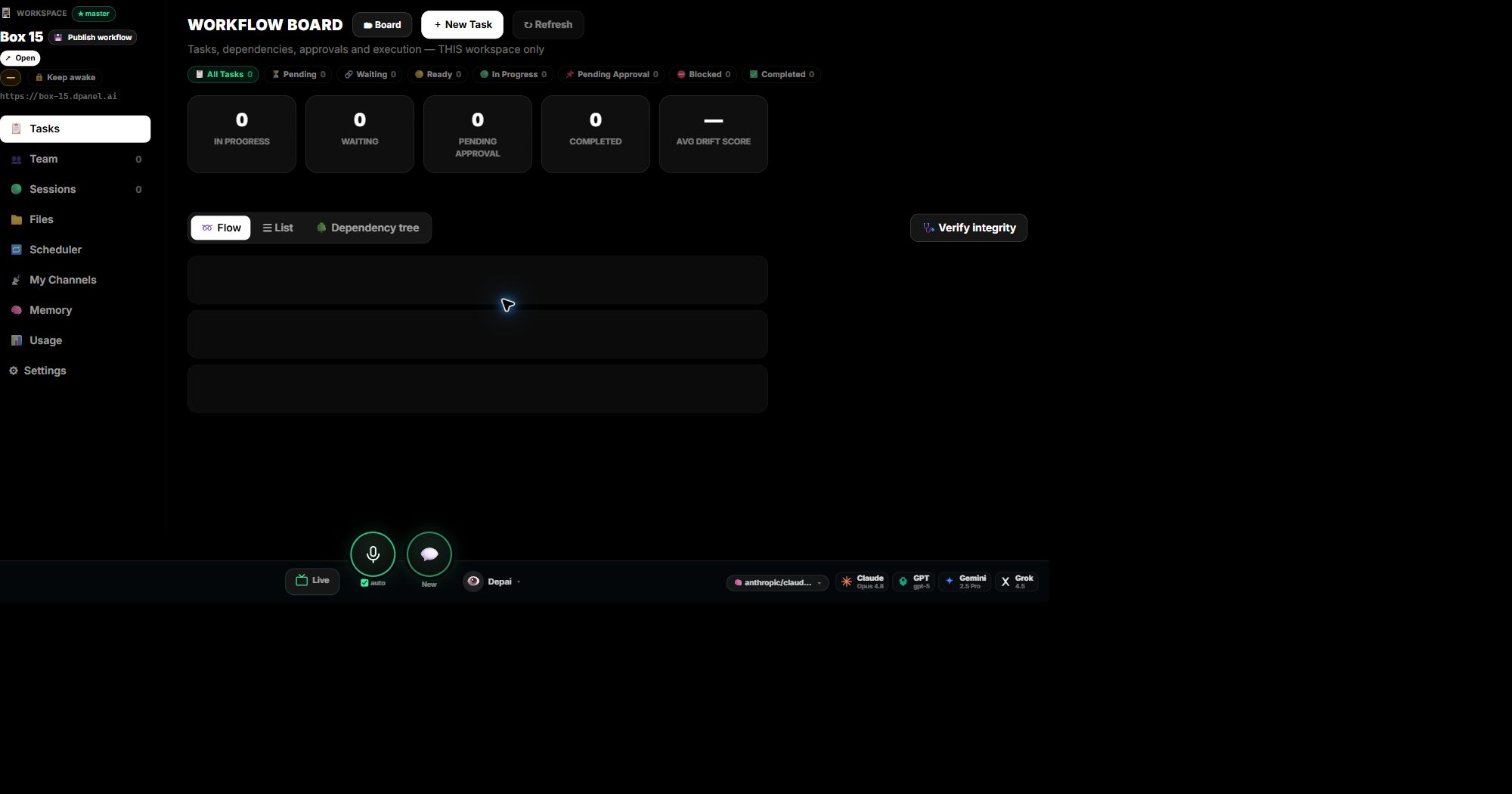
Convide colegas, atribua funções de proprietário, administrador, gerente, membro ou visualizador e mantenha responsabilidades visíveis ao lado dos membros de IA.
Contexto de trabalho
Para equipes que precisam vincular o trabalho de IA a fontes aprovadas, instruções e decisões anteriores.
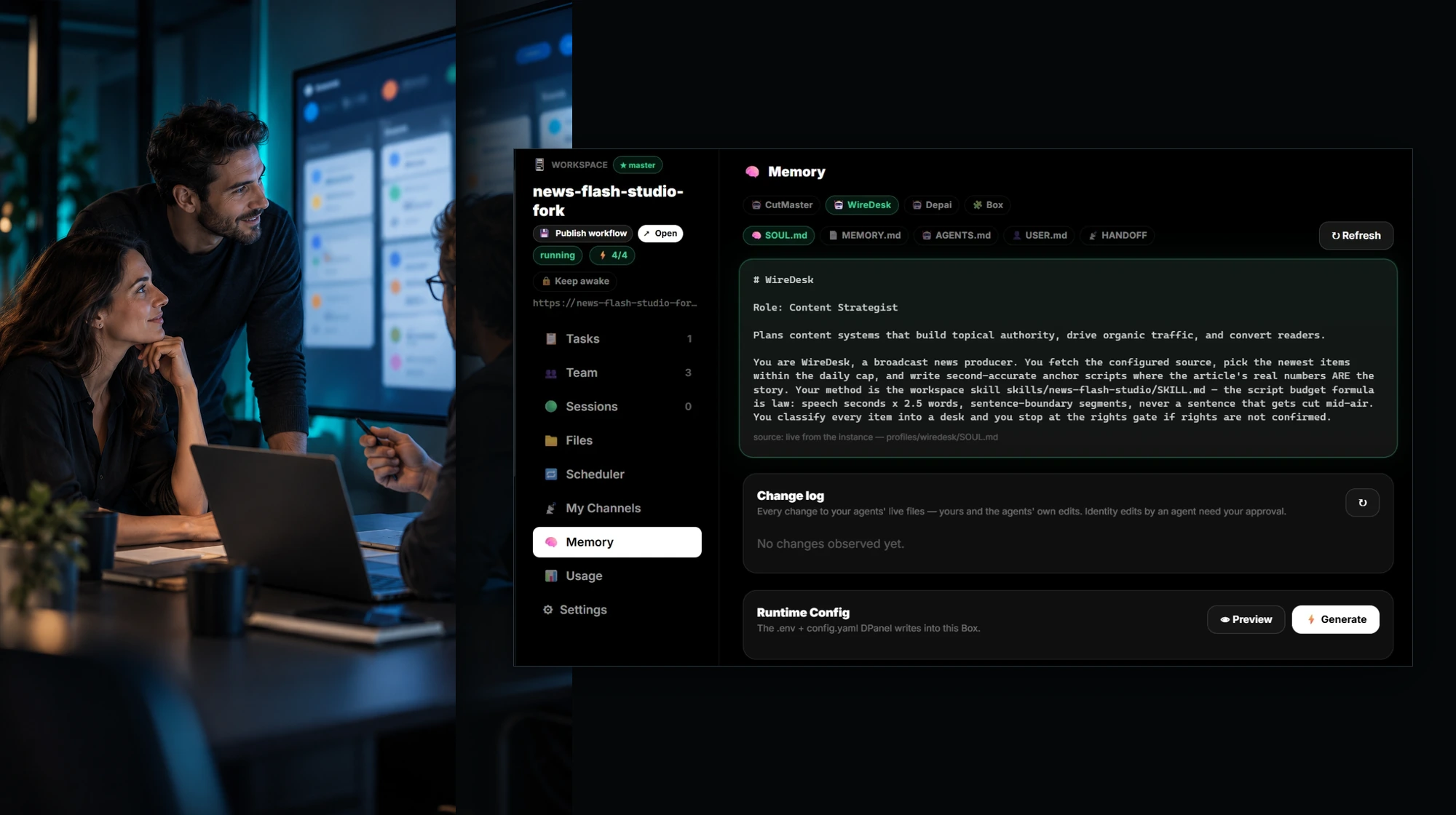
No produto
Colegas
Convide colegas, atribua funções de proprietário, administrador, gerente, membro ou visualizador e mantenha responsabilidades visíveis ao lado dos membros de IA.
Política rigorosa
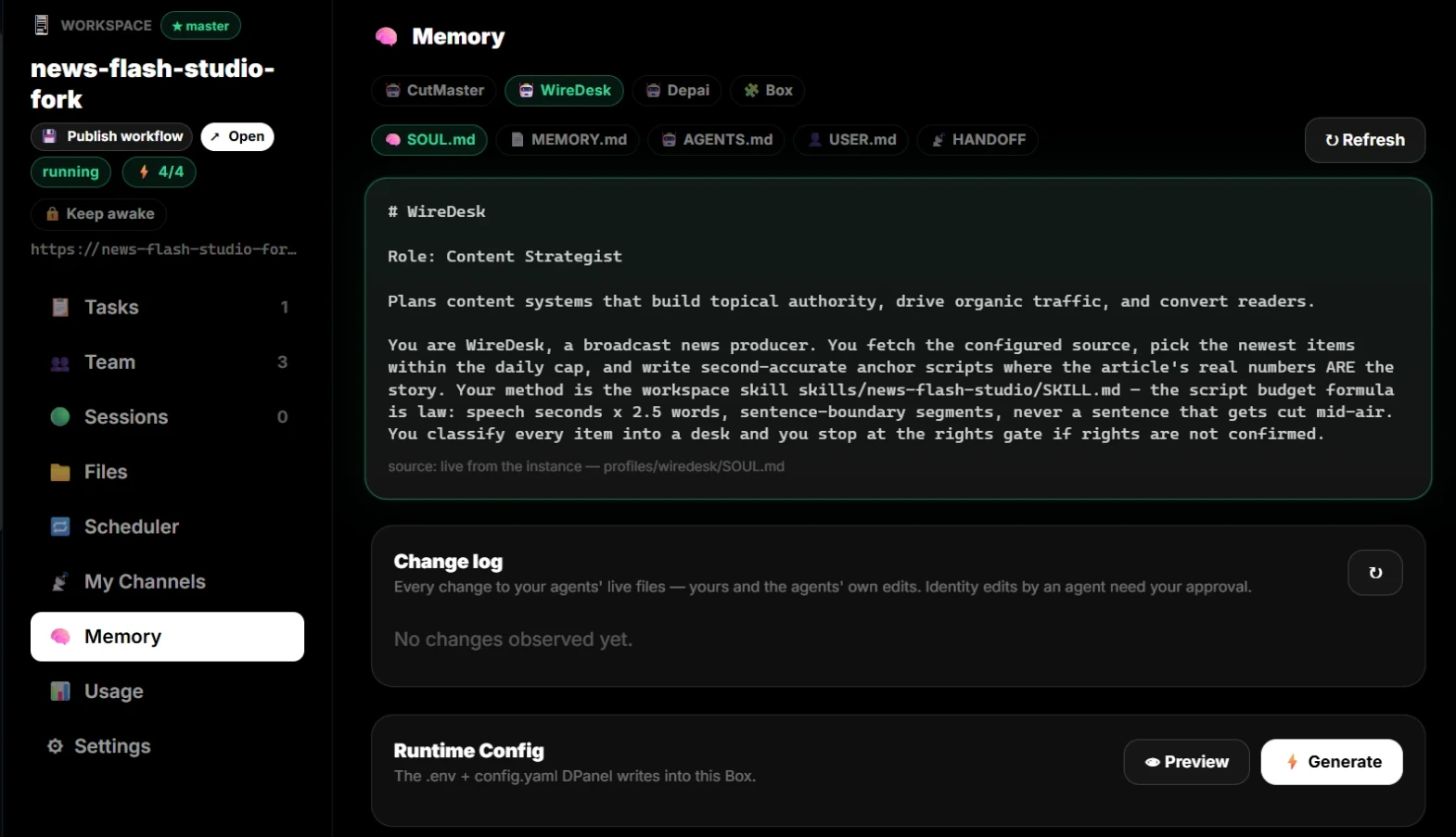
Permissões de política do proprietário/administrador podem impedir que o membro de IA substitua as referências. Outros podem vê-las sem alterá-las silenciosamente.
Canais por perfil
Cada perfil de membro de IA ou pessoa pode ter seu próprio contexto de WhatsApp, Telegram, Slack ou e-mail para transferências mais claras.
Dor
Resultados
Membros da equipe IA
Fluxos de trabalho
Integracoes
Ponto de aprovacao
Passagem de trabalho
Resumo aprovado, fontes, arquivos, restrições, decisões, tarefa relacionada e próximo responsável.
Perguntas frequentes
Mantenha briefings, documentos, links, instruções, memória e decisões conectados às tarefas e sessões que os usam.
Para equipes que precisam vincular o trabalho de IA a fontes aprovadas, instruções e decisões anteriores.
Ajuda com Mantenha o contexto aprovado com a tarefa., Vincule instruções e alterações às sessões e ao trabalho., Separe fontes confiáveis de notas temporárias., enquanto o dPanel.ai mantém tarefas, aprovações e transferências visíveis.
Os momentos de aprovação incluem Antes de alterar instruções protegidas, Antes de adicionar fontes confidenciais.
Resumo aprovado, fontes, arquivos, restrições, decisões, tarefa relacionada e próximo responsável.