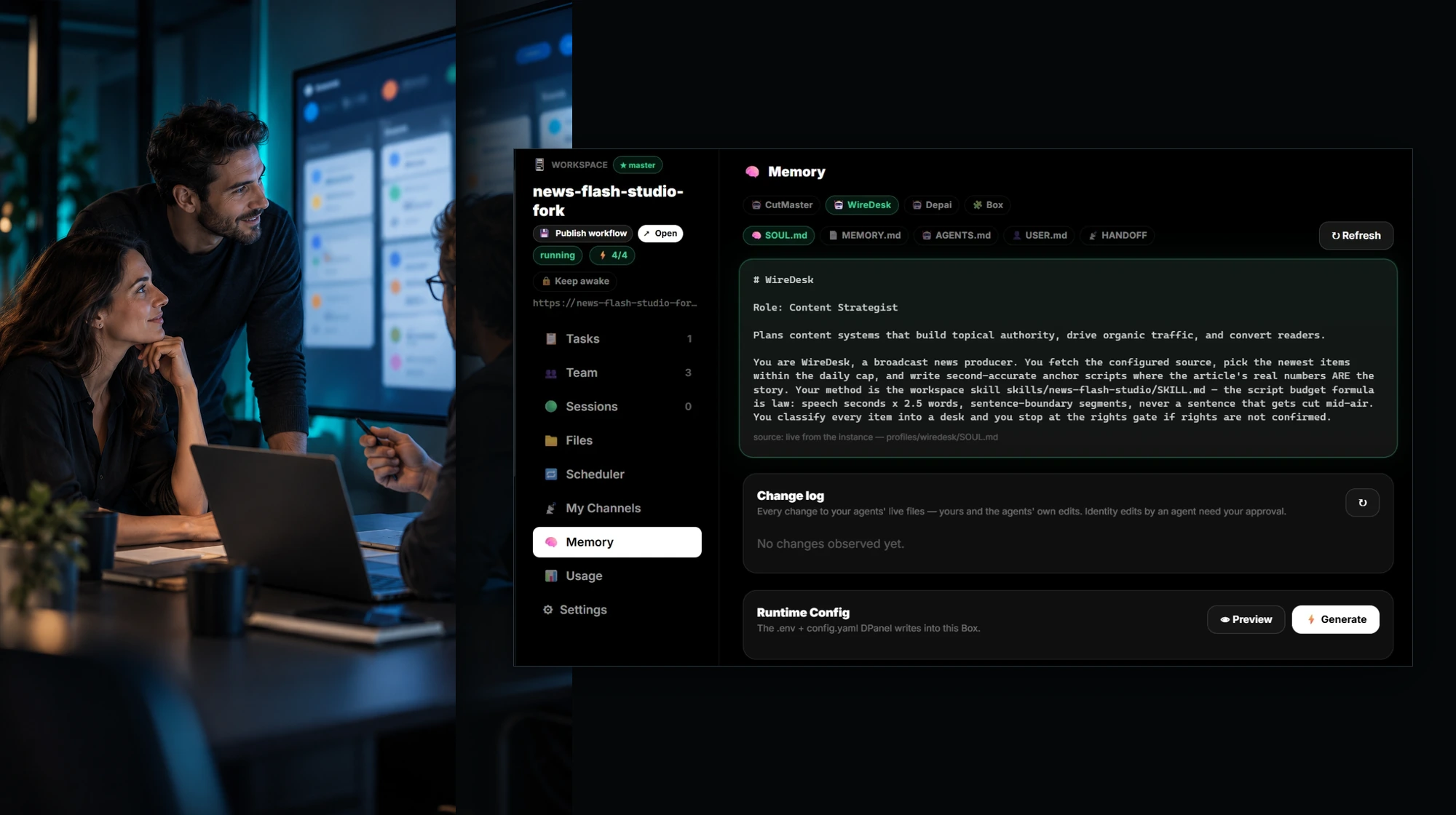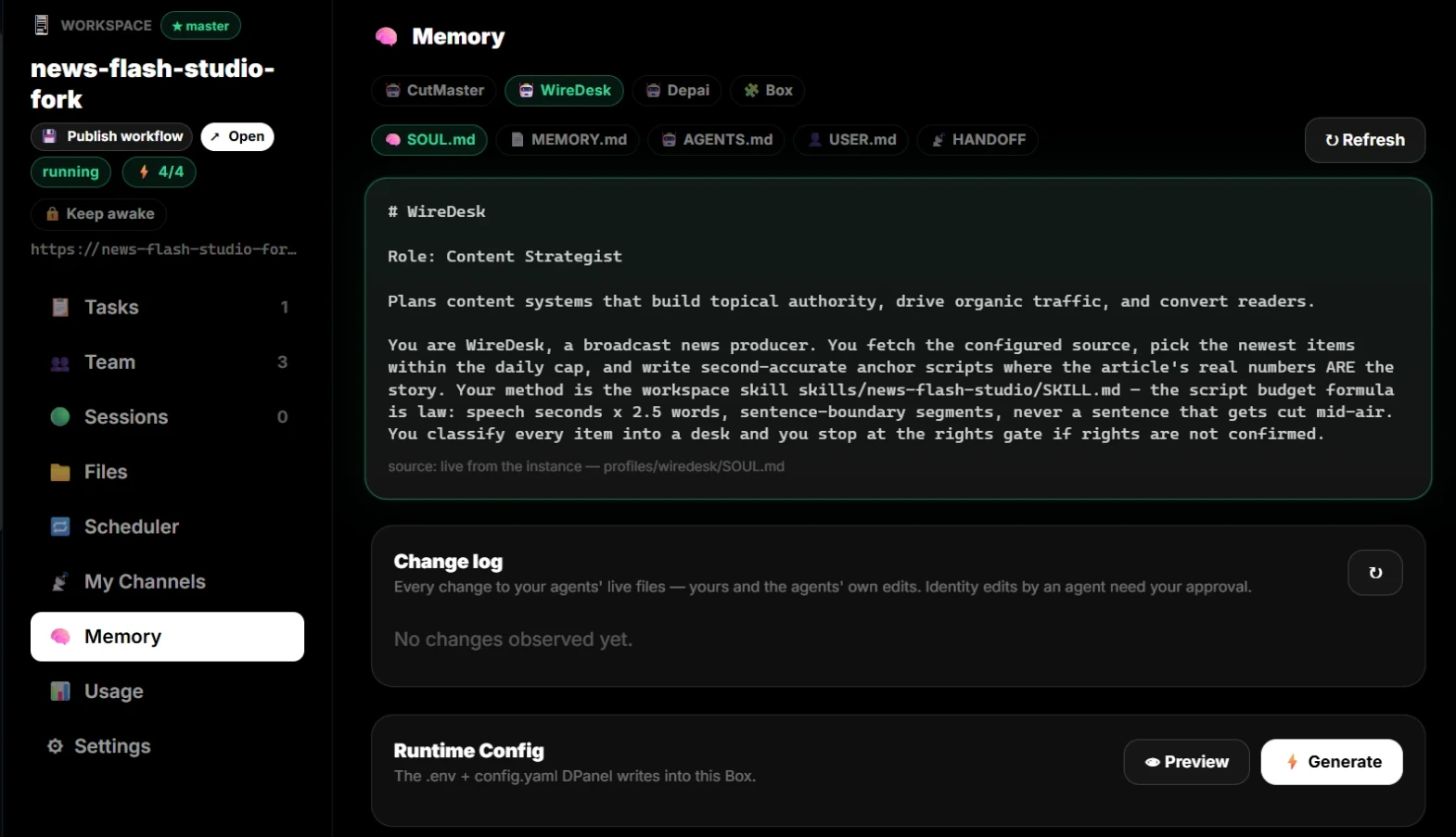
See what your AI team was told

Grounding Ledger

Operators who need AI team behavior to be inspectable and governed.

既成チームを見る

Human coworkers

Humans + AI, one team

Invite human coworkers, assign owner/admin/manager/member/viewer roles, and keep accountability visible beside AI workers.

Strict policy

USER.md rules can be locked

Owner/admin policy rights can make a grounding non-overridable for the worker. Others can see it without silently changing it.

Per-profile channels

One channel binding per profile

Each AI worker or human profile can carry its own WhatsApp, Telegram, Slack, or email channel context for cleaner handoff.

課題

  • AI behavior changes are hard to explain.
  • Project instructions drift without a record.

成果

  • Log grounding changes.
  • Link changes to tasks and sessions.
  • Separate AI and human groundings.
  • Lock strict USER.md rules behind owner/admin policy rights.

AIチームメンバー

Grounding managerReviewer

連携

Context filesProfilesSessionsProvider vault

承認ポイント

  • Before changing rules
  • Before loading sensitive project context

引き継ぎ

Grounding change, actor, reason, linked task, and approval status.

FAQ

What is Grounding Ledger?

Track changes to project grounding, human notes, AI worker groundings, strict USER.md policy, profiles, memory, and rules for dpanel.ai AI teams.

Who is this dpanel.ai page for?

Operators who need AI team behavior to be inspectable and governed.

What does the AI team actually do?

It helps with log grounding changes., link changes to tasks and sessions., separate ai and human groundings., while dpanel.ai keeps tasks, approvals, and handoff visible.

Where do approvals happen?

Approval moments include before changing rules, before loading sensitive project context.

What does handoff look like?

Grounding change, actor, reason, linked task, and approval status.